
The scenarios, in the app
Every worked scenario can be carried out entirely in the application - the command line is the scriptable surface, not a requirement. Find your scenario below, open the workspace it names, and the numbered steps are on screen in the same order. Generated from the same source as the application's own guided cards, so this page and the software cannot disagree.
Which workspace does my case open?
The full write-up of every scenario - commands, options, limits - stays on the worked scenarios page.
Everyday file loss
Servers, arrays and virtual infrastructure
Recovery bench procedure
Ransomware and incident response
Database files
Mail stores
Evidence and investigation
Sanitisation and disposal
Recover files from disks, cards and images
In RecoverYantraSuite, SakshyaYantra Examiner, SakshyaYantra Enterprise
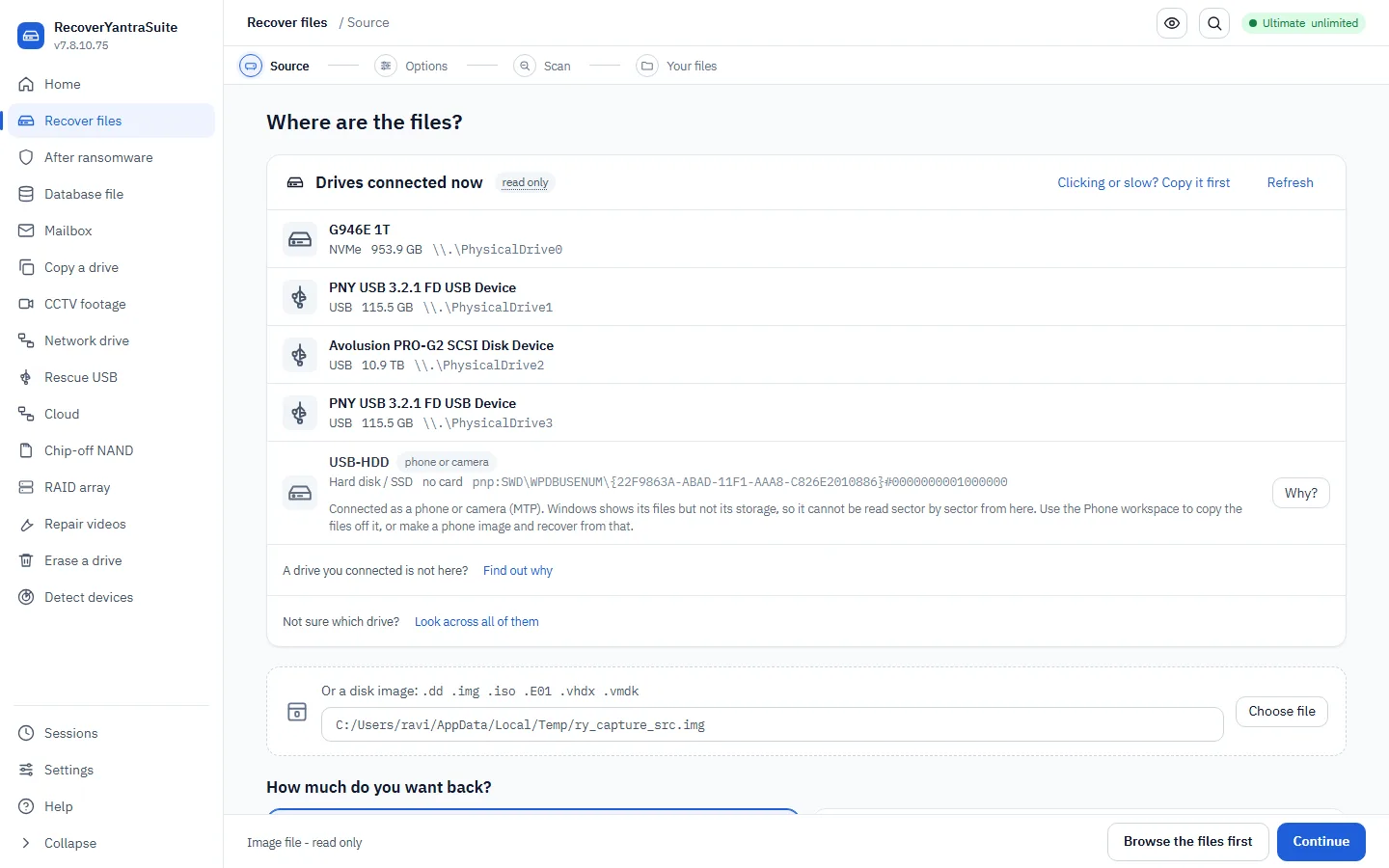
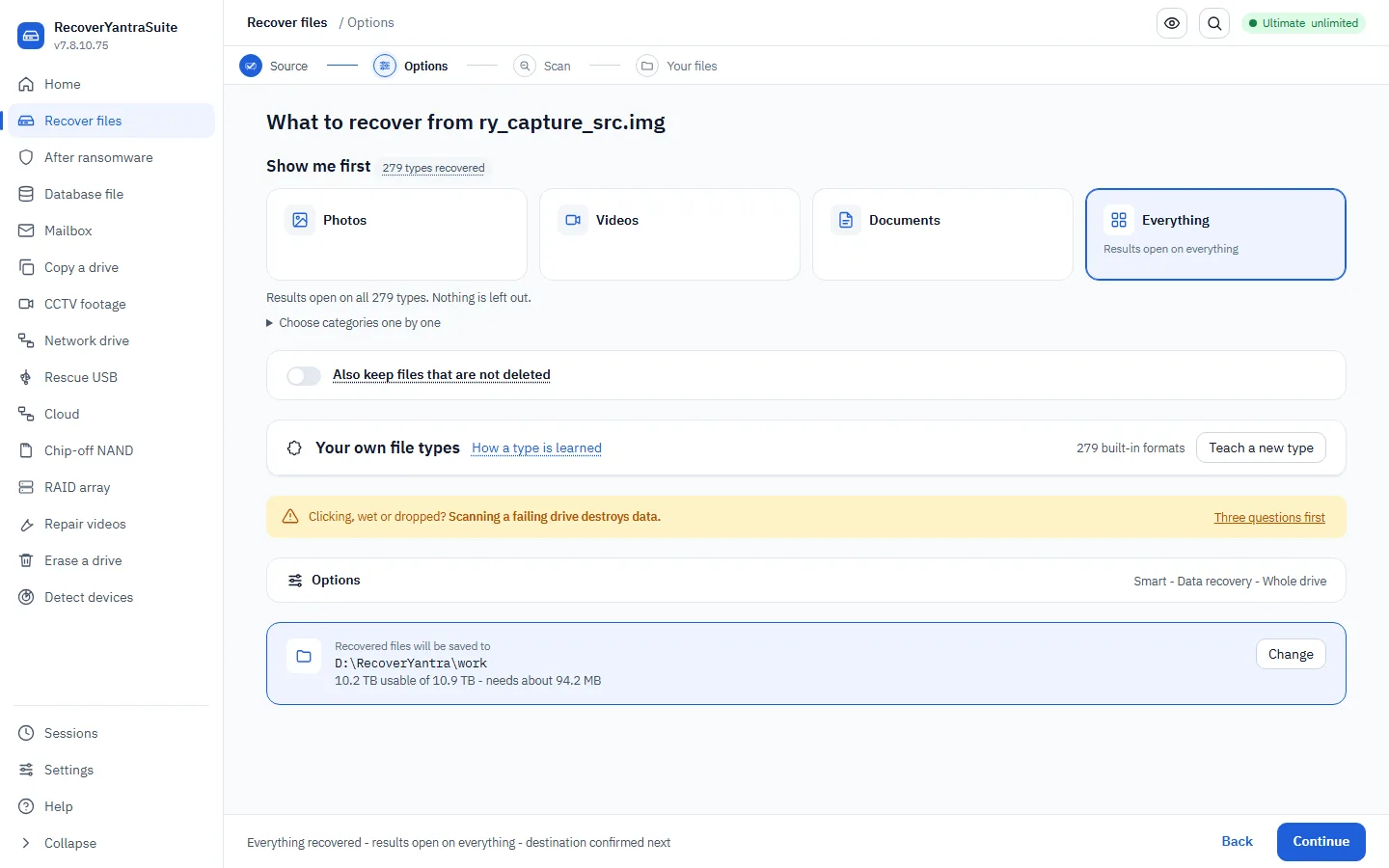
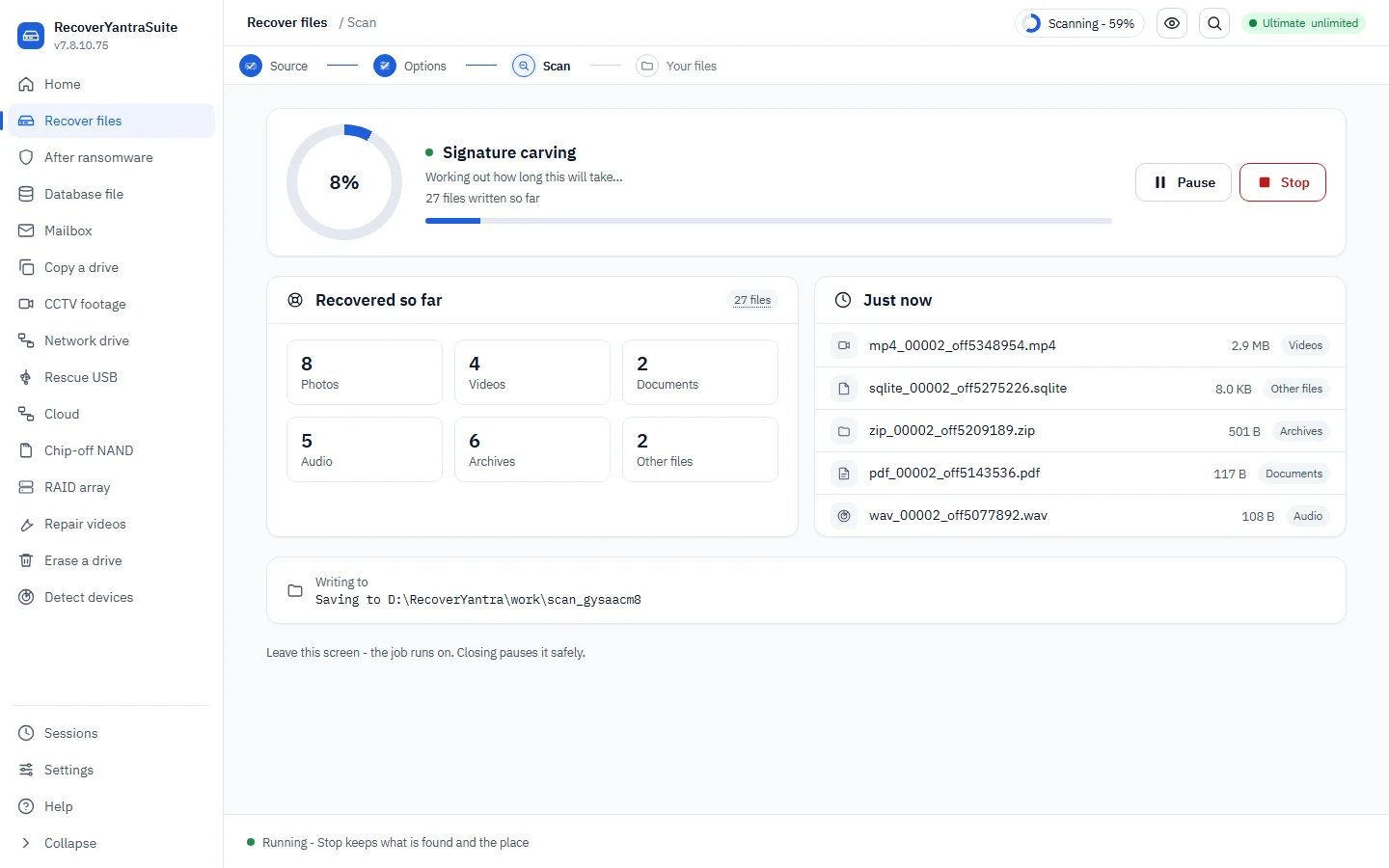
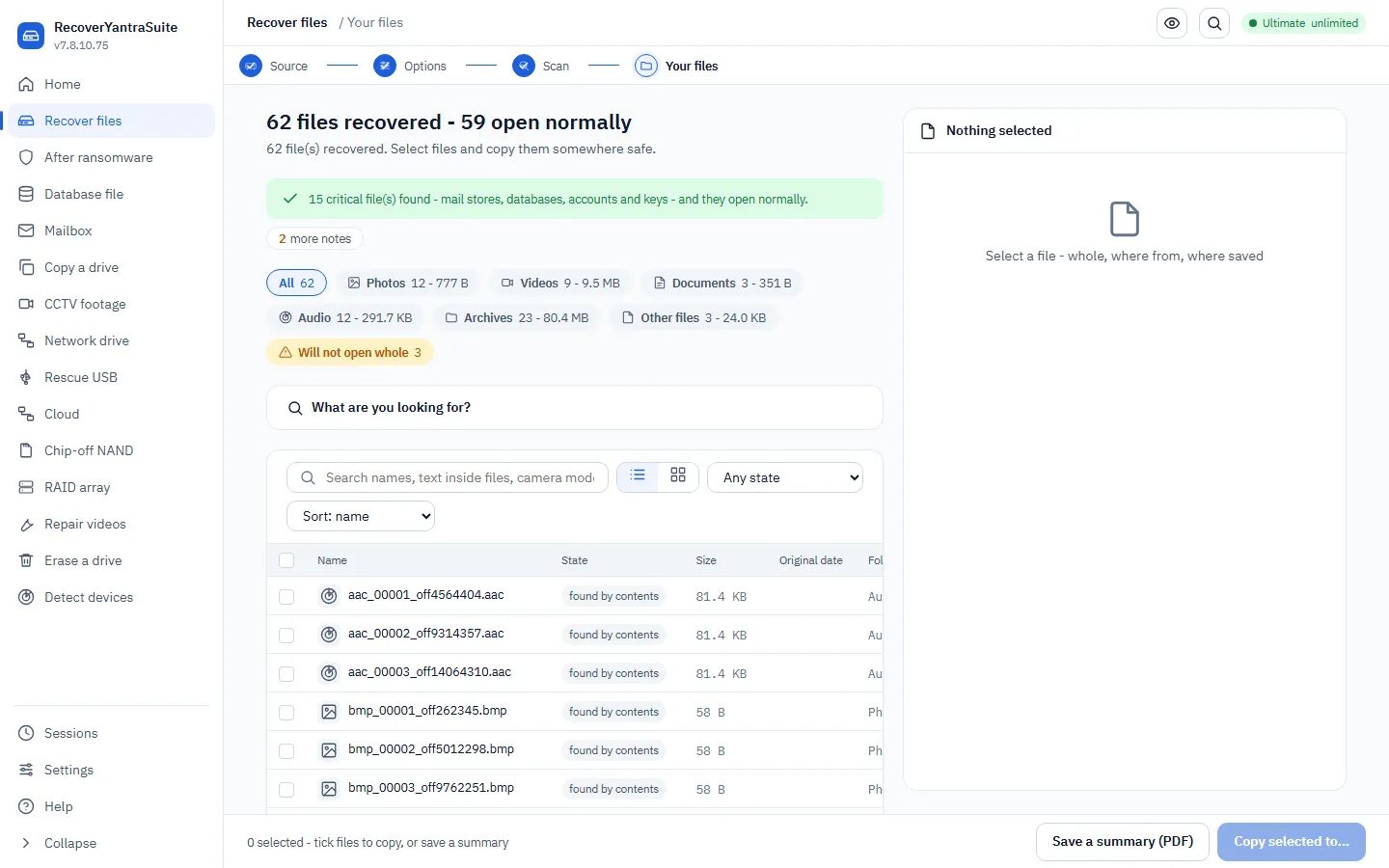
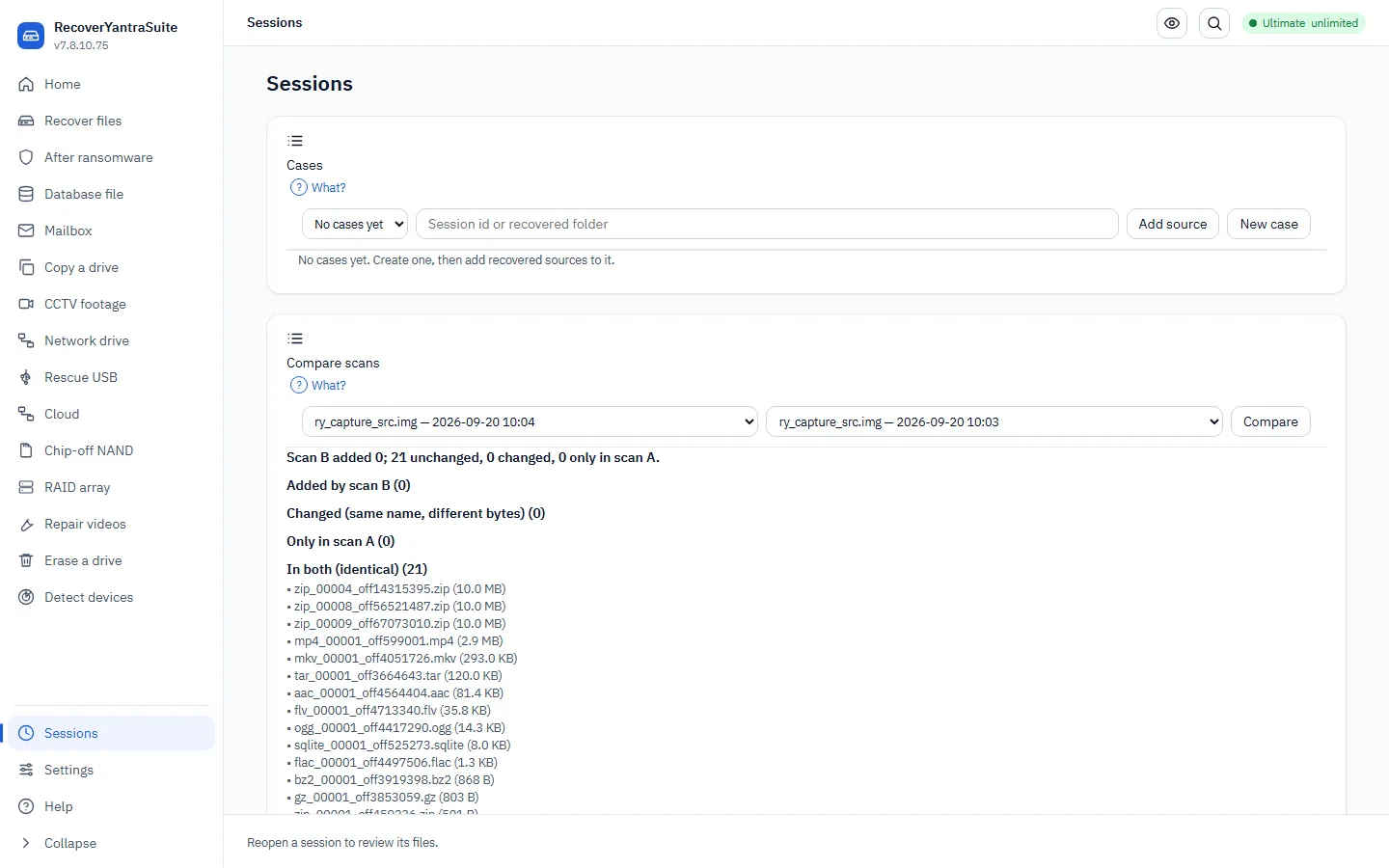
Recover lost or deleted files
We'll ask a few simple questions, then find your files. Your original drive is only ever read, never written to.
- Stop using the drivesafety - cannot skip
Before anything else: unplug it, or stop saving to it. Every file written to a drive can land on top of the one you are trying to get back, and once that happens no tool can undo it. If the drive is the machine's own system disk, shut the machine down and read the drive from another computer.
Universal first instruction in data recovery. R-Studio, UFS Explorer, Klennet and DMDE all lead with it.
- Is the drive healthy or is it failing?
We read its SMART data and try a few sectors at both ends, because flash dies from one region outwards. This is the question that decides everything after it: a failing drive must be copied before it is scanned, because every extra hour of scanning is an hour it might not survive. For the full measured answer - the recoverable-or-not verdict, with the unreadable fraction as a range and a PDF report - run the quick check on the source step ('Can it be recovered?'), or `check` on the command line.
Assess before you act. The step every professional recovery workflow puts first and the one this product previously asked the user to guess at.
- What are you recovering from?
Pick the kind of storage. This helps us read it the right way.
- Make a copy first, or recover directly?
If the health check found ANY unreadable sectors, copy first - we then work on the copy and the drive is read once instead of repeatedly. Recover directly only when the drive read cleanly and you are in a hurry.
Image first, work from the image. ACPO principle 1 in forensics; standard practice in recovery.
- Where should the recovered files be saved?safety - cannot skip
Choose a folder on a DIFFERENT drive. We never save onto the drive you're recovering - that could overwrite the very files we're trying to get back.
- What happened / what do you want back?
This focuses the VIEW, not the scan - we always recover everything, so you can widen it afterwards without scanning again.
- Which device is it?
Pick the exact drive from the list. Removable drives are shown; the drive this program runs from is disabled so you can't scan it by mistake.
- Ready to start?safety - cannot skip
We'll show you the drive we'll read, the folder we'll write to, and the free space - then begin. Nothing is written to the source.
- Look at the files before you keep them
Open a few before exporting. A file can come back with the right name and the right size and the wrong contents, if the space it used was reused after deletion - previewing is how you find that out while it still costs nothing.
Preview before recovery. Offered by every major recovery tool and the step this wizard omitted.
- Check what came back
We confirm each exported file matches what we recovered, and tell you plainly about any we could not read whole. Files we know are wrong are marked, never quietly handed over. The check runs inside every recovery; add --profile forensic and it also writes a SHA-256 manifest you can re-check later.
Verify the output. In forensic mode this is a SHA-256 manifest; in recovery mode it is a readability and completeness check.
Find the one file you actually wanted
You already have your files back. This narrows the results down to the one you actually came for, using the three things you can usually answer even when you cannot remember the filename: roughly when, roughly what kind, and roughly what it was called.
- Roughly when did you last see it?
A date range is enough - a month, or just a year. We match it against whichever date survived on each file (created, modified or last accessed); a file that kept none of its dates cannot be matched this way and is left for the other two questions to find.
- Roughly what kind of file was it?
Photo, video, audio, document or archive - the same groups the results screen already sorts everything into, so narrowing here never excludes a format quietly.
- Roughly what was it called?
A part of the filename is enough - "tax", "IMG_2021", "invoice". This matches the name only, not what is inside the file.
- See the matches
Every match is shown with the trust grade already worked out for it - a file whose contents do not match its name, or that came back empty, is marked so before you open it rather than after.
No surveyed data-recovery competitor documents this last step at all - they report a count and offer a preview.
Search recovered files with the query language
The search box above your recovered files understands more than plain words. You can combine words, exclude words, search for an exact phrase, use wildcards, limit by file type, size or date, and run a pattern. The same language works at the command line, so a search you refine on screen can be repeated and recorded.
- Start with plain words
Type a name, a word from inside a document, or a camera model. Plain words search names, text inside files and picture details together, and the best matches come first.
- Combine and exclude words
Write AND, OR and NOT in capital letters. Two words next to each other already mean AND. A minus sign in front of a word also excludes it.
- Search for an exact phrase or a pattern
Put a phrase in quotes to find those words in that order. Use * for any run of letters and ? for one letter. Put a pattern between slashes to use a regular expression. Use NEAR to find two words close together.
- Limit by name, type, size or date
Start a term with a field and a colon: name, ext, type, size, modified, created, make, model, gps and more. Sizes accept k, mb and g. Dates accept a year, a month or a day.
- Read how your search was understood
When the language is used, the command line prints how the search was read and says if a part was not understood. Check this line before trusting a short result list.
Recover from a virtual machine / virtual disk
We read the virtual disk directly and recover the files inside it, just like a real drive. The disk file is only ever read.
- Which virtual disk format?
This is the file the VM uses as its hard disk. We read all the common ones.
- What do you need back?
Files from inside the disk, or the whole disk carved (for a deleted/corrupt VM).
- Where is the virtual disk file?
Point us at the .vmdk/.vhdx/.vdi/.qcow2 file (or a copy of it).
- Where should recovered files be saved?safety - cannot skip
A separate drive - never inside the virtual disk or its folder.
- Recover
We open the virtual disk (`recover --image <file>`), read its filesystem, and recover files - including deleted ones. A snapshot chain is followed to its current state.
We'll work out what's recoverable without ever paying - starting with the files that were never really encrypted.
- First, preserve the evidencesafety - cannot skip
Do NOT delete the encrypted files or the ransom note, and don't wipe the machine. Keep the note, a sample of the malware, and - if the machine is still on - a memory image. We'll explain each.
- Point us at the affected files
Choose the folder (or a copy of the drive) that was hit. We only read it.
- Where should recovered data be saved?safety - cannot skip
A clean, SEPARATE drive - never the infected one. Keep the encrypted originals too; a decryptor may appear later.
- Find the free wins
We check every file: some were only renamed or fake-encrypted and come back with no key at all.
- Your recovery plan
We identify the family, look for surviving originals and any known weakness, and give you an honest plan - including when the files themselves can't be decrypted.
Database row extraction
In RecoverYantraSuite, SakshyaYantra Examiner, SakshyaYantra Enterprise
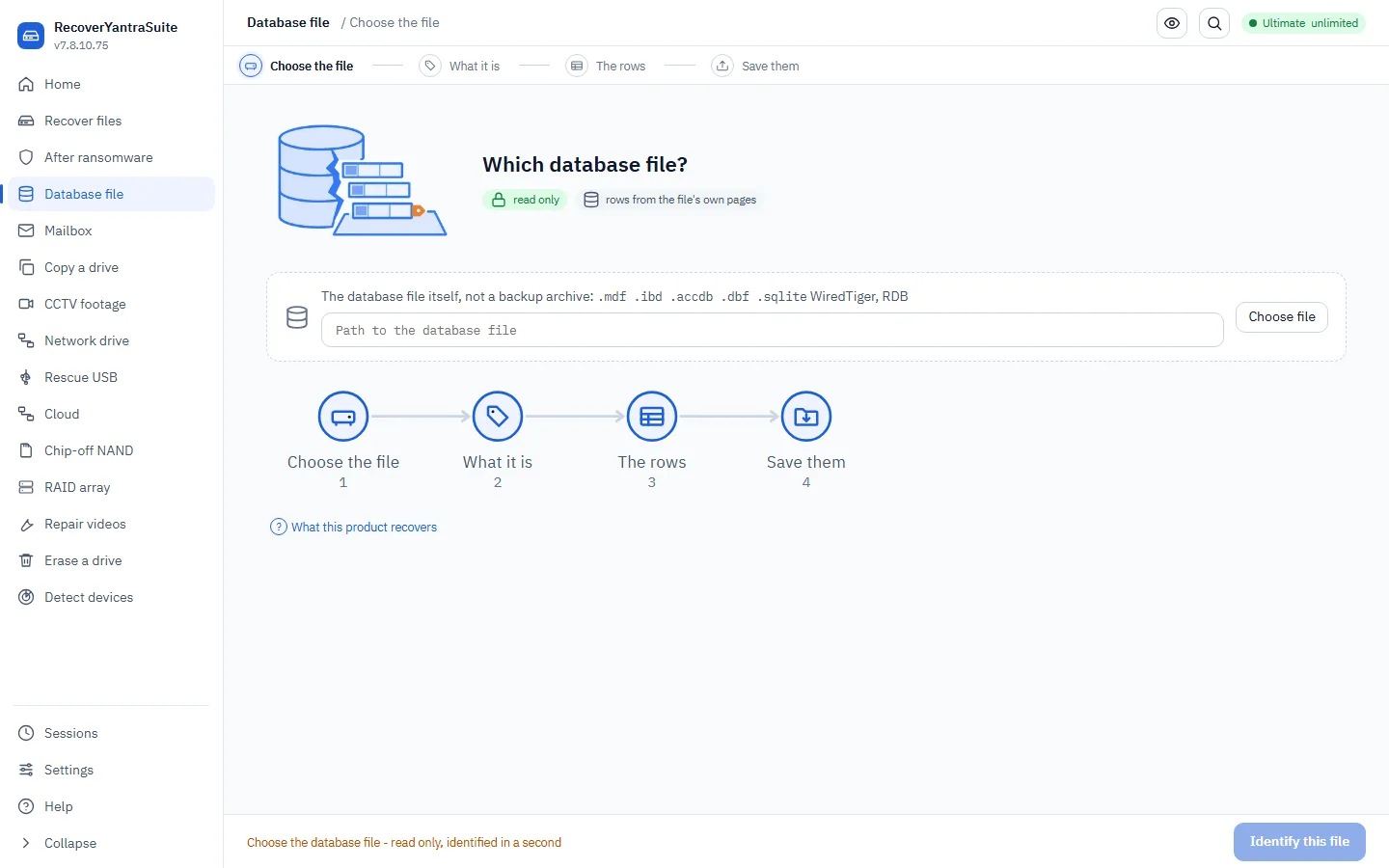
Databases need care: a running server must not be read raw. We'll find out the situation first.
- Is the database server running or stopped?safety - cannot skip
If it's running, we must NOT read the live file - it would be inconsistent. We'll guide you to stop it or take a snapshot.
- Which database is it?
We can also detect this from the file. It sets how we read the pages.
- What happened?
This chooses the technique.
- Do backups exist?
Always check first - restoring a good backup beats forensic extraction.
- Where should recovered data be saved?safety - cannot skip
A separate drive. We save extracted rows to a NEW database or CSV and keep the damaged original.
- Recover
We extract what's readable and tell you honestly what is validated versus lost - never a best-guess row.
Mailbox recovery (Outlook PST/OST, mbox, Maildir)
In RecoverYantraSuite, SakshyaYantra Examiner, SakshyaYantra Enterprise
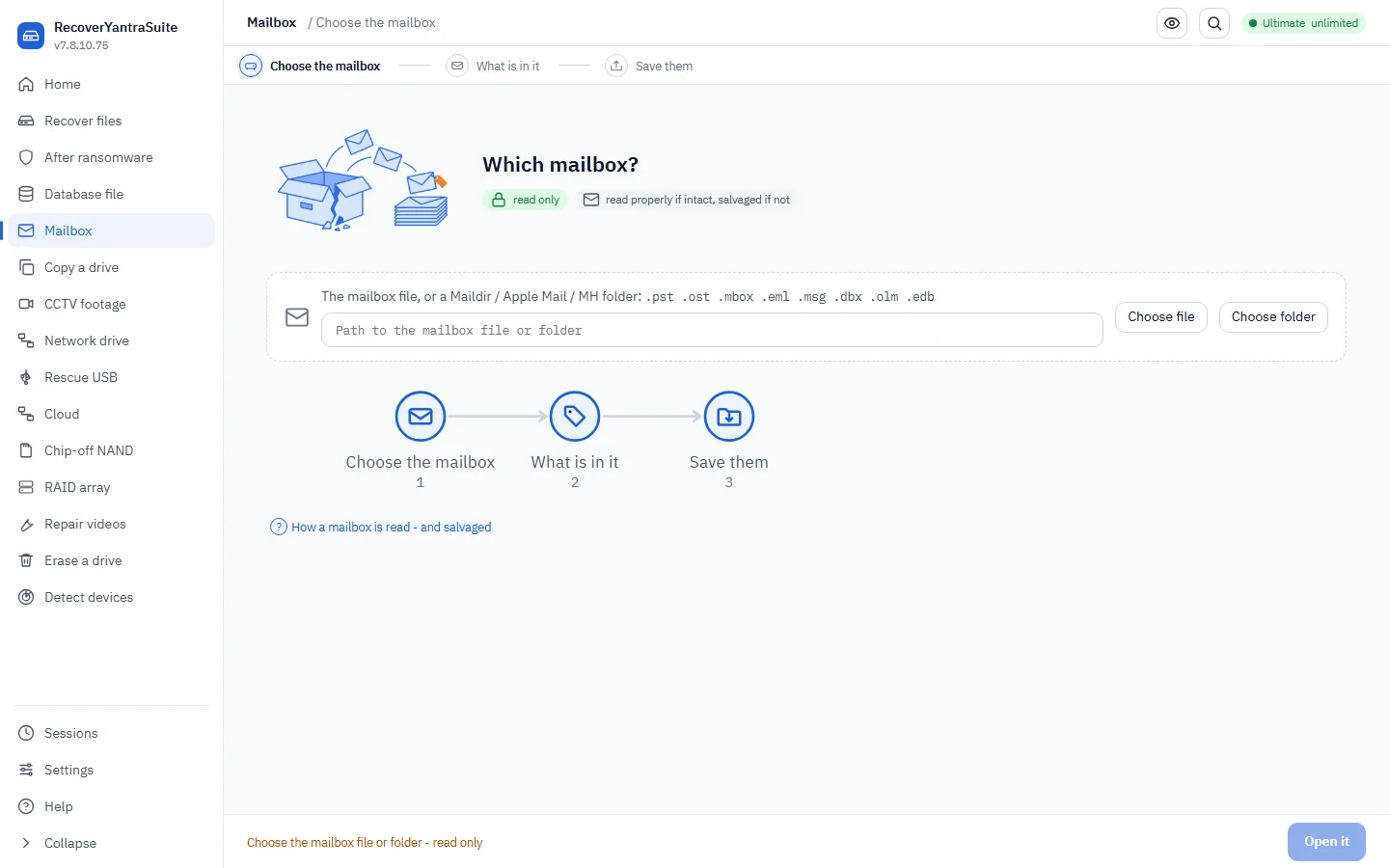
A mail store that Outlook will not open is the case people actually turn up with. We read the healthy structures first and, when those are gone, sweep the file for the messages themselves.
- Which mail store?
A .pst or .ost, an mbox, a Maildir folder, loose .eml files, or an Exchange .edb. If it came off a drive you are recovering, point us at the recovered copy, not the drive.
- What is in it, and is it healthy?
We report how many folders and messages we can see. A store Outlook calls damaged has lost the structures a normal reader depends on, so we sweep for the messages directly - anything found that way is marked salvaged everywhere it travels, because a salvage and a clean read differ in what they can give you.
- Where should the messages be saved?safety - cannot skip
A folder on a different drive. Messages are written as .eml with an index.csv, because two thousand loose files is not a mailbox anybody can use.
- Save them
Exported as .eml so they open in Outlook, Thunderbird and any review platform.
Image a failing drive
In RecoverYantraSuite, SakshyaYantra Examiner, SakshyaYantra Enterprise, RecoverYantra Imager, SakshyaYantra Media
Write evidence as a logical, AFF4 or encrypted file
A whole-drive copy is not always what the job needs. This flow chooses the right container: a logical evidence file for a folder or a few files, an AFF4 image for open tools, or an encrypted evidence file when the image will travel. It then writes it with the case details in its header and checks it.
- Choose the container
Use L01 or Lx01 to package files and folders with their names, times and per-file fingerprints. Use E01 or Ex01 for a whole drive. Use AFF4 where the other side opens AFF4. Lx01 and Ex01 can be encrypted.
ISO/IEC 27037 s7.1.3 - choose a format that preserves what you need to show.
- Package files and folders as an L01 file
Give the folder or file as the source. Add more with the include option. The files are read, never changed. Write the case number, exhibit number and examiner into the header.
ISO/IEC 27037 s7.1.3 - logical acquisition.
- Write an AFF4 image
Choose AFF4 for a whole drive or an image that the next reader wants in that format. Case number, exhibit number and examiner go into the header the same way.
Cohen, Garfinkel and Schatz 2009 - the AFF4 format.
- Encrypt it for transport
Add the encrypt option with Ex01 or Lx01. The key comes from a key file or a prompt. Keep the key apart from the evidence, because nothing can recover the evidence without it.
ISO/IEC 27037 s6.7 - protect evidence in transit.
- Check what was written
The command prints the fingerprints. In a forensic build it also writes a checksum note and a record beside the file, and reads the finished file back against the stored fingerprint.
ISO/IEC 27037 s7.1.4 - verification.
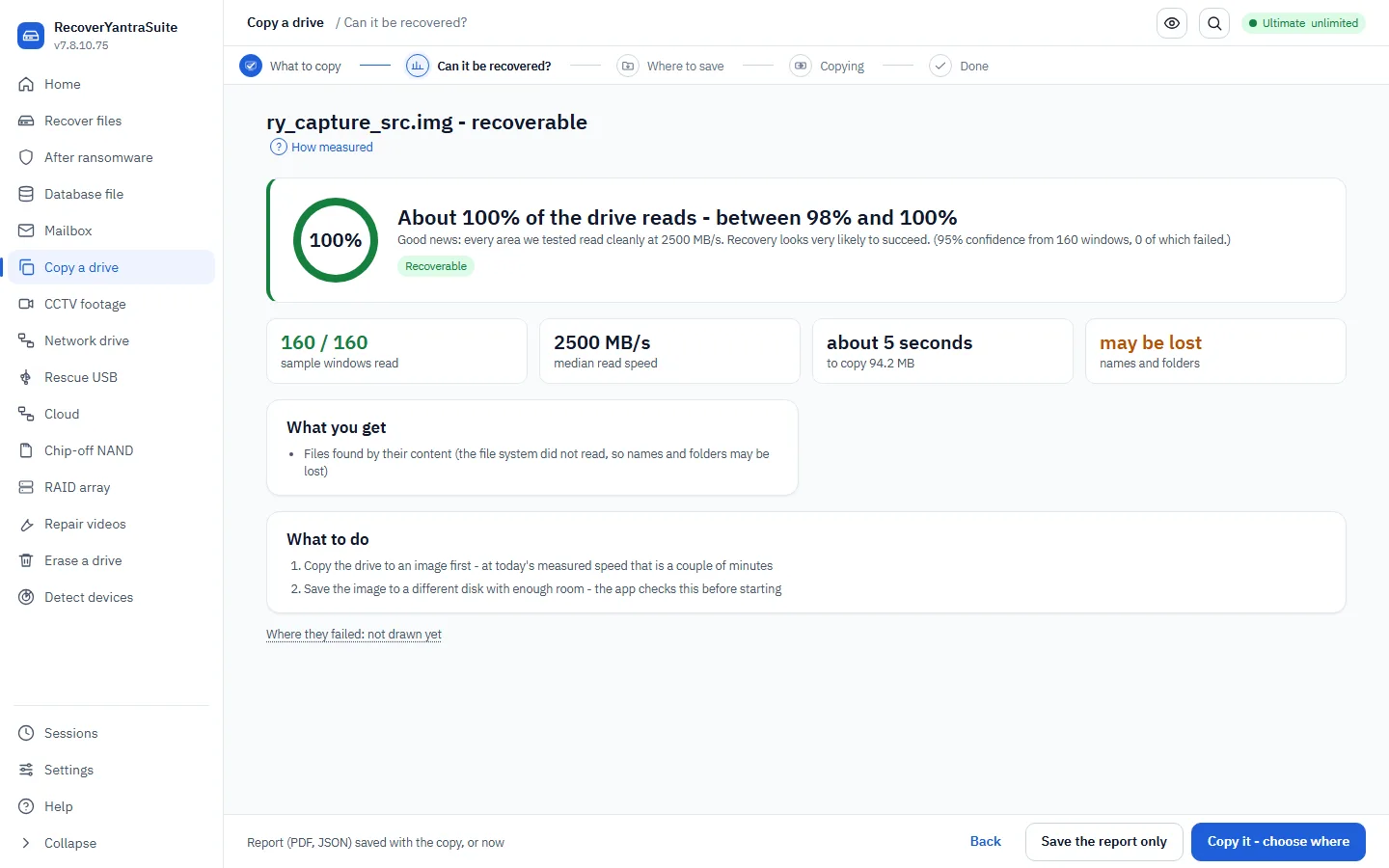
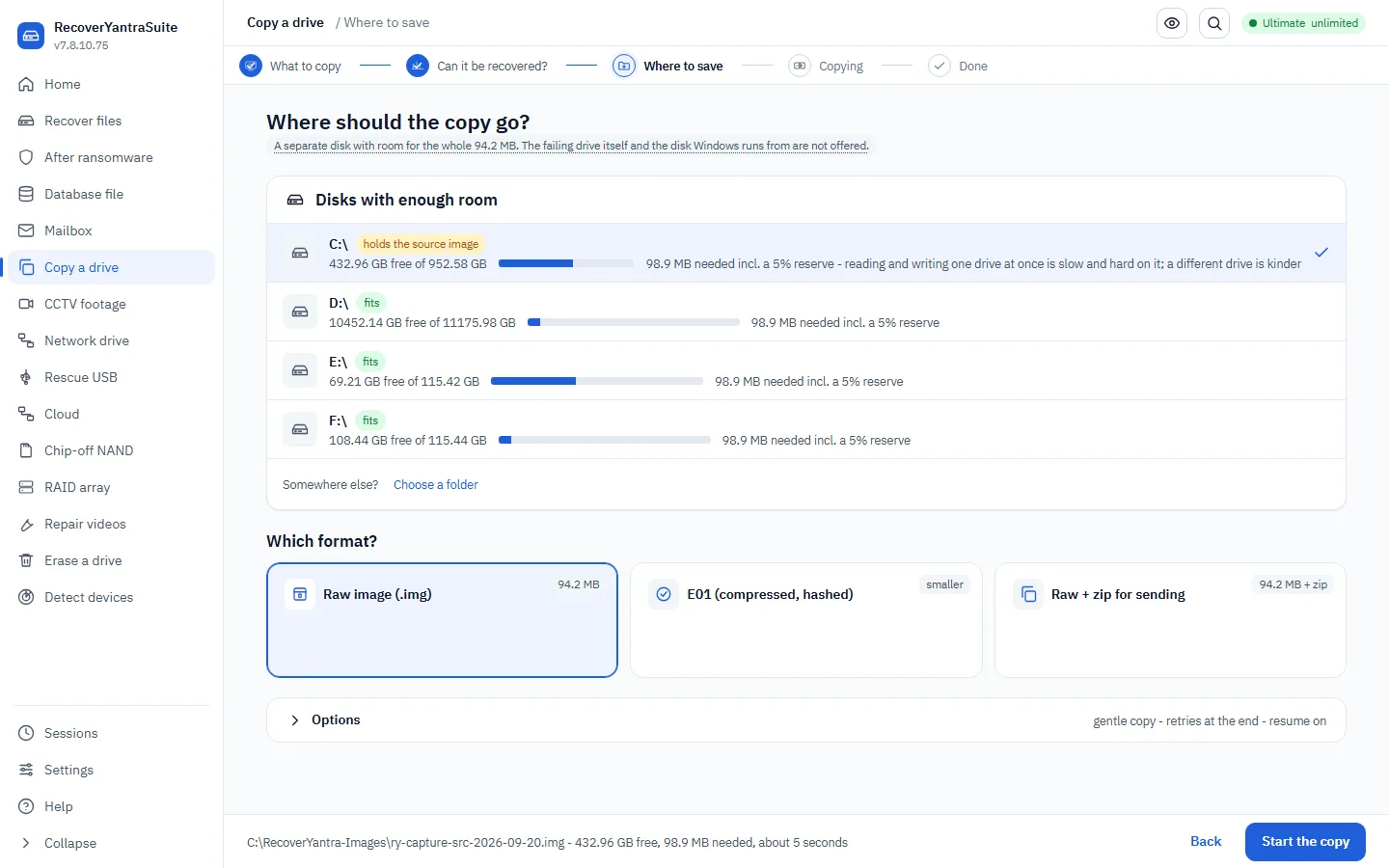
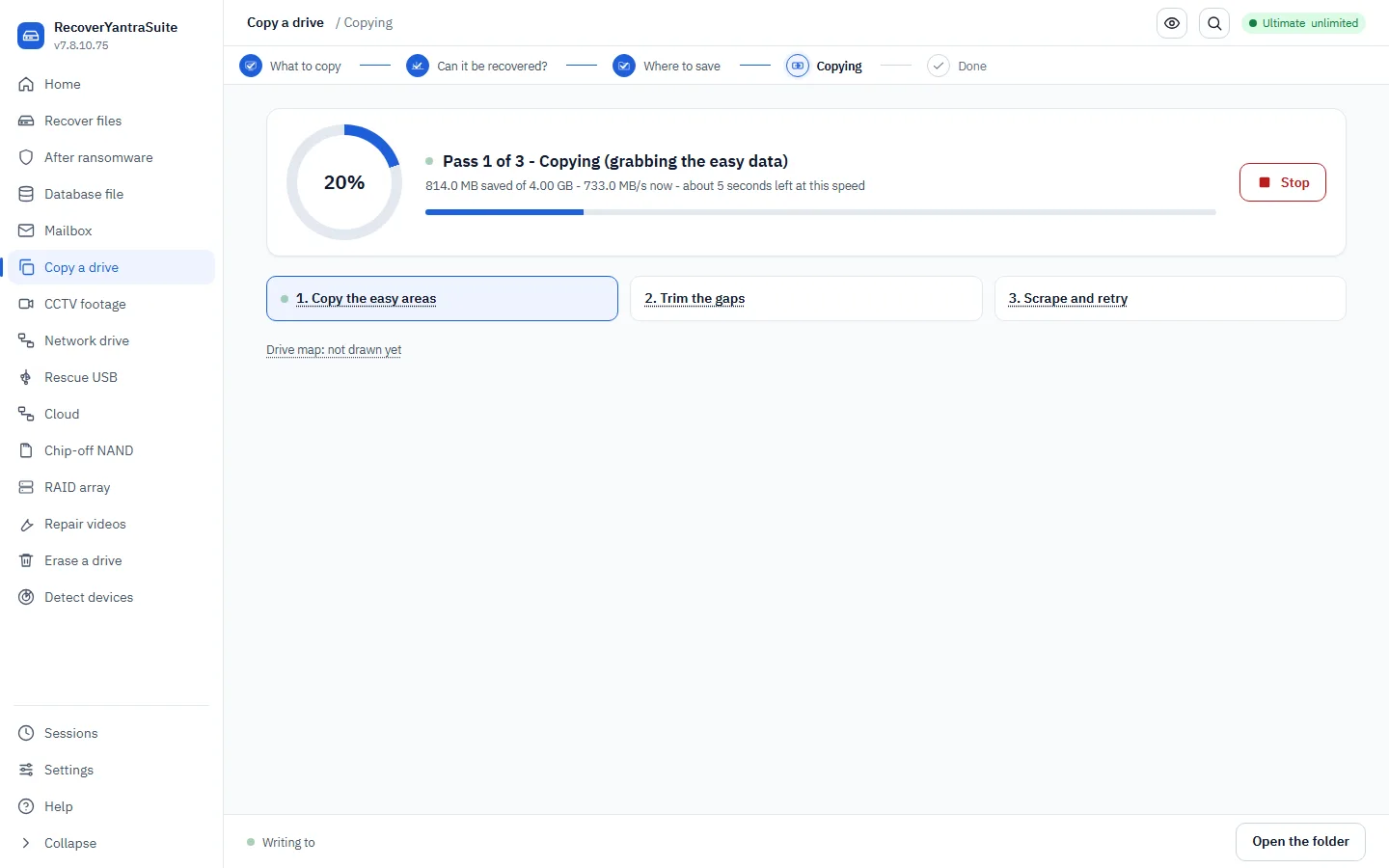
Copy (image) a failing drive
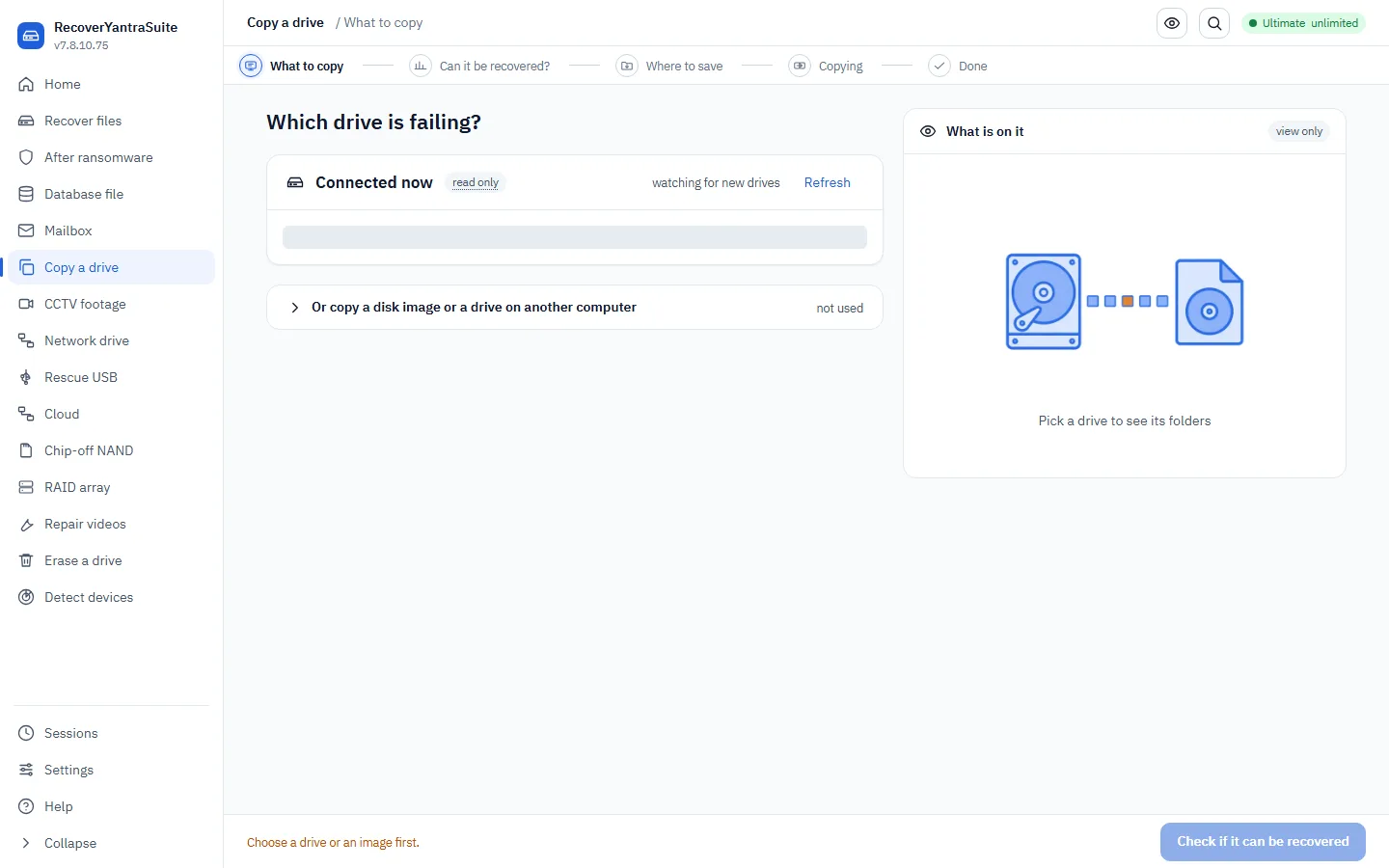
First we CHECK the drive and tell you plainly whether recovery is realistic. Then we make a faithful copy - gently, so a failing drive isn't stressed - and you recover from the copy.
- What do you want to copy?
A drive, a phone, or an existing image file. Phones have their own guided steps.
- Can it be recovered?
Before any copying, we test areas right across the drive and tell you the chances: how much is unreadable, what you can expect back, and what cannot come back. You get the answer as a PDF report you can keep or send to us.
Assess before you act - the step every professional recovery workflow puts first.
- Where to save the image?safety - cannot skip
A separate drive with room for the whole source - the app lists your drives with their free space and refuses the drive being copied. Choose raw (.img) or E01, the compressed format recovery labs open directly.
- Start the copy?safety - cannot skip
We copy in passes, skipping bad areas first and retrying them gently, and keep a map of what couldn't be read. You can stop at any time and continue later.
- Sending it to a lab?
An E01 is already compressed - hand it over as it is. A raw image can be zipped here; any lab can open a zip.
Phone acquisition and data recovery
In RecoverYantraSuite, SakshyaYantra Enterprise, SakshyaYantra Mobile, RecoverYantra Mobile
Read the artefacts in an extracted phone
After a phone has been extracted to a folder, or an iPhone backup has been saved, the artefact reader finds the high-value system and app records by their known paths, decodes each one and puts them on one timeline, with deleted rows recovered where the store is a database. It never touches the phone.
- Record the authority for this phonesafety - cannot skip
Who owns the phone, who agreed to the examination, or what legal power applies. The artefact reader does not record this for you, so write it in the case notes before you start.
NIST SP 800-101 Rev. 1 - mobile device forensics: authority first.
- Have the extraction on disk
The reader works on a folder that already exists: a full file-system extraction, a pulled folder, or an iTunes or Apple Devices backup. It does not talk to the phone.
NIST SP 800-101 Rev. 1 - work from the extraction, not the device.
- Run the artefact reader
Point the command at the folder. It detects iPhone or Android by itself. Add the platform only if it guesses wrong. It prints each kind of artefact it found, with its row count and a few sample rows.
NIST SP 800-101 Rev. 1 - examination.
- Read the timeline
Each sample row shows its time in UTC and a summary, and a row recovered from deleted data is marked. A row with no trustworthy clock shows no time and is never given a made-up one.
ISO/IEC 27042 - interpretation.
- Save the timeline and note what was not decoded
Write the whole timeline to a spreadsheet file: time, artefact, category, summary, whether deleted, where it was recovered from, the source path and the detail. The screen also lists the stores that were found but not decoded, with the reason.
ISO/IEC 27042 - state the limits of the method.
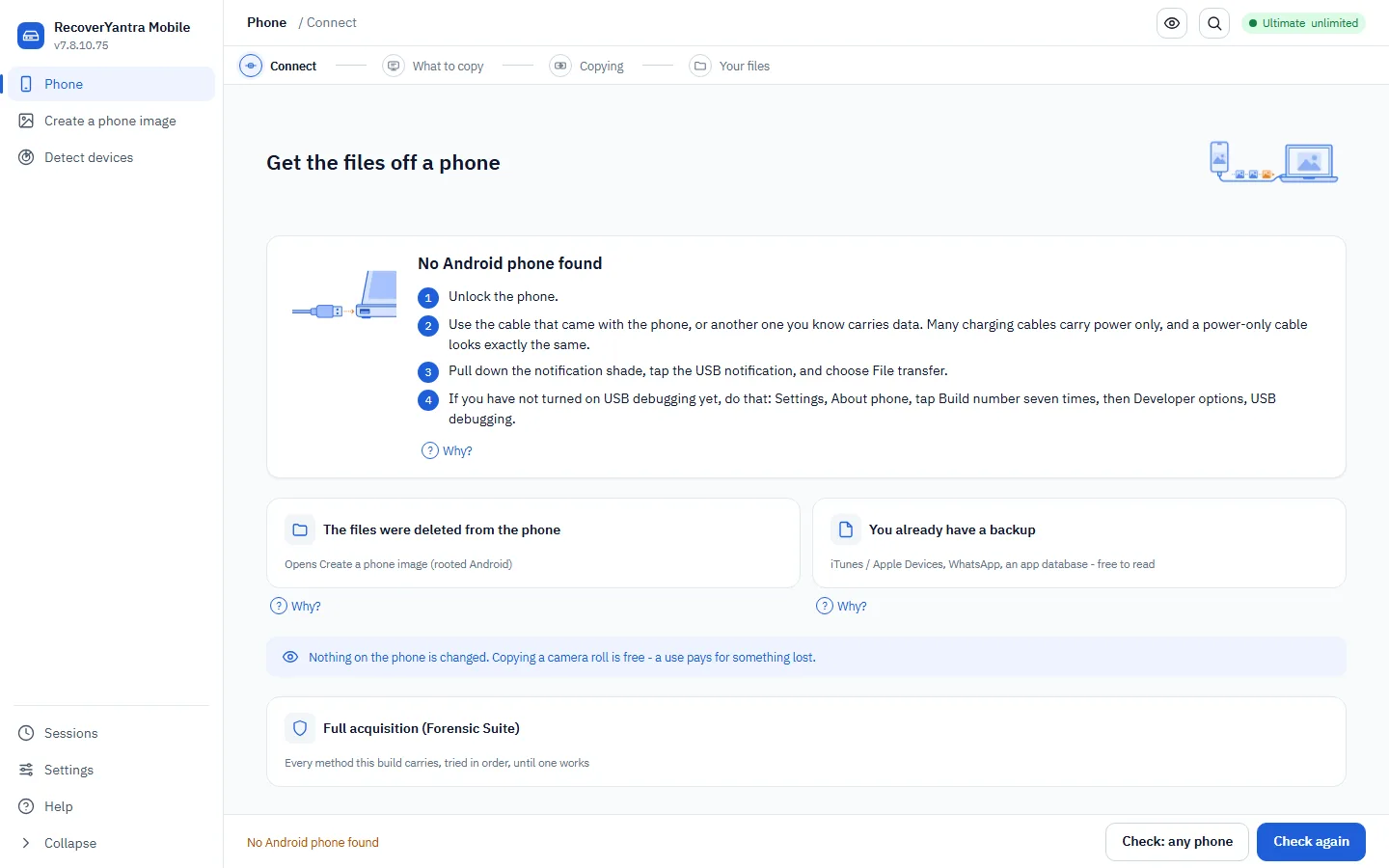
Get data off a phone
We copy what a connected phone will give us, read-only. Some steps require you to confirm you're authorised.
- Android or iPhone?
This decides how we connect.
- Confirm lawful, authorised usesafety - cannot skip
Phone acquisition is only lawful with the owner's consent or proper authority. This acknowledgement is recorded and cannot be skipped.
- Connect and unlock the phone
Plug in the phone, unlock it, and approve the trust/USB-debugging prompt on its screen. We check we can actually read it.
- Which methods may we use?
Read-only copy is always available. Advanced methods (backups, supported BootROM/EDL paths) are opt-in per case.
- Where should the data be saved?safety - cannot skip
A separate drive with enough space. We check first.
- Copy the data
We copy what's exposed, verify each file's size, and report honestly what could and couldn't be read.
Create a phone image
In SakshyaYantra Enterprise, RecoverYantra Imager, SakshyaYantra Mobile, RecoverYantra Mobile
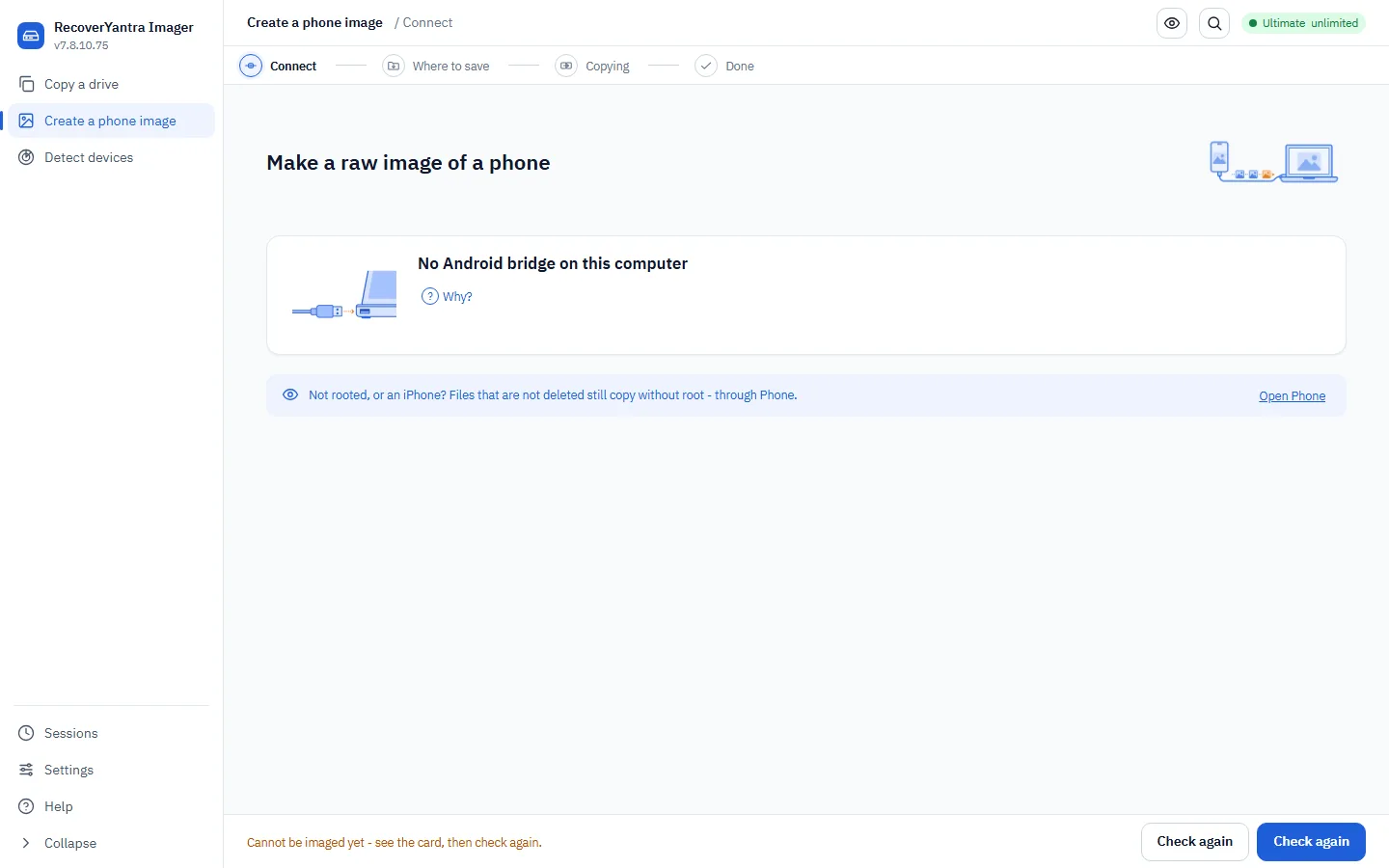
Copies a rooted Android's storage to an image file you can then work on, so the phone is read once instead of repeatedly.
- Connect the phone
USB debugging on, and the phone unlocked at least once since it was restarted - files stay encrypted until then, so a locked phone lists fine and reads nothing.
- Where should the image be saved?safety - cannot skip
A drive with room for the whole partition.
- Copying
Streamed in blocks with a live figure and a stop that stops. We compare the length against what the phone reported: a short image is reported failed, never handed over as whole.
- Done
The image goes into the ordinary recovery flow from here.
We recover clips from an NVR/DVR disk or image, then give you the same player, download, cutting and enhancement tools a forensic examiner has.
- Point us at the recorder disk or image
Choose the NVR/DVR disk or a copy of it.
- Read the disk's index first
Cameras against time, read from the recorder's own table in seconds - nothing is written. A disk with no table shows cameras inferred from the video itself (labelled A/B/C, never an invented channel number) and says the times are unknown rather than guessing them.
- Where should the clips be saved?safety - cannot skip
A separate drive.
- Recover the clips
We carve the video and mark any clip that may not play, so you aren't misled.
- Check a clip before deciding what to do with it
Frame count, keyframes, picture size and time base, read by the same frame server a forensic examination uses. It reports those facts only: the command line has no player, and the built-in player does not decode a raw H.264 or H.265 stream, so play the clip in VLC or ffmpeg as it is.
- Copy one clip out, byte-exact
The clip is copied as carved and verified against its own SHA-256 before you're told it's done.
- Cut just the range you need
Remuxed losslessly by default - the recorder's own compressed pictures, not re-encoded - unless you ask for the exact frame range and accept that every pixel becomes new.
- Pull out several clips at once
Every clip, one channel, or the ones you pick - copied byte-exact with a manifest of every hash.
- Cut straight off one camera, without recovering first
Point at the camera and the time you need and it comes straight off the disk - remuxed losslessly by default, using the same index you already read.
- Sharpen a frame or a range for the report
The enhanced picture is shown beside the ORIGINAL, never instead of it - the filter chain used is printed and both pictures are exported, so nobody has to take the enhancement on trust.
SWGDE Best Practices for Image Analysis and Forensic Video Enhancement
- Capture stills for the report
A small pack of frames - no case is needed for this one, it's a plain still, not an evidence pack.
- Produce the media report
Clips, channels, times, codecs and hashes, in the same report format a recovery job uses.
Runs a read-only agent on the far machine and copies a disk across the local network.
- Pair with the other machinesafety - cannot skip
Install and start the agent there; it offers its disks read-only. Both machines show the same pairing code.
- Which drive should be copied?
The agent lists what it can offer, with size and health.
- Where should it be saved?safety - cannot skip
A local folder with room for the whole drive.
- Copying
Live throughput and an estimate. The copy is verified by hash - a transfer that looks finished and is short is the failure this must never hide.
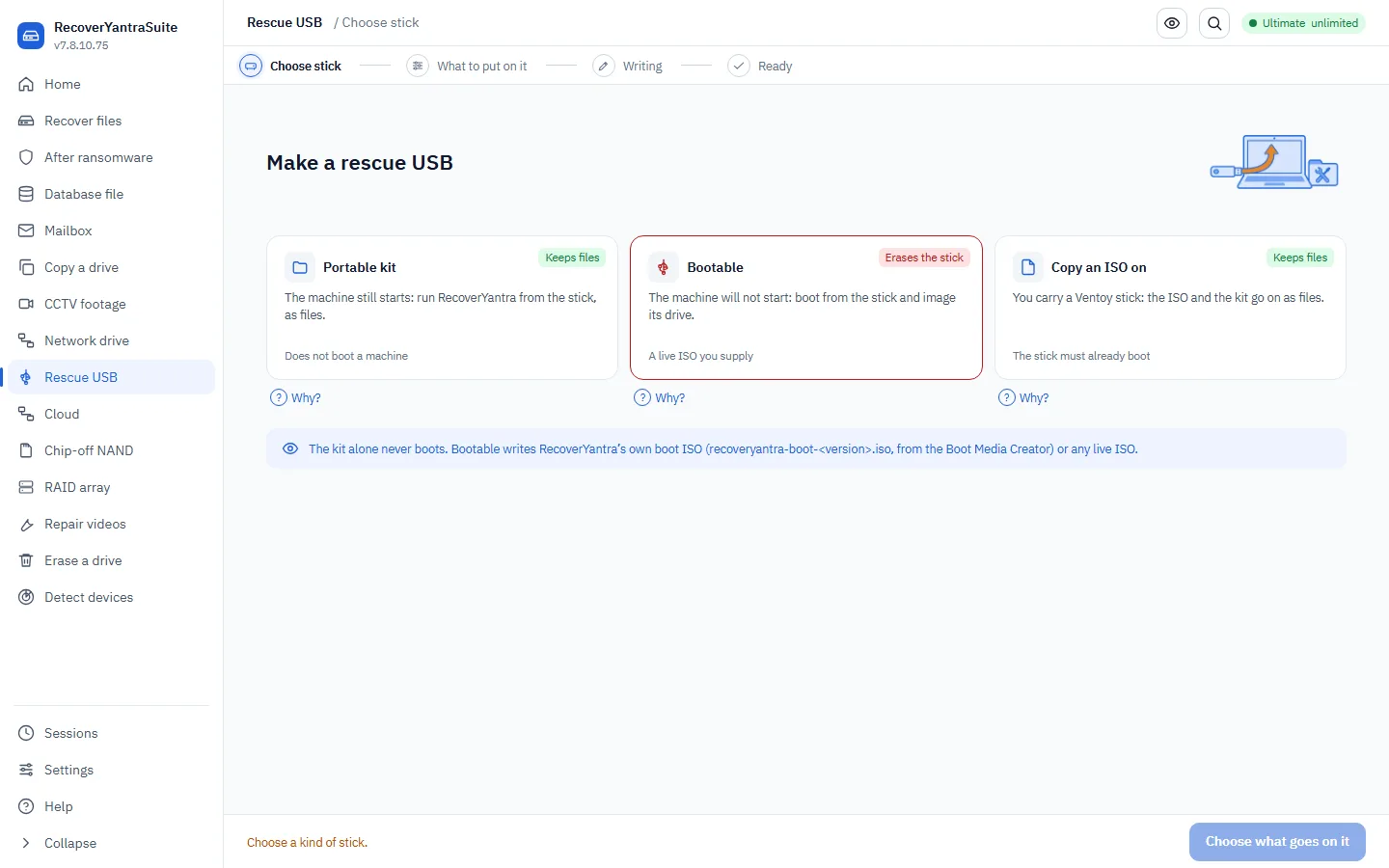
Prepares a USB stick for recovering a machine that will not start.
- Which USB stick?safety - cannot skip
Only drives whose HARDWARE reports itself removable are offered, and the system disk can never be chosen. A drive that will not identify itself is refused rather than guessed at.
- What should go on it?safety - cannot skip
The portable kit (files only, nothing erased), a bootable stick made from a live ISO you supply (this ERASES the stick), or an ISO copied on for Ventoy.
- Confirmsafety - cannot skip
We name the stick, its size and what will happen to it. Erasing needs an explicit yes and the server refuses without one, so the interface is never the only guard.
- Writing
Written, then READ BACK and compared by hash - dying flash reports a happy write and stores something else, and you would find out standing at a machine that will not boot.
Cloud data is recovered two ways: the copy synced to this computer, and the provider's own version history / restore. We do both, honestly - we can't raw-read a cloud service.
- Which cloud?
This sets where the local copy lives and which restore to use.
- Is there a synced copy on this computer?
If the account was synced here, the files (or online-only stubs) are on the local disk and we recover them directly.
- Where should recovered files be saved?safety - cannot skip
A separate drive from the sync folder.
- Use the provider's restore for the rest
For anything not cached locally, the route is the provider's own restore: version history, point-in-time restore or the trash window (for example OneDrive Files Restore, Google and Dropbox version history, S3 versioning). The built-in provider list names the route and the window as published when this version was made. Nothing here contacts the provider, so confirm the window with the account's administrator.
- Recover
We recover the local sync cache and report the provider-side restore avenue for each file that lives only in the cloud.
A recovered video whose index is damaged plays sound with no picture, or will not open at all. Where the bytes are there, this rebuilds what points at them.
- Which videos?safety - cannot skip
The recovered files that will not play. Originals are never modified - we always work on a copy.
- A working video from the same camera
Optional but it is what makes the difficult cases work: a healthy file from the same device supplies the structure the damaged one has lost.
- Repairing
We rebuild the index and correct the container header. What we CANNOT do is invent picture data that was overwritten - where frames are genuinely gone, the result says so rather than reporting a repair that changed nothing.
- Does it play?
Each repaired file is checked for a real video track and an index that points inside the file, before it is called repaired.
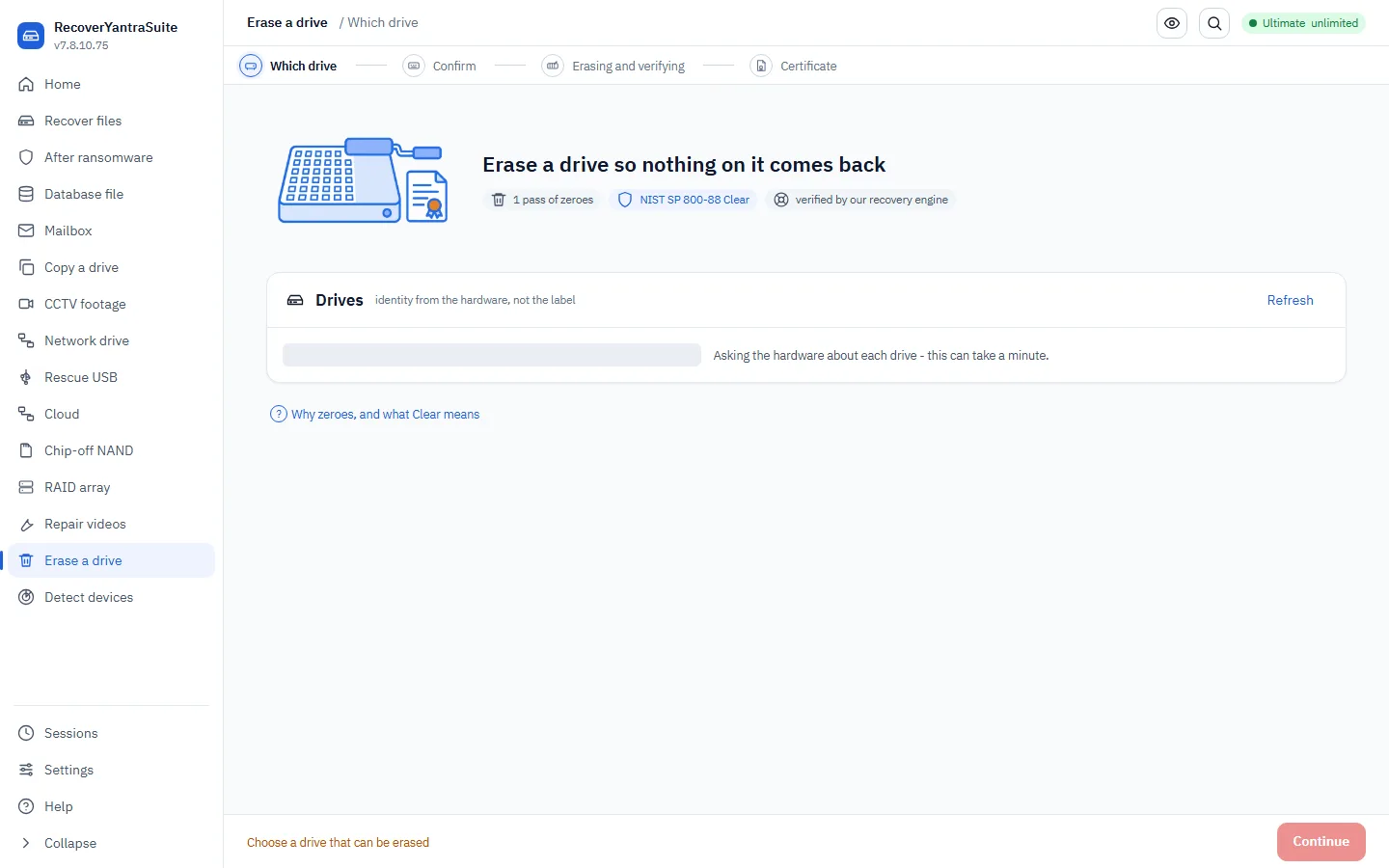
This permanently erases a drive. Here the destination IS the target - the opposite of recovery - so we confirm very carefully.
- Which drive should be erased?safety - cannot skip
Pick carefully. The system disk, the drive this program runs from, and the report drive can never be erased.
- Type the drive's serial number to confirmsafety - cannot skip
Typing the serial back confirms you picked the right drive. A simple 'yes' is too easy to click through.
- How thorough?
One zero-writing pass meets the NIST 'Clear' standard, and we read the drive back to confirm it. We state only what we have checked.
- Verify and issue a certificatesafety - cannot skip
We read the drive back with our own recovery engine to confirm nothing is left, and produce a certificate stating what was achieved and its limits.
Forensic examination and reporting
In SakshyaYantra Examiner, SakshyaYantra Enterprise, SakshyaYantra Media, SakshyaYantra Mobile
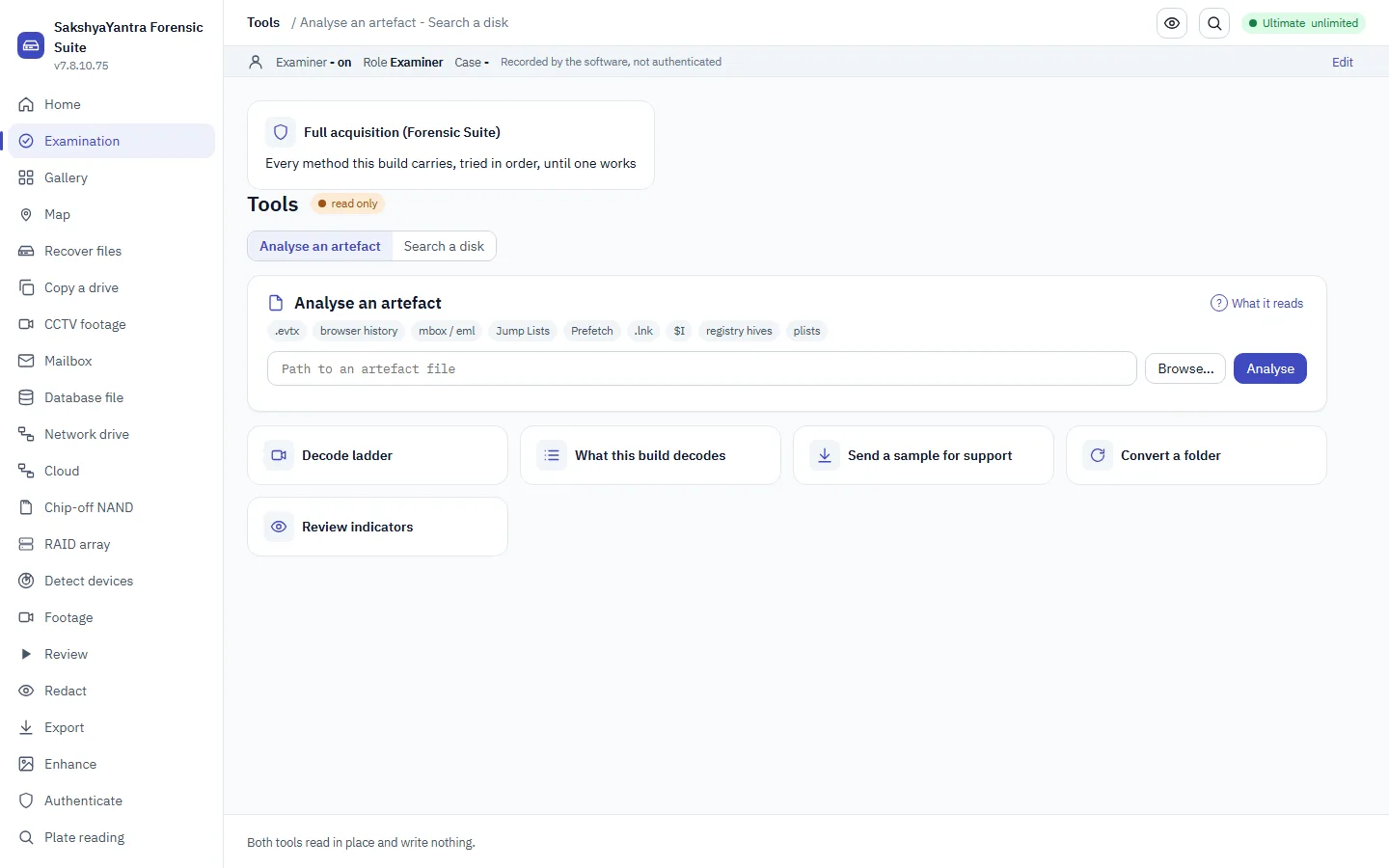
Read a browser's cookies, downloads and saved logins
Browsers keep more than history. The cookie file shows which sites set a cookie and when it was last used. The download records show what was fetched, from where and when. The saved-logins file shows which sites had a stored account name. The window reads each file read-only and never shows a password or a cookie value.
- Find the browser files
Copy the files out of the user's browser profile folder on the verified image, or open them from the case. Chrome and Edge keep Cookies, History and Login Data. Firefox keeps cookies.sqlite and places.sqlite.
NIST SP 800-86 s3.2 - extraction from the working copy only.
- Open one file in Analyse an artefact
Choose the file. The engine identifies it by what is inside, not by its name, and shows its records in a table.
ISO/IEC 27042 - say how the file was identified.
- Read the cookies
Host, name, whether the cookie is secure, when it expires and when it was last used. The value is encrypted and is never shown.
- Read the saved logins
The site, the account name and when it was last used. The password is encrypted and is never shown.
- Read what was downloaded
Chrome's History file lists visits in the table and counts its download records in the line above it. A downloads-only file lists each download: when it started, where it was saved, how big it was and the address it came from.
- Keep what matters and say what it cannot show
Note the rows that matter in the case, with the file they came from. A cookie or a saved login shows that an account existed in that profile. It does not show who used it.
ISO/IEC 27042 - interpretation and its limits.
Examine an exhibit forensically
A forensic examination is judged on whether you can show what you did, not only on what you found. These steps are the published order - ISO/IEC 27037, NIST SP 800-86 and the ACPO principles - and the audit trail is written as you go.
- Record the authority and the scopesafety - cannot skip
Who authorised this examination, over what, and on what basis - the owner's instruction, a warrant, or a statutory power. Recorded now, before anything is opened, because an authority written afterwards is not an audit trail.
ISO/IEC 27037 s5.3; ACPO principle 3 (a record of all processes applied).
- Prepare, and make the source read-onlysafety - cannot skip
Attach the exhibit through a write blocker where you have one. This engine has no write path to a source at all, and we MEASURE that rather than assert it: the source is fingerprinted before and after the job and the report states which regions were checked.
ACPO principle 1 - no action should change data held on an exhibit.
- Document the exhibitsafety - cannot skip
Case reference, exhibit number, make, model, serial, capacity, and who is handling it. This starts the chain of custody, and everything acquired afterwards is filed against it.
ISO/IEC 27037 s6.7 chain of custody; NIST SP 800-86 s3.1.2.
- If the machine is running, take the volatile data first
Memory and running state are gone the moment it is powered down, so they are collected before the disk. If the machine is already off, leave it off - do not power it up to look.
Order of volatility - NIST SP 800-86 s3.1.1, RFC 3227.
- Acquire an image, hashing as you go
An E01 carries the MD5 and SHA-1 of what was read from the exhibit, taken WHILE the image is written, and is read back against them. A raw image is fingerprinted by reading it back when the copy ends. Both get a SHA-256 note and a manifest beside the image, and the copy can also be compared with the exhibit.
ISO/IEC 27037 s7.1.3; NIST SP 800-86 s3.1.2.
- Verify the image against the exhibitsafety - cannot skip
Compare the acquisition hash with the source. This is the step that makes everything after it defensible, and it is why it sits HERE and not at the end - analysing an unverified image means every finding rests on a copy nobody checked.
ACPO principle 2; ISO/IEC 27037 s7.1.4 verification.
- Work only on the verified copysafety - cannot skip
The exhibit goes back in the bag. Every examination from here runs against the image, so the original is read once and never again.
ACPO principle 1; ISO/IEC 27037 s7.1.5.
- Examine
Recover deleted files, read the artefacts - recycle bin, USN journal, prefetch, registry, LNK, event logs, jumplists, shellbags, AmCache, browser history - build a timeline, and search. Everything you do is written to the hash-chained audit trail as you do it.
NIST SP 800-86 s3.2 examination and s3.3 analysis.
- Report
The findings, the method, the tool and its version, every hash, the source offset of each recovered file, and the limits of what the examination can support. The limits are not optional - a report that states none is claiming certainty it does not have.
NIST SP 800-86 s3.4 reporting; ISO/IEC 27037 s6.8.
- Seal the trail and return the exhibitsafety - cannot skip
The audit trail is sealed: a signed receipt of its last entry is kept outside the case folder, which is what makes a later cut of the trail visible, and the case is packed into one signed .sycase file for the hand-over. Signing the exhibit back in is done on your own custody log.
ISO/IEC 27037 s6.7 - custody is unbroken to disposal.
Read macOS settings and Windows credential files
The same Analyse an artefact screen reads two families of operating-system files. On a Mac it explains what the settings files mean: the version, known Wi-Fi networks, connected devices, login items, launch items and downloaded files. On Windows it lists what the credential files hold: the local accounts, the stored secrets and the data-protection files. It never decrypts anything.
- Find the files on the verified image
On a Mac the files are in the Library folders: property lists and the quarantine database. On Windows they are the SAM, SECURITY and SYSTEM registry hives, and the Protect folder inside each user's AppData.
NIST SP 800-86 s3.2 - extraction from the working copy only.
- Read a Mac settings file
Open a property list or the quarantine database. The table has four columns: the category, what it is, where or detail, and when in UTC.
ISO/IEC 27042 - interpretation.
- Read the Windows account files
Open the SAM hive for local accounts: the account name, last logon, when the password was set, how many logons and failed logons, and whether a password hash is stored. SECURITY lists the stored secrets by name. SYSTEM shows the key parts as present or absent.
ISO/IEC 27042 - interpretation.
- Read the data-protection files
Open a master-key file, a Credential Manager file or a data-protection blob. The table names the provider, the master-key reference and the algorithms, and says what would be needed to open it.
ISO/IEC 27042 - interpretation.
- Record the result and the boundary
Note what the file showed and which file it came from. State in the report that this is presence and metadata only, and that no secret was opened.
ISO/IEC 27042 - interpretation and its limits.
Detect every connected device, with a report
In RecoverYantraSuite, SakshyaYantra Examiner, SakshyaYantra Enterprise, RecoverYantra Imager, SakshyaYantra Media, SakshyaYantra Mobile, RecoverYantra Mobile
See everything this computer can see - drives it can use, drives it can see but not use, and why - and save it as a report.
- Connect the device
Plug it straight into the machine, not a hub; a desktop external drive also needs its mains adapter.
ISO/IEC 27037 7.4 - identification of digital devices
- Read what the computer sees
Every device is listed, usable or not. One that is connected but cannot be used says why: cannot be read, needs administrator, in use, Windows cannot start it, or a phone in MTP mode.
- Do what the row says
A card the reader cannot address needs an SDXC reader; a bridge Windows cannot start needs power, cable, a USB 2.0 port or a different enclosure; a drive that reads but is failing goes to Image, not Scan.
- Save the report
HTML, PDF and JSON, with every device, its state, the Plug-and-Play inventory and the environment. Send it with any support request about a drive that is not detected.
Drone flight log and video telemetry recovery
In RecoverYantraSuite, SakshyaYantra Examiner, SakshyaYantra Enterprise
We read a DJI flight-record (.txt/.DAT) or a video's .SRT telemetry sidecar, pull the GPS track and home point back out, and can sweep a card for a deleted sidecar.
- Point us at the log or the sidecar
A DJI app-side .txt, aircraft-side .DAT, or the .SRT file beside the video. The format is read from the content, not the file name.
- Read the GPS track
GPS points, home point, altitude and, where the sidecar carries it, the wall-clock time - never invented for a record the file does not have.
- Sweep the card for a deleted sidecar
Only when the .SRT is gone from the card - swept by its own repeating content, not a magic number, and proven before it is written out.
- Save the track
CSV for a spreadsheet, GPX or KML for a mapping tool, plus an offline flight-path plot with no network call.
RAID and storage-pool reassembly
In RecoverYantraSuite, SakshyaYantra Examiner, SakshyaYantra Enterprise
A RAID set is spread across several disks. Add each member (or a missing one, blank), let it work out the layout off the disks - Windows dynamic disks, Intel RST, SNIA DDF, Synology SHR / mdadm - or set the level yourself, check the assembled volume's partition table looks right, then recover from it exactly like a single disk.
- Add the members
Each disk or image in the set. They are only ever read, never written. A RAID 5 array still rebuilds with one member missing (RAID 6 with two) - mark a missing member's row blank so the array is rebuilt degraded.
- Work out the layout
Read the RAID metadata off the disks (LDM, IMSM, DDF, SHR / mdadm), or set the level, chunk size and layout yourself when there is no metadata to read.
- Check the assembled volume
See the rebuilt volume's partition table before committing. If it looks wrong, go back and set the level yourself rather than recovering from a bad assembly.
- Recover from the array
Hand the assembled volume to the ordinary recovery scan - the same results grid and export, licensed and charged like any single source.
Chip-off and rig-dump reconstruction
In RecoverYantraSuite, SakshyaYantra Examiner, SakshyaYantra Enterprise
A lab that reads a bare memory chip hands you a raw dump, not a disk. This works out the page and block geometry, unscrambles the controller, applies the chip's error correction and puts the blocks back in order, then writes an image the recovery flow can open.
- Point at the raw dump
The file the lab produced, spare (OOB) areas included. It is read-only; nothing is written to it.
- Analyse first
Read the dump and report the geometry, scrambling, error correction and block map. It writes nothing and tells you which figures, if any, the lab still needs to supply.
- Where should the image be saved?safety - cannot skip
A separate drive from the dump.
- Rebuild the image
Write the image, and read the count of pages the error correction could not fully fix before trusting it - a complete image is not the same as a fully verified one.
Industrial robot and controller incident data
In RecoverYantraSuite, SakshyaYantra Examiner, SakshyaYantra Enterprise
We read a rosbag2 SQLite store (.db3) or an MCAP file (.mcap) - topics, message counts, the time range, and a timeline - and can salvage deleted rows from a damaged .db3 store.
- Point us at the bag
A rosbag2 .db3 or an .mcap file. The format is read from the content, not the file name.
- Read the black box
Every topic, its message type and count, and the time range covered - a compressed MCAP chunk is named, not guessed at, when its codec is not opened offline.
- Salvage a damaged store
Sweep a .db3 store's messages table for rows deleted before sqlite3 could open it again - which topic, when, and how big, proven by the same raw-page engine every deleted-row salvage in this product uses.
- Write the report
A bag summary and timeline CSV; a forensic build also seals a SHA-256'd manifest of the source.
Vehicle data recovery
In RecoverYantraSuite, SakshyaYantra Examiner, SakshyaYantra Enterprise
We organize an already-recovered TeslaCam/Sentry USB export by event and camera, pull the GPS track out of a GoPro/Insta360 video's own telemetry, read the documented CarPlay/Android Auto phone-side files, and ingest a Berla iVe CSV export - we do not acquire vehicle hardware ourselves.
- Point us at the export, file or folder
A TeslaCam RecentClips/SavedClips/SentryClips root, a GoPro/Insta360 video or bare GPMF stream, a CarPlay/Android Auto extraction root, or a Berla iVe CSV export folder - the kind is read from the content/layout, not the file name.
- Organize a TeslaCam export by event
Every RecentClips/SavedClips/SentryClips folder grouped by event, with event.json's city/street/reason/GPS when present - a 2026.20+ clip encrypted with a vendor-held key is named, never guessed at.
- Read the GPS/telemetry track
GPS points, and on a real video file the richer decode a maintained parser gives; a bare or carved GPMF stream is read by content, never by a magic number alone.
- Save the result
CSV/GPX/KML for the GPS track; a forensic build also seals a SHA-256'd manifest of the source.
Is this recording what it claims to be. Every method is run and reported with what it can and cannot see; the answer is a ranked set of hypotheses with the methods for and against each, never a score alone.
- Choose the file
The recording as received, hashed first. A still picture takes the whole method set. A video clip does not: the still-image methods read one picture, so a clip is read segment by segment with the timeline check (--video-timeline), or one frame is lifted out with Review and examined as a still. Model packs are optional and, when used, are named in the record.
- Read the methods
Structure, codec history, double compression, frame statistics, model outputs - each with its result and its refusals. A method that cannot judge this file says so.
SWGDE Best Practices for Digital and Multimedia Evidence Authentication - method-based, documented.
- Read the ranking
Each hypothesis names the methods that support it and the ones that oppose it. The examiner writes the conclusion; the software ranks the evidence.
ISO/IEC 27042 s9 - interpretation stated with its basis.
- Identify the camera (PRNU)
Build a reference fingerprint from several images taken by ONE known camera (--camera-reference), then test the questioned image against it (--tool prnu_identify) - in one run, or across two with --save-reference and --reference. The reported statistic is a peak-to-correlation energy against a decision threshold (--pce-threshold, 50.0 by default): a HIGH PCE is CONSISTENT with that device, a LOW one is not - it is not proof, and it is weakened by strong compression, resizing and denoising, with a cropped or rotated image needing alignment first. With no reference the tool refuses honestly and names what is missing, rather than guessing a camera.
Lukas, Fridrich & Goljan 2006 (PRNU); Goljan, Fridrich & Filler 2009 (PCE identification).
Case hub: cases, versions and locks
In SakshyaYantra Examiner, SakshyaYantra Enterprise, SakshyaYantra Media, SakshyaYantra Mobile
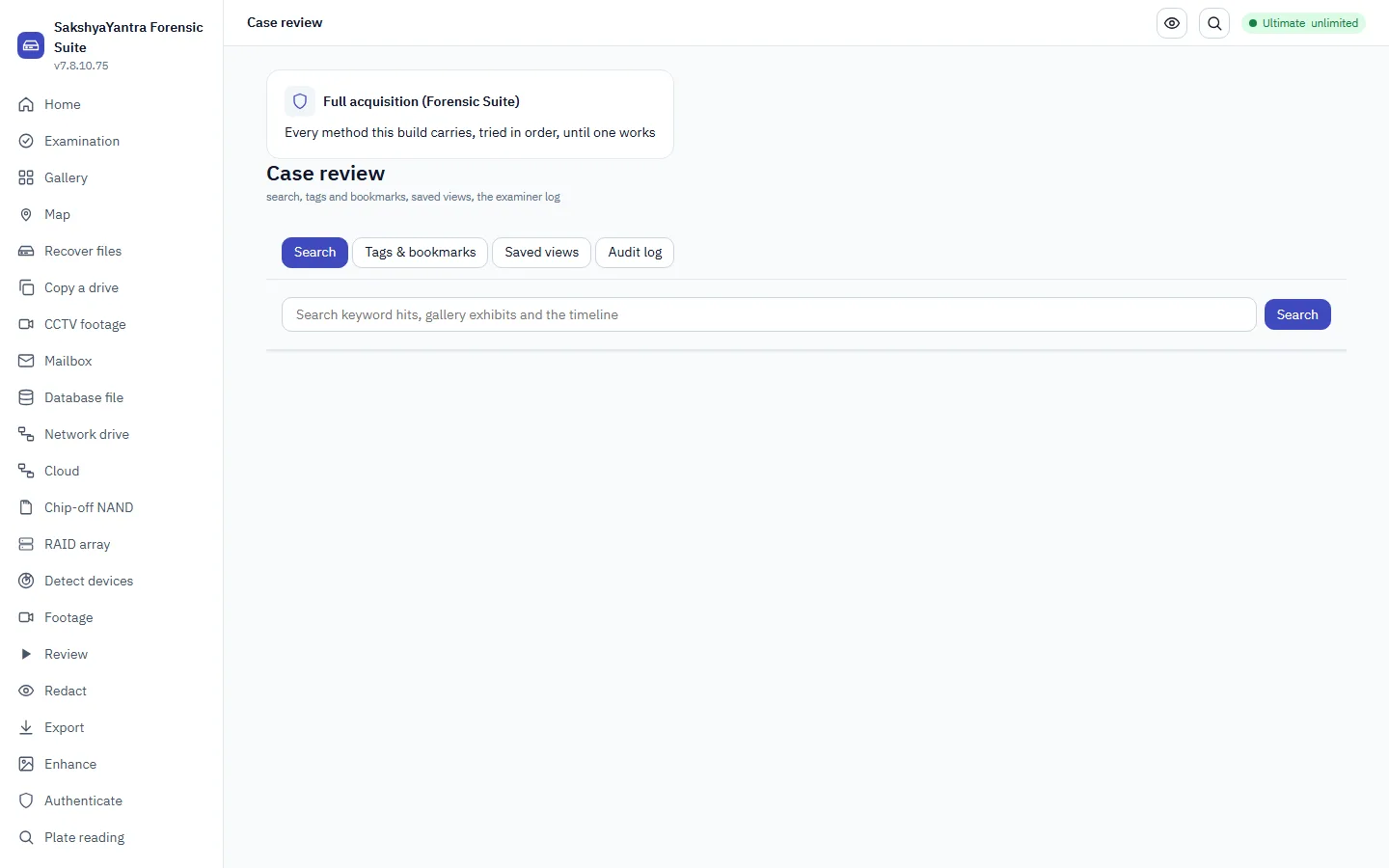
One place to search the case's keyword hits, gallery and timeline; review every tag and bookmark; save a named filter for later; and read the case's own hash-chained action log.
- Search the case
Fans out to the keyword hit search, the gallery and the timeline's own text filter - no new search engine, the same ones those workspaces use.
- Review tags and bookmarks
Every finding and bookmark recorded anywhere in the case, filterable by kind, with its review state.
- Save a filter for later
Named presets held with the case itself, so the next examiner sees them too.
- Read the examiner log
The case's hash-chained trail, verified on the same screen: an altered, inserted or reordered entry is detected, not assumed absent.
ISO/IEC 27037 7.6 - documentation
Ask the case (AI observations after a sealed reading)
In SakshyaYantra Examiner, SakshyaYantra Enterprise, SakshyaYantra Media, SakshyaYantra Mobile
A triage question over the case's own indexed data - timeline, entities, messages, artefacts. Retrieval is the case's own data and needs no gate, and a cited answer gives the exact place each passage came from; a model answer is an observation, never a finding, and its words are shown only after you seal your own reading first.
- Ask a question
The case items that bear on the question come back with the verdict. A claim that cites a case item which does not exist refuses the whole answer; nothing is invented.
- Ask for a cited answer
The Cited answer button returns verbatim passages from the case, each with the exhibit and the exact place it came from, or says not found in this case and what was left out of the search. Nothing is generated. On the command line, `caseqa index` builds the index once and `caseqa ask` returns the passages.
- Seal your own reading
Type your reading of the case, or mark it inconclusive. It is sealed into the audit trail before any model words are shown.
- Reveal the model's words
An audited event. The model's text is disclosed as an observation, labelled the model's words and never the case's.
- Re-check a citation against the live case
A cited answer checks each citation when it is given. To show later that a quoted passage is still exactly what the case holds, save the answer and re-check it: each citation is re-derived from the case as it is now and compared with the digest recorded at the time, and a citation that no longer resolves names the reason.
Cross-case lookup
In SakshyaYantra Examiner, SakshyaYantra Enterprise, SakshyaYantra Media, SakshyaYantra Mobile
A hash, a phone number or an email that turns up in more than one case is a lead. This keeps a lab-wide store of those values and tells you which authorised cases share them, so a connection between two cases is not left to memory.
- Look up a value
Search the lab-wide store for a hash, phone, email or account and see every authorised case that carries it.
- Add a case to the store
Adding a case is an explicit, authorised act, never automatic on save. A case stored without authority is never shown as a correlation of another.
- Correlate a case
See what the current case shares with every other authorised case - stated plainly when there is nothing, never a blank screen.
Evidence export and the draft S.63(4) certificate
A clip cut losslessly where the container allows, its provenance record beside it, and the draft Section 63(4) certificate built from the case's own records.
- Choose the clip
Which asset and which frames. Leave the range empty for the whole asset.
- Write it with provenancesafety - cannot skip
Lossless by default; where a container cannot be cut on a frame the policy says so and the record says which. The provenance record is verified against the clip after writing.
ISO/IEC 27042 s8 - derived items hashed; SWGDE s10 - output documented.
- Draft the certificatesafety - cannot skip
The device, the person in charge of it, the expert and the place, typed; every record it rests on named by digest. A draft for a person to read, sign and file.
Bharatiya Sakshya Adhiniyam 2023 s63(4) - the certificate for electronic records.
A recording is not evidence until it has been read, hashed and recorded. Probe it, decode it through the ladder, and put the result in the case with the examiner named.
- Choose the recording
A recorder export, a clip from a phone or a pen drive, or the folder a recovery wrote. It is opened read-only. Its SHA-256 is taken when you take the outputs into the case, where it is recorded as the exhibit the decode came from.
ISO/IEC 27037 s7.1 - identification and collection of the original.
- Read what it is
Two readers on purpose - the container parser and the decoder's probe - and a disagreement is shown as one. The recorder registry says whether this make and model has been tested.
SWGDE Best Practices for Forensic Video Analysis s5 - characterise the recording before processing.
- Body-worn camera? Take it in first
A body-worn or in-car camera recording can be taken in before it is decoded: the whole file is hashed before and after, its container, streams, embedded metadata, GPS and the three separate times are read from the file itself, and a recording cut short is reported with the numbers and never padded. It is called body-cam footage only on markers found inside it; the examiner's own assertion is recorded as one.
SWGDE Best Practices for Forensic Video Analysis s5 - characterise the recording before processing. ACPO principle 1 - the original is not changed.
- Decode it through the laddersafety - cannot skip
Container, index, stream, then salvage: the rung that produced each frame is recorded, and a frame the index had lost is marked salvaged rather than passed off as normal. Written to a folder on another drive.
ACPO principle 1 - the original is not changed; ISO/IEC 27042 s7 - reproducible processing.
- Put it in the casesafety - cannot skip
The decode result, the source hash and the examiner's typed name become the exhibit record. This is where one USE of the licence is spent - one source, however many frames.
ISO/IEC 27037 s6.6 - chain of custody from the first record.
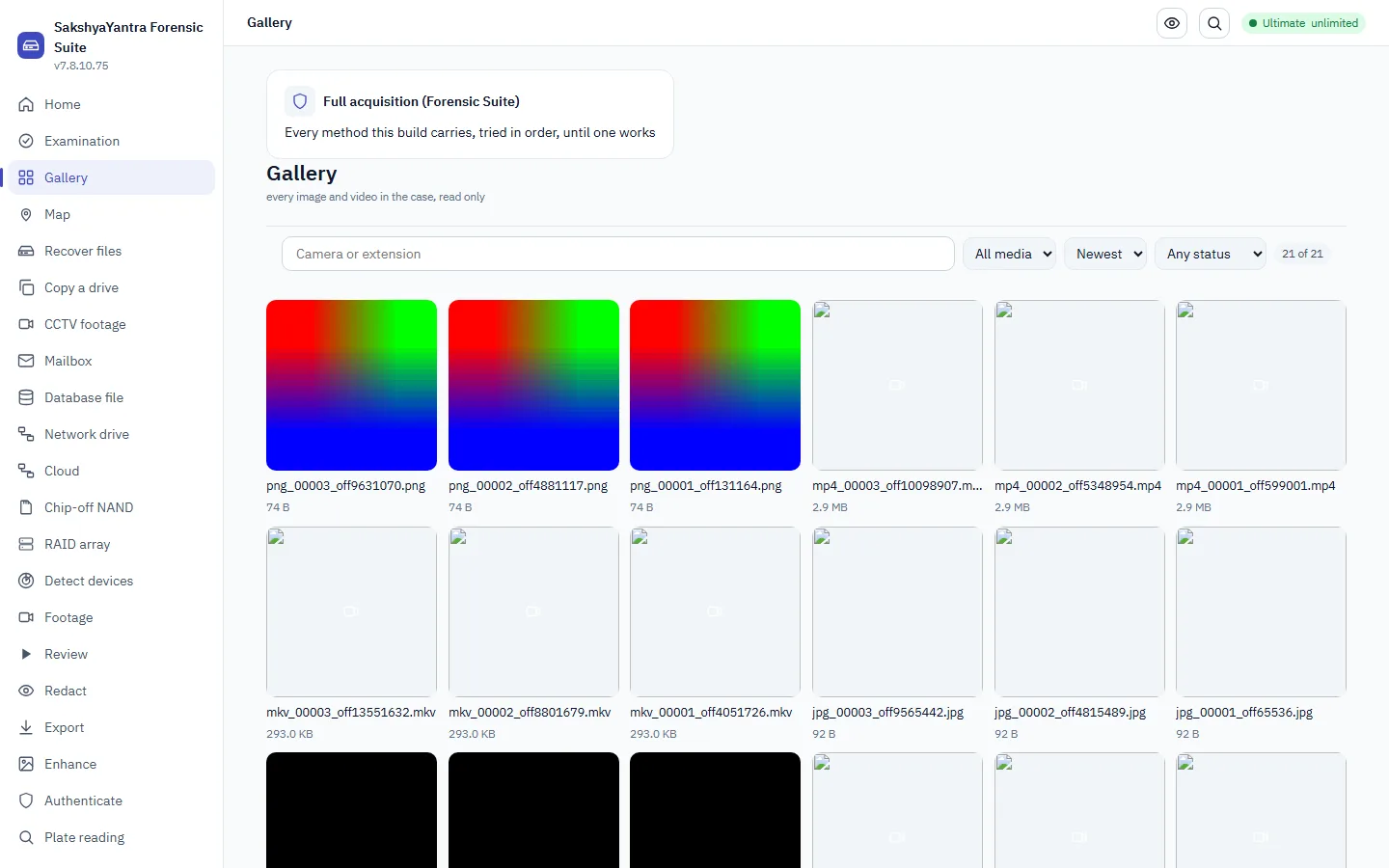
See every image and video in a case on one wall, narrow it down by type, date, camera or size, group near-duplicate pictures, check a hash set you were supplied, mark what matters, and open a frame full screen - the byte-exact original still leaves only through export or a frame pack.
- Open the case
The gallery reads the exhibits already in a case. Open or create the case in Examination or Footage first; the wall is then every image and video that case holds.
ISO/IEC 27037 7.5 - collection and preservation
- Look at the whole wall
Every picture and video as a tile - a video shows a poster frame. Tiles load lazily and page, so a case of tens of thousands stays responsive.
- Narrow it down
Filter by images or video, by camera make from EXIF, by extension, by date range or size, and by known-file status (unknown until a hash set is installed); sort by date, size or name.
- Group near-duplicate pictures
The Find near-duplicates card groups pictures whose perceptual hashes are within a stated distance, from a folder or from every picture in the open case. Each group names a representative, and pictures with too little detail to compare are set aside with the reason. A group is a list of candidates for you to look at, never a statement about what the pictures show.
ISO/IEC 27042 s7 - reproducible processing: the run records its algorithm, distance and tool version.
- Check a hash set you were supplied
Compare one questioned picture with a hash set the instructing body gave you. Each candidate comes back with its distance, the set owner's own label and the chance rate for a set of that size; nothing is bundled and a match is confirmed by eye before it is written up. The exact-digest lookup comes first.
- Mark what matters
Tag or bookmark an exhibit, or add it to a finding - each mark is written into the case through its own door and shows on the tile.
ISO/IEC 27037 7.6 - documentation
- Open a frame full screen
Open a tile to review it: a still full size, a video frame by frame through the shared frame-exact player.
Plot every located photo and video in a case on an offline map - only files carrying real EXIF GPS appear, each on its own point with its source exhibit and its real capture time. The map works with no internet.
- Open the case
The map reads the exhibits already in a case. Open or create the case in Examination or Footage first; the map is then every located photo and video that case holds.
ISO/IEC 27037 7.5 - collection and preservation
- See the points on the map
Every photo/video that carries EXIF GPS becomes a point; nearby points cluster, and a point names its source exhibit and real timestamp. The basemap is offline.
- Narrow it down
Filter by images or video, by date range, or to a single exhibit; turn on the track to join the timed points in order.
- Open the source item
Click a point to see the exhibit it came from, and open it in the gallery for the byte-exact original.
ISO/IEC 27037 7.6 - documentation
- Export the points
Export the points to GeoJSON or KML - KML opens them, with the track and timestamps, in Google Earth, QGIS and other mapping tools.
Process a disk image in one pass
Take a disk image into the case and let one pass do the routine work: fingerprint every file, recover the deleted and carved ones, open the zip files and mailboxes inside the image, compare every file with your known-file lists, index the text and read the artefacts. Then read one roll-up that says how many files are known, unknown, or not what their name says.
- Have a case open
Everything the pass finds is written into the open case, with who ran it and when. Make the case first and write down the authority for the examination.
ISO/IEC 27037 s6.7 - custody starts with the first record.
- Load your known-file lists
A known-good list lets the pass set ordinary system and program files aside. A known-bad list flags the files you were told to look for. With no list loaded, every file reads as unknown.
NIST SP 800-86 s3.2 - filtering out known files; NIST National Software Reference Library.
- Add the image and ask for carving
Adding an image with carving chooses the one-pass plan: fingerprint and take in, recover and carve, process, then catalogue the pictures and video. Nothing is read until you run it.
NIST SP 800-86 s3.2 - data extraction.
- Run the pass
The stages run in order. Inside the processing stage the order is fixed: archive members are opened first, so a file inside a zip is classified and searched like a file on the disk. One step failing does not stop the others.
NIST SP 800-86 s3.2 and s3.3 - examination and analysis.
- Read the roll-up
The status shows the counts for the whole image: known-good, known-bad, unknown, files whose content does not match their name, files found inside other files, and the total number of exhibits.
ISO/IEC 27042 - interpretation: say what each count can and cannot show.
- Decide what to do with each count
Known-bad files and name mismatches are read first. Unknown files are where the keyword lists and the timeline do their work. Known-good files are set aside, not deleted.
NIST SP 800-86 s3.3 - analysis.
Filter known files by hash set
Import NSRL or a custom hash list, then see which of the case's files are known-good, known-bad, or unknown.
- Import a hash set
NSRL RDS (modern SQLite), a plain MD5/SHA-1/SHA-256 list, or a custom examiner set typed known-good or known-bad.
- Classify the case
Every exhibit's digest is looked up against every installed set; the gallery's known column and filter read the same result.
- Review the tally
Known-good, known-bad and unknown counts, and which set a known-bad match came from.
Foreign image and dump ingest
In SakshyaYantra Examiner, SakshyaYantra Enterprise, SakshyaYantra Media, SakshyaYantra Mobile
Examine 360-degree camera footage
A 360 clip is identified by its spherical-video metadata and any embedded GPS/telemetry is read, while being honest that metric measurement from a projected frame needs the vendor's lens / stitching model.
- Record the authority and the scopesafety - cannot skip
Who authorised this examination, and on what basis.
ISO/IEC 27037 s5.3.
- Take the clip read-only and hash itsafety - cannot skip
The clip is copied read-only and SHA-256 hashed; the original is preserved untouched.
ACPO principle 1; ISO/IEC 27037 s7.1.3.
- Identify the projection and read telemetry
Confirm the equirectangular / dual-fisheye projection metadata, and read any embedded GPS/telemetry track where one is present.
Google Spatial Media spherical-video metadata; GPMF.
- Record what it cannot establish
Metric distance / speed / object position from a projected 360 frame needs the vendor's lens and stitching model; viewing direction needs trusted orientation metadata. Stated in the report.
SWGDE best practices for forensic video; ISO/IEC 27037 s6.8.
- Bring the clip into the case
The clip, its hash, the projection facts and any telemetry are filed against the case with their custody entry.
ISO/IEC 27037 s6.7.
- Report in three tiers
Executive, Judicial and a DETAILED tier; every derived frame is shown beside its original with the processing chain.
NIST SP 800-86 s3.4.
Examine a CAN-bus capture
SocketCAN candump and Vector ASCII logs are read to frames (timestamp, arbitration ID, data bytes); Vector BLF and PEAK TRC are identified, not decoded. No signal is given a physical meaning - that needs the vehicle's proprietary DBC.
- Record the authority and the scopesafety - cannot skip
Who authorised reading this vehicle-network capture, and on what basis.
ISO/IEC 27037 s5.3; ACPO principle 3.
- Take the log read-only and hash itsafety - cannot skip
The log file is copied read-only and SHA-256 hashed before it is read.
ACPO principle 1; ISO/IEC 27037 s7.1.3.
- Read the frames
Read the frames as logged - timestamp, bus, arbitration ID, DLC and data bytes - and count them and the time span.
ISO 11898 (CAN); the log container (SocketCAN / Vector).
- Record what it cannot establish
A frame's physical signal meaning needs the manufacturer's DBC; a CAN frame carries no sender ECU; wall-clock is only as absolute as the log records; injection / replay cannot be told from the frames alone. The report states all of this.
ISO/IEC 27037 s6.8 - state the method limits.
- Bring the capture into the case
The frames, the count, the span and the custody entry are filed against the case.
ISO/IEC 27037 s6.7 chain of custody.
- Report in three tiers
Executive, Judicial and a DETAILED tier with method, basis, reproducibility and every hash.
NIST SP 800-86 s3.4.
- Draft the certificate for the jurisdictionsafety - cannot skip
A draft certificate naming the tool, its version, the method and the limits, in the form the court expects.
BSA 2023 s.63(4); FRE 902(13)/(14); CPR Part 35.
Examine dashcam footage (TeslaCam / consumer dashcam)
TeslaCam events and consumer dashcam clips are organised by event and camera and any GPS track is read, while keeping the recorder clock, the container time and any on-screen overlay time as three separate times that are never merged.
- Record the authority and the scopesafety - cannot skip
Who authorised this examination, and on what basis.
ISO/IEC 27037 s5.3.
- Take the card / clips read-only and hash themsafety - cannot skip
The dashcam card or clip set is copied read-only and each clip is SHA-256 hashed; the originals are preserved.
ACPO principle 1; ISO/IEC 27037 s7.1.3.
- Organise the clips and read any GPS
Read the TeslaCam event.json to lay out the clips by event and camera, and read any embedded or sidecar GPS track.
SWGDE best practices for forensic video; ISO/IEC 27037.
- Record what it cannot establish
The recorder's clock may be wrong - file time, container time and overlay time are three separate times; continuity / no-cut needs a frame-level check; speed / position need a telemetry track and the recorder's calibration. All stated in the report.
ISO/IEC 27037 s6.8 - state the method limits.
- Bring the footage into the case
The clips, their hashes, the event layout and any GPS are filed against the case with their custody entry.
ISO/IEC 27037 s6.7.
- Report in three tiers
Executive, Judicial and a DETAILED tier with method, basis and every hash; derived frames are shown beside their originals.
NIST SP 800-86 s3.4.
Examine an Event Data Recorder (airbag / CDR) exhibit
An airbag-control-module readout is handled honestly: this product IDENTIFIES a Crash Data Retrieval artefact and hashes it, and states plainly that the crash record itself is decoded only by the licensed Bosch (or GM / Ford) CDR tool - identified, not decoded.
- Record the authority and the scopesafety - cannot skip
Who authorised this examination of the vehicle / module, over what, and on what basis. Recorded before the exhibit is opened.
ISO/IEC 27037 s5.3; ACPO principle 3.
- Take the exhibit read-only and hash itsafety - cannot skip
The .cdr readout or the CDR tool export is copied read-only and fingerprinted by SHA-256 before anything reads it. The original is never modified.
ACPO principle 1; ISO/IEC 27037 s7.1.3.
- Identify the artefact
Identify it as a CDR export or a module readout and record what markers it carries. The tool-decoded values a reader sees in a CDR report were produced by the licensed CDR tool, not here.
49 CFR Part 563 (EDR data elements); SAE J1698.
- Record what it cannot establish
The raw crash parameters (delta-V, pre-crash speed, belt / brake status) are NOT decoded here - they need the licensed vendor CDR tool with the correct vehicle coverage. The report states this.
ISO/IEC 27037 s6.8 - state the limits of the method.
- Bring the exhibit into the case
The identified artefact, its hash and its custody entry are filed against the case.
ISO/IEC 27037 s6.7 chain of custody.
- Report in three tiers
Executive, Judicial and a DETAILED tier that records the method, its scientific basis and how to reproduce it, with every hash.
NIST SP 800-86 s3.4; ISO/IEC 27037 s6.8.
- Draft the certificate for the jurisdictionsafety - cannot skip
A draft certificate for the court - India S.63(4) BSA, US FRE 902(13)/(14), UK CPR Part 35 / ACPO, or EU - naming the tool, its version, the method and the limits. A person signs it.
Bharatiya Sakshya Adhiniyam 2023 s.63(4); FRE 902(13)/(14); CPR Part 35.
- Seal the trailsafety - cannot skip
The hash-chained audit trail is sealed; a later cut of it becomes visible.
ISO/IEC 27037 s6.7 - custody unbroken to disposal.
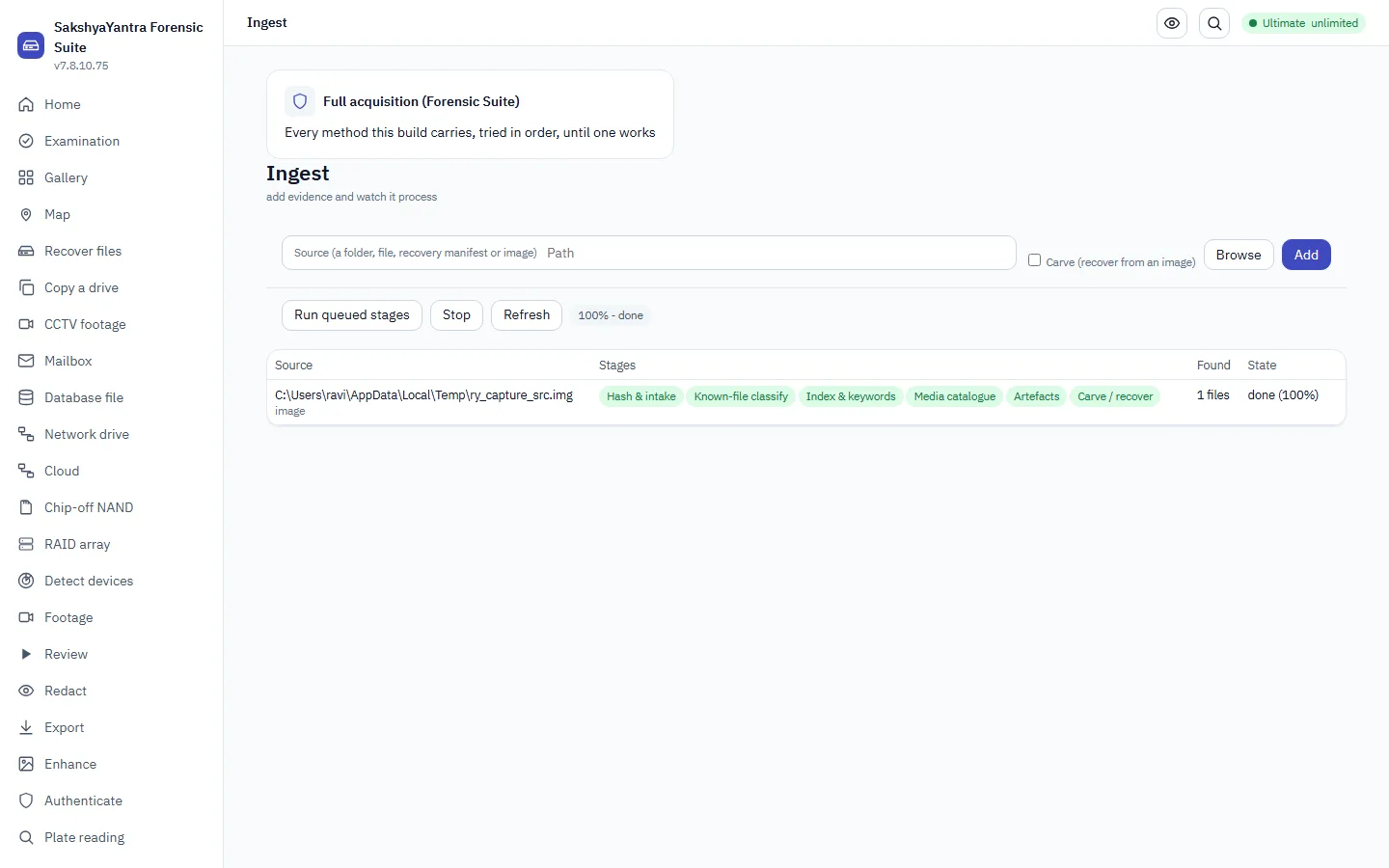
Add evidence and watch it process
Ingest is how evidence gets into the case, and it is usually the first step after opening one. Point it at a folder, a file, a recovery manifest or a disk image; it takes the evidence in and runs each item through the usual steps - fingerprinting the files (hashing), matching them against known-file lists, building a searchable index, the picture gallery, and pulling out artefacts - with a live progress dashboard for each item. Recovering deleted files from a disk image (carving) is an optional extra.
- Add the evidence
As soon as you add a source, its processing steps are lined up ready to run. Carving (recovering deleted files) is optional and only applies to a disk image.
- Run the pipeline
Each stage is isolated - one failing does not stop the others - and retryable; a resumed case skips finished stages.
- Watch the dashboard
Per-stage status, progress and counts, and the case's overall progress.
Examine a ROS 2 robot black box (rosbag2 / MCAP)
A rosbag2 SQLite (.db3) or MCAP (.mcap) recording is parsed for its topics, message counts and timeline, with deleted-message salvage, while being clear that reading what was recorded is not the same as proving the robot's sensors were correct.
- Record the authority and the scopesafety - cannot skip
Who authorised this examination of the robot's recording, and on what basis.
ISO/IEC 27037 s5.3.
- Take the bag read-only and hash itsafety - cannot skip
The .db3 / .mcap bag is copied read-only and SHA-256 hashed before it is read; the original is preserved.
ACPO principle 1; ISO/IEC 27037 s7.1.3.
- Parse the topics and timeline
Read the topics, message types and per-topic counts, build the timeline, and salvage deleted messages where the store is damaged.
rosbag2 SQLite / MCAP container specification.
- Record what it cannot establish
The bag is read AS RECORDED - it does not prove the robot's sensor data was true; wall-clock needs a synchronised clock; a custom message payload needs its .msg / IDL definition. Stated in the report.
ISO/IEC 27037 s6.8 - state the method limits.
- Bring the bag into the case
The parsed topics, counts, timeline and the custody entry are filed against the case.
ISO/IEC 27037 s6.7.
- Report in three tiers
Executive, Judicial and a DETAILED tier with method, basis, reproducibility and every hash.
NIST SP 800-86 s3.4.
- Draft the certificate for the jurisdictionsafety - cannot skip
A draft certificate naming the tool, its version, the method and the limits, in the court's form.
BSA 2023 s.63(4); FRE 902(13)/(14); CPR Part 35.
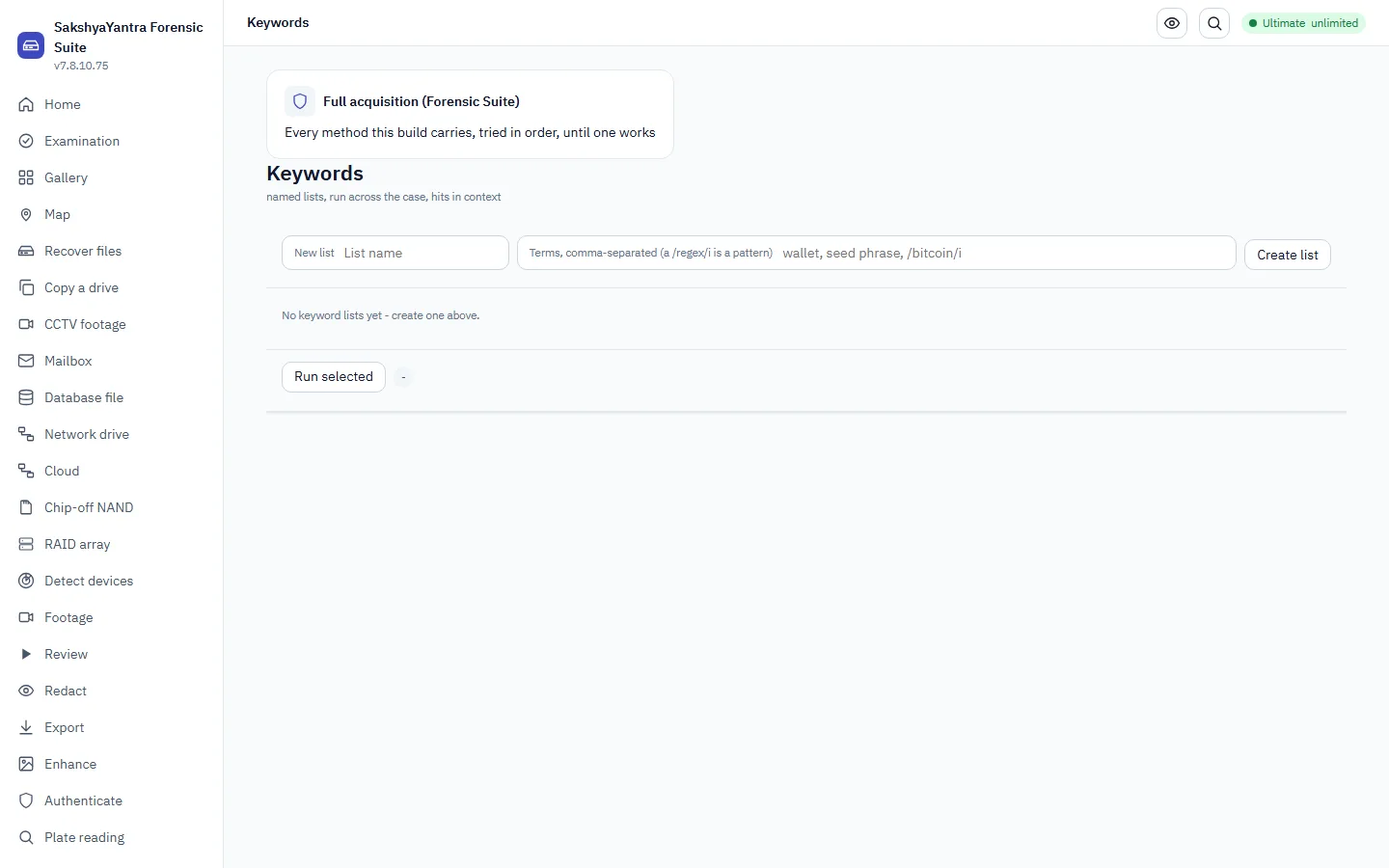
Search the case for keywords
Build named keyword or regex lists, run them across the case's indexed text, and review each hit with its highlighted context.
- Build a list
Literal terms or /regex/ patterns, case-sensitive or not, saved with the case.
- Run it across the case
Every indexed item is searched; a hit carries its keyword, source item, character offset and surrounding context.
- Mark a hit
Tag a hit or add it to a finding through the case's own door.
ISO/IEC 27037 7.6 - documentation
Run a vetted script on a case, safely
Scripts let a lab automate a repeated check over a case or an image. A script can only read. It runs in a separate process with no file, network or program access, uses a fixed read-only set of questions, and is logged by its fingerprint. This flow checks a script first, installs it once, runs it on the case, and keeps the result.
- Check the script before it runs
Verify prints what the script declares it needs, its fingerprint, its manifest, whether it is signed and whether the sandbox policy accepts it. Nothing is run.
ISO/IEC 27041 - assure that a method is fit for purpose before use.
- Install it once
Installing copies the script into the scripts folder with its manifest. A script the policy refuses is not installed. List shows what is installed.
ISO/IEC 27041 - controlled methods.
- Run it on the case or the image
Name the case folder and the examiner. Add the evidence image if the script reads one. Add the require-signed option where only reviewed scripts may run.
ACPO principle 3 - a record of every process applied.
- Save the rows and read the check
Save the result to a spreadsheet or JSON file. The result records the script's name, version and fingerprint, and whether the evidence stayed unchanged during the run.
ISO/IEC 27042 - interpretation.
Build an entity/connections graph over the case's contacts, messages, calls, mail and browser history, and read it as a graph - never a guessed relationship, only what those parsers already found.
- Build the graph
Entities (devices, people, phones, emails, accounts, domains) and edges (sms/call/chat/email/contact/visit), each with its own provenance.
- Explore it
The shortest path between two entities, and one entity's neighbourhood. `link nodes` lists the entities the parsers found, each edge keeping its own provenance.
- Bookmark an entity or a connection
Recorded as a finding through the case's own door.
ISO/IEC 27037 7.6 - documentation
Find the faces and tag the objects in a picture
Two triage filters help you decide where to look first in a large set of pictures. One finds where the faces are. The other lists what kinds of object are in the picture. Both are aids for the person reviewing. Neither says who anyone is, and neither is a finding until a person has checked it.
- Pick the picture and save a copy of the original
Use a PNG frame or a picture saved from the case. The original stays beside the processed copy, so the result can always be compared with it.
ACPO principle 1 - work on a copy.
- Find the faces
Apply the face filter. It draws a box round each face-like region and records how many it found and how sure it was. The default only keeps boxes scored 0.9 or higher.
ISO/IEC 27042 - a triage aid is not a finding.
- Tag what is in the picture
Apply the classify filter. It lists the best labels with their scores. Without an image-classifier pack installed it uses the object detector, which knows 80 everyday object types and nothing about scenes.
ISO/IEC 27042 - a triage aid is not a finding.
- Review every box and label by eye
Open the original and the processed picture side by side and check each box and each label. Delete none of them from the record. Write down which you accept and which you reject.
ISO/IEC 27042 - review by a competent person.
Enhance in the lab
Validated enhancement families, run as a recipe whose parameters are pinned, with the original kept beside the result and the chain printed beneath.
- Choose the frames
A frame pack or a folder of PNGs. The lab never opens the video itself; it works on frames whose digests it records.
- Pick or save a recipe
A chain of validated operators with its parameters pinned. A pin that no longer matches this build refuses to run rather than doing something else quietly.
SWGDE Best Practices for Image and Video Enhancement - documented, repeatable processing.
- Run it and keep bothsafety - cannot skip
The enhanced frame is shown beside the original, never instead of it; both are exported with the chain.
ISO/IEC 27042 s7 - reproducibility of processing.
- Measure it, calibrated
Pixel-only distance/area/angle needs no calibration. A real-world size needs a plane calibration (medialab measure --calibration) when the object lies square-on in one plane, or a full camera calibration (medialab calibrate, from the EXIF focal+sensor, or stated intrinsics) when it does not. From a calibrated camera: the height of something standing on the ground (medialab height - single-view metrology/Criminisi, needs a reference of known height plus the vertical vanishing point and the horizon), a speed from a displacement in a calibrated plane over a real PTS interval (medialab speed), or a metric 3-D distance from two calibrated views (medialab pose on each view, then medialab triangulate). Every result states its expanded uncertainty (k = 2, ~95% only if the errors are normal and independent) and what that interval does NOT cover - a wrong plane assumption, a subject not upright, or uncorrected lens distortion are errors, never uncertainties.
Criminisi, Reid & Zisserman, IJCV 2000 (single-view metrology); ISO/IEC 27042 s9 - method and uncertainty stated with the result.
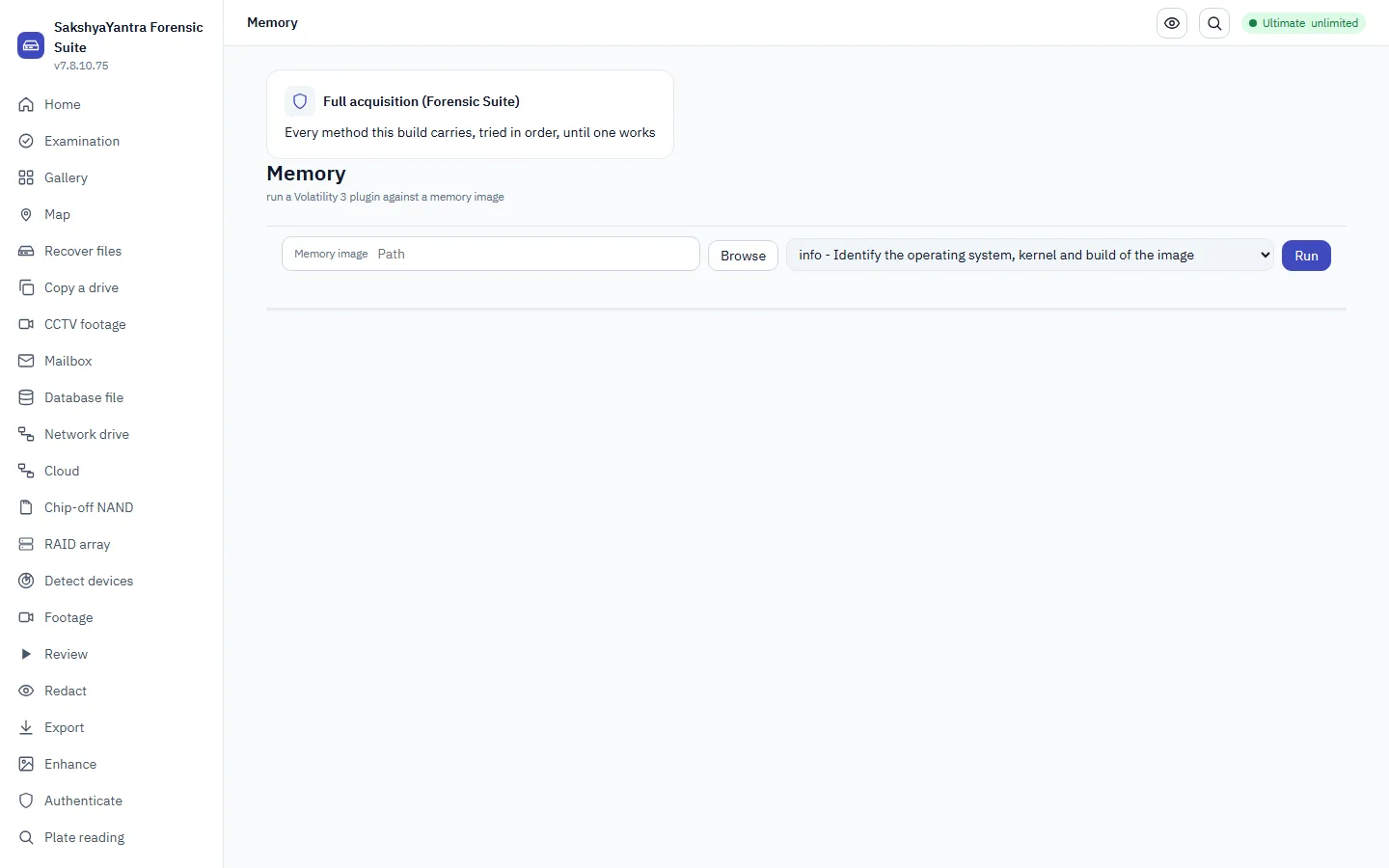
Analyse a memory image
Run a Volatility 3 plugin - processes, network, DLLs, handles, malware detection - against a memory image and read the result as a table.
- Pick a plugin
Processes, process tree, command lines, network connections, loaded DLLs, open handles, or a malware-detection plugin, for Windows, Linux or macOS.
- Run it
Offline by default; an honest refusal names what is missing (no image, Volatility 3 absent, symbols unavailable) rather than guessing.
- Add a row to a finding
The exact row, the plugin and the Volatility 3 version travel with it.
ISO/IEC 27037 7.6 - documentation
Capture a running machine's memory
Memory is the most fragile evidence there is: it is gone when the power goes. This flow checks what this machine can capture, proves the pipeline on a harmless sample, takes the capture, and records its fingerprint and custody notes. A capture needs administrator rights and a driver or kernel facility. Where none is available the command refuses and says what is missing.
- Record the authority and the order of worksafety - cannot skip
Write down who allowed the capture. Take memory before anything is switched off, and before the disk is copied. The command records the examiner, the basis and the case.
RFC 3227 - order of volatility; NIST SP 800-86 s3.1.1.
- Ask what this machine can capture
The list names every method, whether it can run here, and what each one still needs. Nothing is captured.
RFC 3227 - know what you can collect before you start.
- Prove the pipeline on a sample
The self-test runs the whole pipeline on a harmless stand-in and checks the copy, the two fingerprints and the custody record. It does not touch real memory.
ISO/IEC 27041 - show the method works before relying on it.
- Take the capture to a separate drive
Write the image to a folder on a different drive from the one in the machine. Leave the method on automatic unless the list showed a reason to choose one.
RFC 3227 - collect to external media; NIST SP 800-86 s3.1.1.
- Read the fingerprint and custody record
Two files are written beside the image: a checksum file and a custody record. The image counts as verified only if the fingerprint taken while writing equals the one taken by reading the file back.
ISO/IEC 27037 s7.1.4 - verification.
- Hand the image to the Memory screen
Open Memory, choose the image, and run the full analysis or one plugin. The image is hashed before and after.
NIST SP 800-86 s3.2 - examination.
A model may be asked what a plate says - after the examiner has sealed their own reading, and only as an AI observation that a typed reviewer decision can later promote.
- Prepare the frame packsafety - cannot skip
Only a frame pack ever leaves the machine, and only in the mode the agency has switched on: none, a local model pack, or a cloud provider behind the authorisation switch. Reachability is checked before any key is touched.
Owner's rule (CLAUDE.md, SakshyaYantra video rules) - the frame pack is the only unit that leaves the machine.
- Seal your own readingsafety - cannot skip
What you read, sealed with a digest before the model is asked. The order cannot be reversed: the reveal is refused until the seal exists.
Owner's rule - the examiner's reading is sealed BEFORE any AI answer is shown.
- Read the AI observation
Model, version, prompt, input digests, time and the verbatim text - labelled an observation, never a finding, and the transfer manifest lists every digest that left.
Owner's rule - an AI response is an observation, promoted only by a typed reviewer decision.
We publish a registry, not a 'hundreds of formats' claim: a format is listed only when a real sample decoded a frame. This screen shows that proven coverage, the signed recorder registry, and the specimens we hold but cannot yet decode - and lets you send a new sample, offline and consent-gated, so breadth grows one proven specimen at a time.
- Read the proven coverage
The count of (container, codec) pairs that decoded a frame from a REAL sample - the number we can prove, never a claimed total.
- Read the recorder registry
The signed make / model rows, each proved by a specimen; when there is none it says why, never a blank.
- See what is not yet supported
Real specimens we hold but cannot yet prove a decoded frame from - the honest gap, never dressed up as support.
- Send a sample for support
Offline and consent-gated: only the first 1 MB and the hash leave the file - never a frame, never case data, no transport - so a new recorder can be worked on next build.
A mask over a region of frames, a named person's typed decision, and an export that is refused until that decision says approve.
- Mask the region
Pixels in the frame, from one frame to another; optionally followed across frames. The original is never written to; the mask is a record with its own chain.
SWGDE Best Practices for Forensic Video Analysis s9 - processing recorded and repeatable.
- A named reviewer decidessafety - cannot skip
Approve or reject, typed with a name and a note. The decision goes into the hash-chained audit trail and the report. Recorded by the software, not authenticated by an account system - and said so.
ACPO principle 3 - a record of all processes, and who applied them.
- Export the redacted copysafety - cannot skip
Refused until an approve decision exists. The copy carries the mask chain and its hashes; the original stays as it was.
ISO/IEC 27042 s8 - a derived item names what it was derived from.
Playback that lands on the frame you asked for, with the three clocks kept apart, and a frame pack as the only thing that leaves the machine.
- Open the asset
The frame server reads the index first: frame count, keyframes, gaps and field steps are reported before a picture is drawn, and none is interpolated.
SWGDE Best Practices for Forensic Video Analysis s6.2 - frame-accurate access.
- Step through the frames
Presentation ticks, the decoded index and the recorder's overlay text are three fields and are never merged into one time. Bookmark what you see in your own words.
SWGDE s6.3 - timing recorded per frame; the recorder clock is text, not truth.
- Capture a frame packsafety - cannot skip
A few frames as PNG, each with its times, its source id, hash and extent and its own SHA-256, plus a hashed manifest. Never the video. Verify it before it leaves.
ISO/IEC 27042 s8 - derived items hashed and traceable to the original.
Examine an image or file for concealed data - bytes appended after its end, a whole file embedded inside it, a known stego tool's signature, or a payload hidden in the pixels' least significant bits - then carve out what is found. The exhibit is read only and never changed.
- Choose the file to examine
Point at the exhibit - a photo, a scan, an audio file or any file a payload might be hidden in. It is opened read only.
ISO/IEC 27037 7.5 - collection and preservation
- Run the examination
The battery checks for appended data, embedded files, known stego-tool signatures and LSB payloads (chi-square for sequential embedding, RS analysis for a payload estimate). Each step is shown as it runs.
- Recover what was found
Where something is found, carve it out to a folder you pick. A carve is confirmed only when identifiable bytes come back; anything uncertain is labelled so, never overstated.
- Read the indicators and their limits
The result is a list of indicators - each a measurement, the check that made it and that check's limit - not a verdict. Ordinary camera files carry embedded thumbnails and trailing vendor data that look like hidden content, so an indicator is a reason to look, never proof of a payload; and no indicator from these checks does not show a file is clean, because content-adaptive schemes need a trained model pack, which the tool says is not installed rather than missing silently.
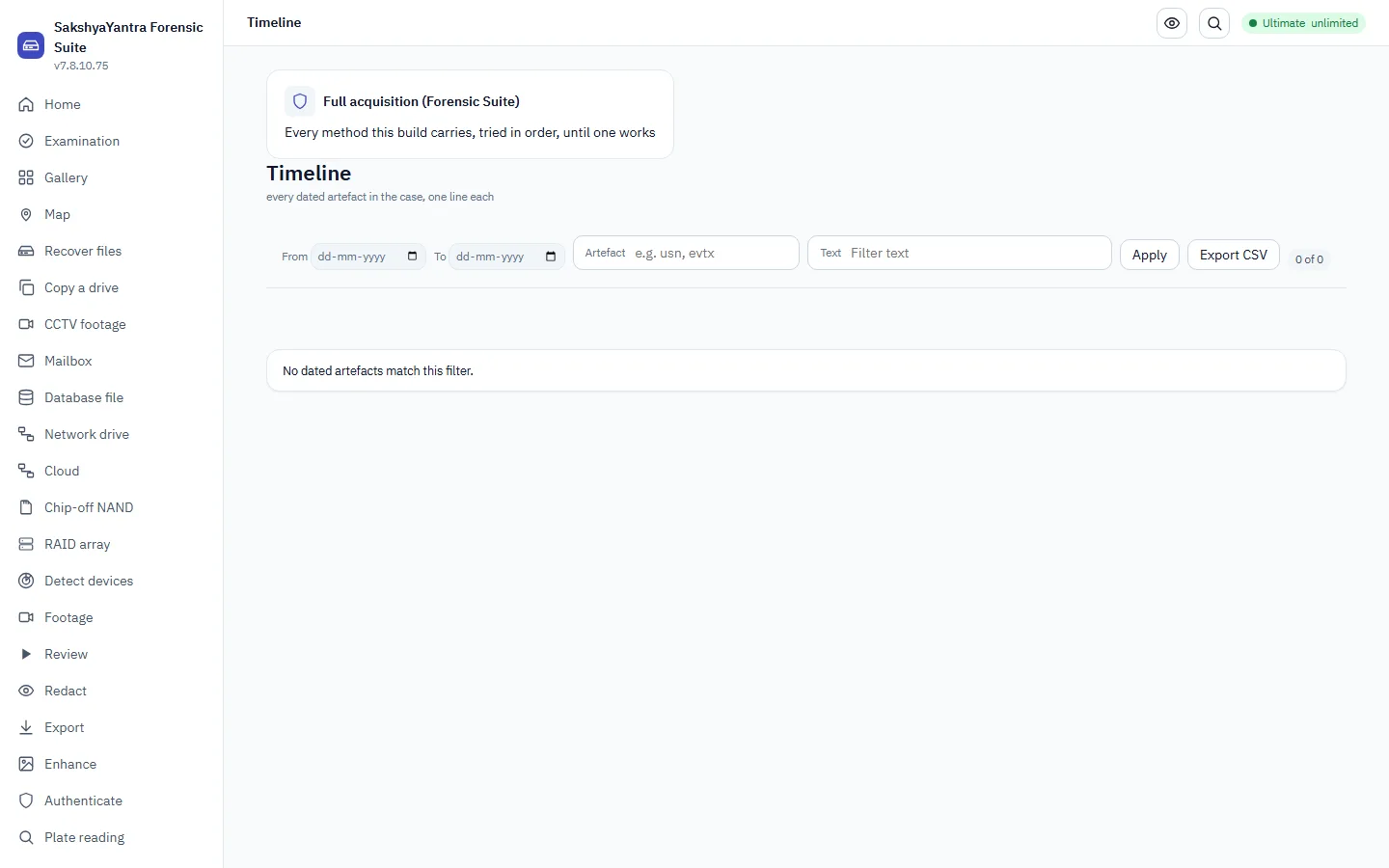
Every dated artefact the case's exhibits carry - one line each, filterable by date, artefact, source or text, with a zoomable histogram.
- See the shape of the case
The histogram buckets events by day (or another grain); an empty bucket is absent, never invented.
- Narrow it down
By date range, artefact type, source exhibit or free text.
- Mark an event
Tag it or add it to a finding through the case's own door in the app; the command line lists and exports the timeline but does not tag events.
- Export it
log2timeline/Timesketch CSV (l2tcsv) or JSON.
Evidence viewer
In SakshyaYantra Examiner, SakshyaYantra Enterprise, SakshyaYantra Media, SakshyaYantra Mobile
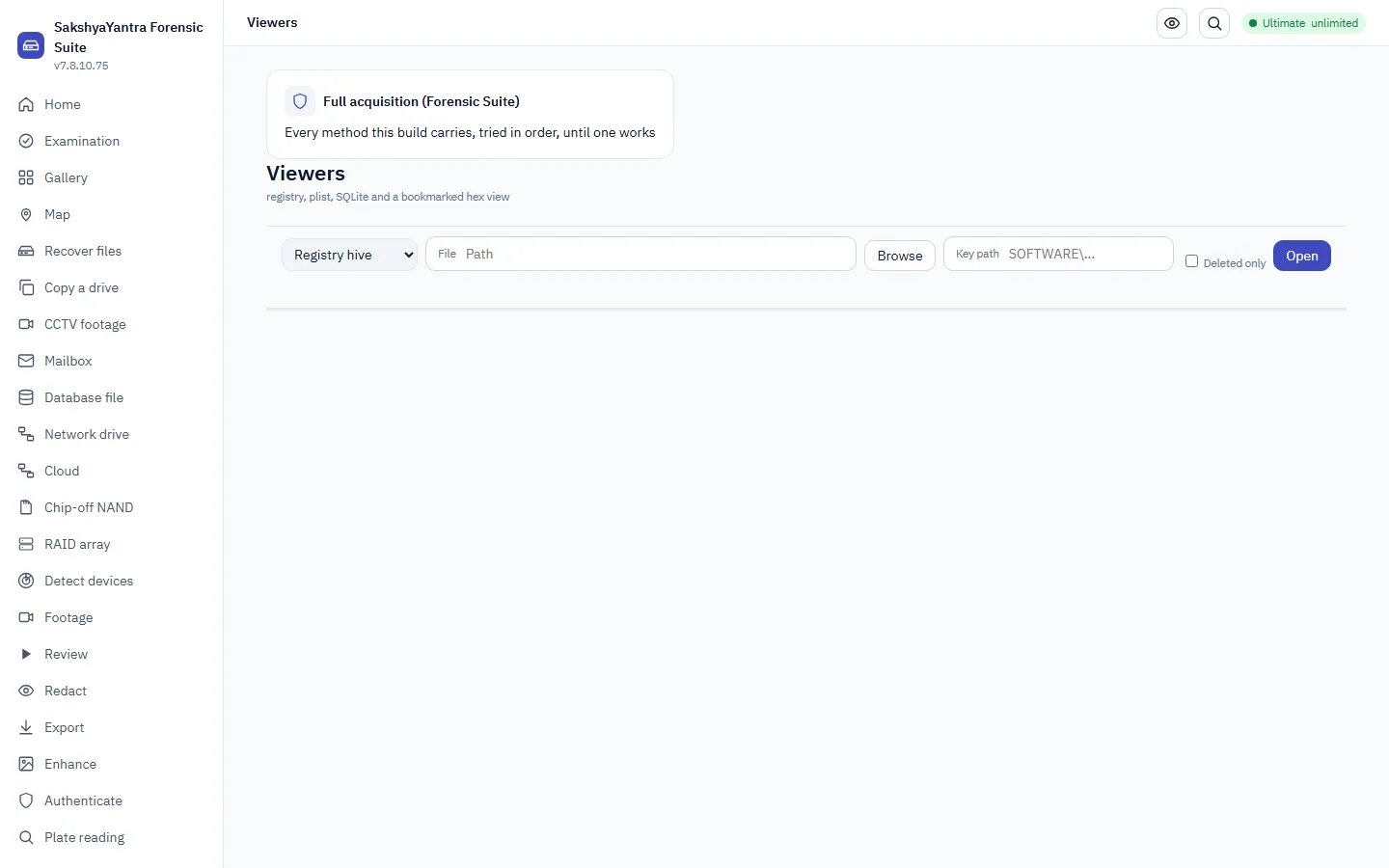
Walk a registry hive's keys and values, a property list's tree, or a SQLite database's tables and rows - or read any file as bookmarked hex.
- Pick a viewer and a file
Registry hive, plist, SQLite database, or hex - deleted keys/values and deleted/superseded rows are a switch away.
- Walk the structure
Subkeys and values with types; tables with schema and row counts, then a page of rows; a paged hex window with typed data interpretation.
- Bookmark a byte range
The bytes (up to 256) and their SHA-256 are captured, so a later reader can prove the mark still points at what the examiner saw.
ISO/IEC 27037 7.6 - documentation
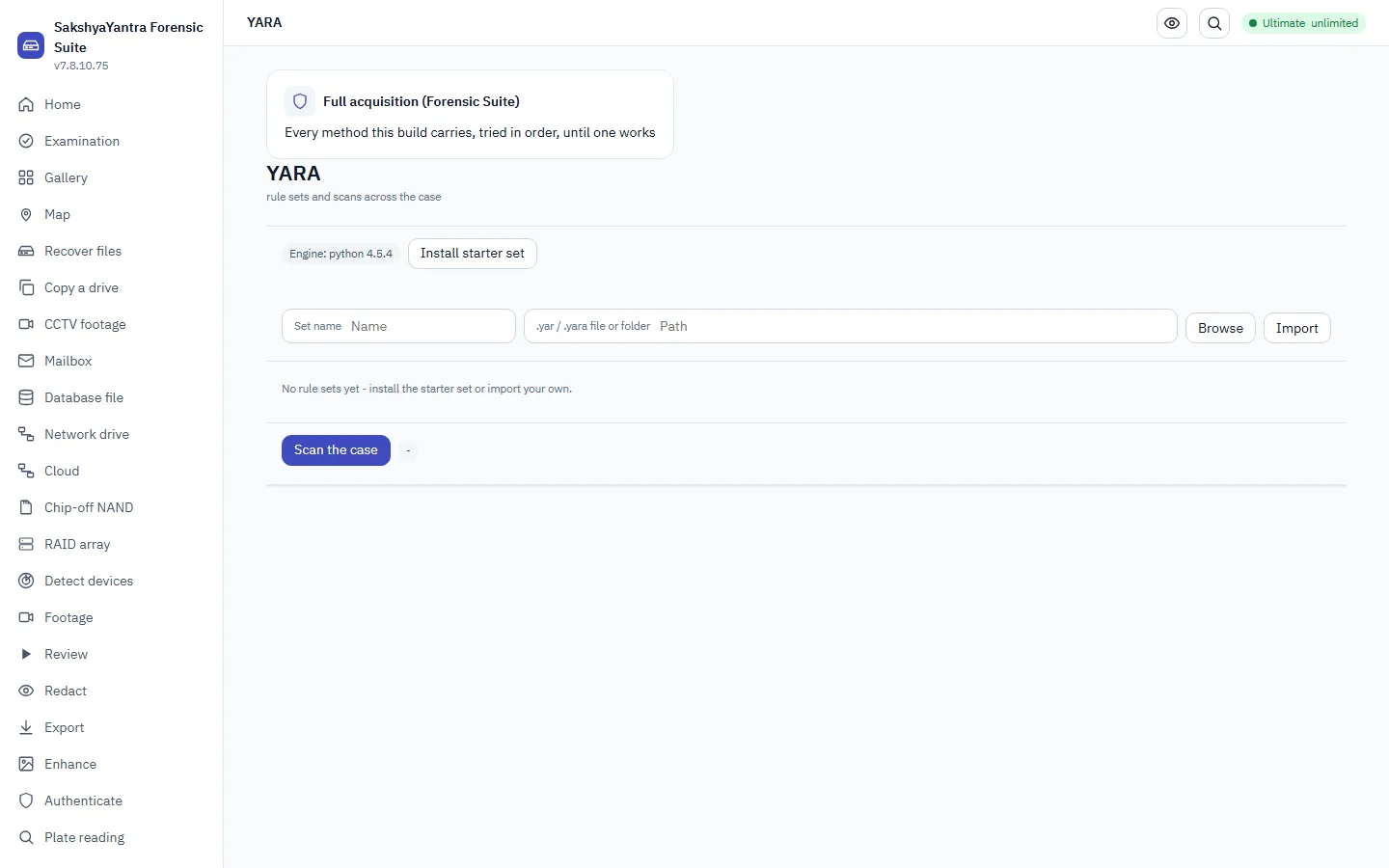
Manage named rule sets - a bundled benign starter, or your own .yar files - and scan the case's evidence with the enabled ones.
- Install or import rule sets
The bundled starter set (PEM key / PE / email / demo marker, no malware signatures), or your own .yar file or folder - a bad rule is reported, the rest of the set still saves.
- Scan the case
Runs the enabled sets over the case's evidence with the real YARA engine (yara-python or the yara tool) - never a hand-rolled matcher.
- Mark a hit
Tag a hit or add it to a finding, with the matched rule, set and offset.
ISO/IEC 27037 7.6 - documentation
Clean up, separate, redact, line up or re-attach the sound of a recording. Every tool writes a NEW file beside the original, which is never changed, and says what it did.
- Choose the recording
Pick the audio file, or a video that has sound. It is opened read-only; whatever you do next is written to a new file.
ISO/IEC 27037 7.5 - collection and preservation
- Make speech easier to hear
Enhance lowers background noise. The classical lane is a plain measurement; the deep-learning and separation lanes give an investigative lead and are labelled that way - listen to the original beside the result.
- Remove what must not be heard
Bleep or mute the time ranges you name. This is permanent in the new file; the original is untouched and the video picture, if any, is copied unchanged.
- Line two recordings up by their sound
Find the offset between two recordings of the same event by comparing what they both heard, and save the report.
- Put the processed sound back on the video
Replace a video's sound with the processed track without re-encoding the picture.
- Keep the result and say how it was made
Each new file is listed with the tool, the settings and the original it came from. Add the results to the case report so a reader can repeat the work.
ISO/IEC 27037 7.6 - documentation
See what is on the drive in seconds, tick the files or folders you want, and recover only those - instead of waiting for the whole drive and picking afterwards.
- See what is on the drive
We read the index - the filesystem's own record of names and folders, deleted entries marked - without touching any file's contents. Seconds, and free.
Browse before recovering. R-Studio and DMDE both read the index first and let you choose.
- Tick what you want back
A ticked folder covers everything under it. Find by name, modified date or minimum size; deleted entries carry their recovery chances so you know before you commit.
- Where should the recovered files be saved?safety - cannot skip
A folder on a different drive. Only the ticked files are read and written - the destination never holds more than that.
- Recover the selectionsafety - cannot skip
Only what is ticked is read from the source and written out, under its own folder path rather than sorted by type.
- Check what came back
The same completeness check a full recovery gets, scoped to the files you actually asked for.
Windows says the disk must be formatted, or shows it as RAW. RECOVER FIRST, FORMAT SECOND - never the other way round: the files come out through the ordinary recovery, and only then is the disk given a fresh partition table and filesystem so it can be used again. Where the hardware is failing, this refuses and says so.
- Get the files out firstsafety - cannot skip
A format destroys exactly what a recovery exists to save. This door opens only after a recovery has finished, and where the scan found files that have not been exported it refuses and says how many.
Recover before you repair - the ordering diskrepair and every professional workflow put first.
- Check the drive is fit to be formatted
Read-only, about 12 seconds: whether the disk reads at all, how many read errors, and whether it stays present and steady on the bus. A disk that drops or cannot be read is refused - formatting failing hardware only wastes what is left of it.
- Choose the filesystem
exFAT for cards and sticks used across devices, NTFS for a Windows-only disk, FAT32 where an older device needs it (4 GB file limit). The choices that do not fit the disk say why.
- Type the drive's serial number to confirmsafety - cannot skip
Typing the serial back proves you picked the right drive. The system disk and the disk this program runs from can never be formatted here.
- Format and verifysafety - cannot skip
A fresh partition table and filesystem are written, the disk is read back, and the record shows each step taken and the drive letter Windows gave it.
Where consent-based copying cannot reach the data, this works down every physical/file-system method this build carries - in order - and stops at the first that works. A forensic act: recorded, and only in a build the forensic family was given it in.
- Describe the device
What it answers with, or a picked class - nothing is assumed about a device this build has not identified. Reachability is checked before anything is tried.
ISO/IEC 27037 7.4 - identification of digital devices.
- Read the ranked plan
Every method this build carries for this device, ranked, with the honest gap named when none can reach it.
- Record the operator's lawful authoritysafety - cannot skip
A physical/file-system acquisition is only lawful with the owner's consent or proper authority. This is recorded and cannot be skipped.
- Attempt, in order
Works down the ranked list and stops at the first method that succeeds; a failure names every method tried.
Owner's rule (CLAUDE.md, R-MOBILE-FULL) - the honesty boundary is what public exploits actually reach.
Keep your own readable record of what you did in a sitting: the tools you ran, where you went, the notes you typed, the files they made and, in the application window, pictures of the screen. When you stop, the program makes a PDF of it. It is YOUR working record - it is not the chain-of-custody record, and the official audit trail keeps running exactly as it always does, whether you record or not.
- Start a recording
Choose Start recording in the strip at the top. A recording begins when you start it and covers only what happens after that. It is tied to the open case, or stands alone when no case is open.
- Work as you normally do
Run your tools and move between screens as usual. The program writes down each tool you run, where you go and the files it makes. Passwords, keys and secret screens are never recorded.
- Add notes and capture the screen when it helps
Type a note when you want to remember why you did something. Capture now takes a picture of the application window by hand; pictures are also taken after each step.
- Stop and create your PDF
Stopping, or closing the program, saves the recording and makes a PDF and a web-page copy of it. If there is no time to make the PDF when you close, it is made the next time you open the product.
- Review or reopen a recording
The list holds recordings still in progress and finished ones. Open one to read its steps and pictures, check that it has not been changed, or open its PDF. A recording that was cut short can be resumed.