When you need hardware help
Software recovery has a hard boundary: it can only work on bytes a device will hand over. These are the situations that sit on that boundary - what you are looking at, what it usually is, what to procure, what never to do to the device meanwhile, and what this software does once the hardware side is solved. The job comes back here as an image.
The drive does not spin up, or the computer does not see it at all
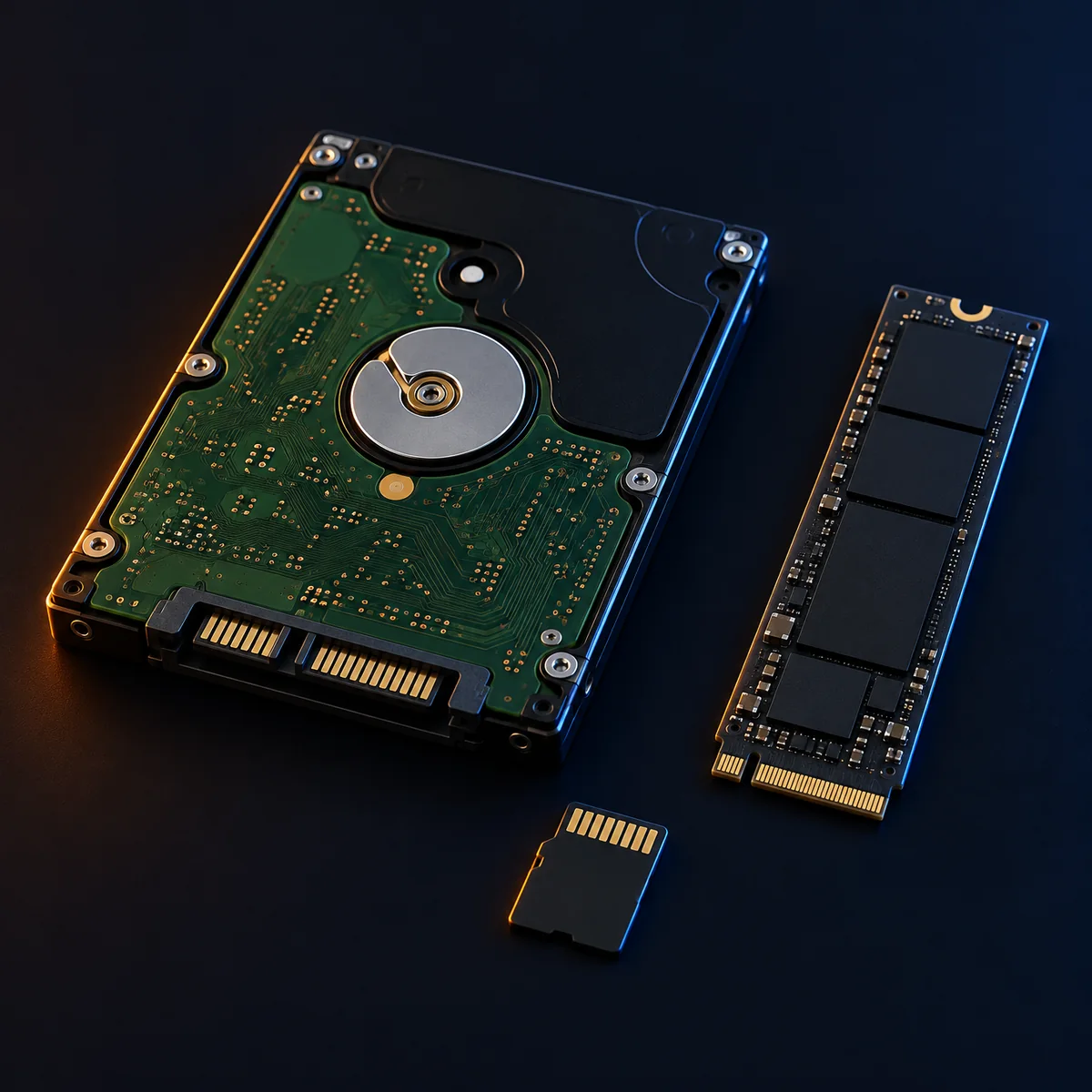
What it usually is: Failed electronics (PCB), a seized motor, or failed heads. This is mechanical or electronic failure - there are no bytes for any software to read.
What to procure
- A cleanroom data-recovery lab service; for head or motor failure they will need donor parts matched to the model and firmware
- Nothing else - PCB swaps on modern drives fail without moving the original ROM chip, so this is lab work, not bench work
- Power it on repeatedly - every attempt with failed heads can scrape the platters and turn a recoverable case into a lost one
- Open the drive outside a cleanroom
- Freeze it, tap it, or swap the PCB from a same-model drive
Ask the lab for a raw or E01 image of the drive rather than 'the recovered files'. Every product here recovers from that image with names, folders and verification, and the original never has to be powered again.
The drive clicks, beeps or buzzes, and recovery is slow or impossible
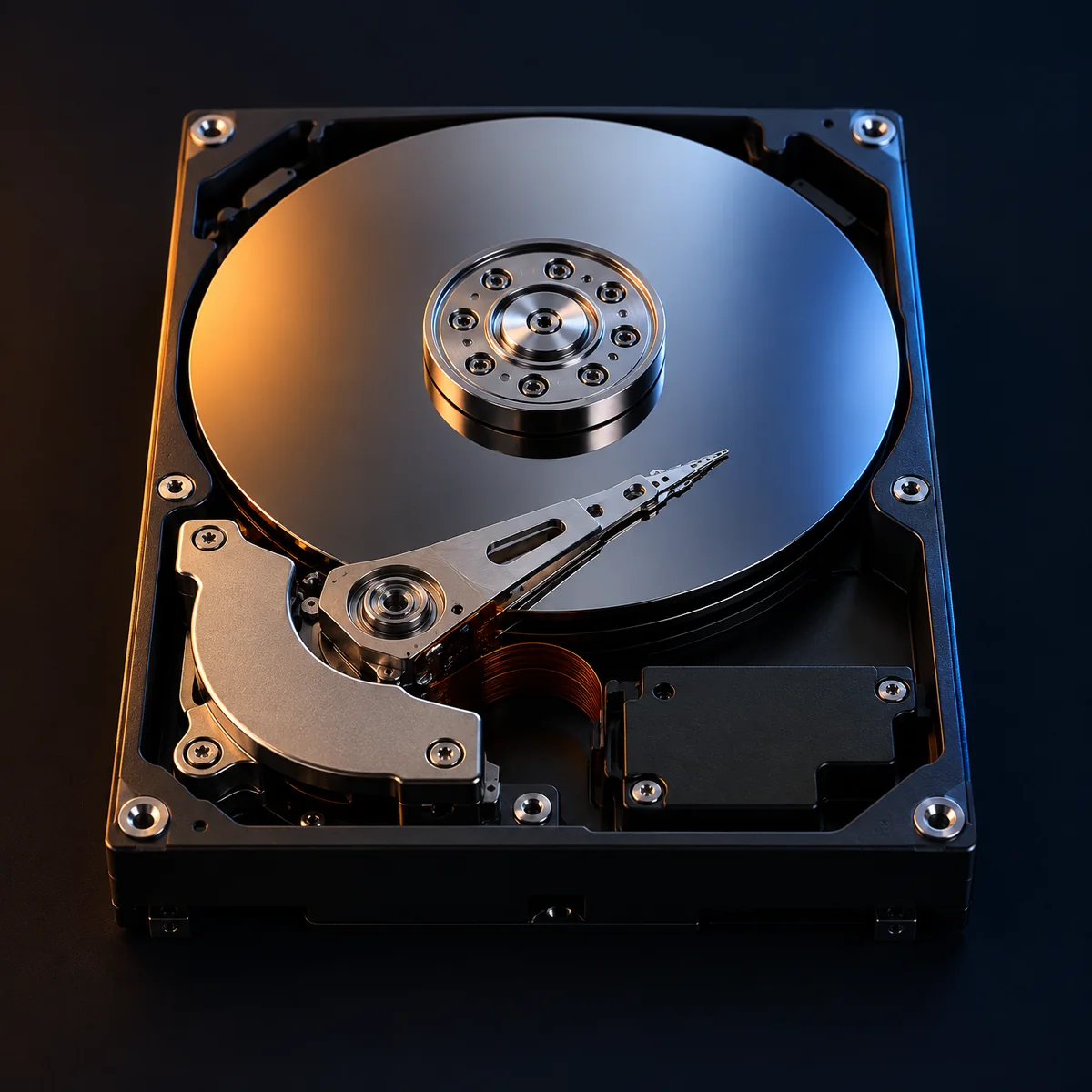
What it usually is: Clicking is usually the heads failing to find the servo tracks: head damage or degrading platters. A BEEPING external drive is often just underpowered - the motor cannot start on the current a laptop port supplies.
What to procure
- First, for a beeping USB drive: a powered USB hub or the enclosure's own mains adapter - the cheap fix that solves the underpowered case outright
- If it clicks on good power: a cleanroom lab service; head replacement needs donor heads and a cleanroom
- Keep retrying a clicking drive - its remaining life is measured in minutes of spindle time, and those minutes belong to the lab
If good power fixes it, image the drive immediately with the fail-fast imager (easy data first, bad areas skipped and retried last) and recover from the image - do not scan the drive directly.
The drive is seen but reads extremely slowly, or keeps disappearing from the computer
What it usually is: Either the media is failing (pending sector reallocations stall every read) or the USB enclosure's bridge board is failing under load - the drive itself may be healthy.
What to procure
- A plain SATA-to-USB adapter or dock, to take the enclosure's bridge out of the chain
- A powered USB hub - bus-powered drives brown out under sustained imaging load
- A destination drive at least as large as the source, for the image
- Run a full recovery scan directly on it - hours of sustained load on a failing device; image once, gently, instead
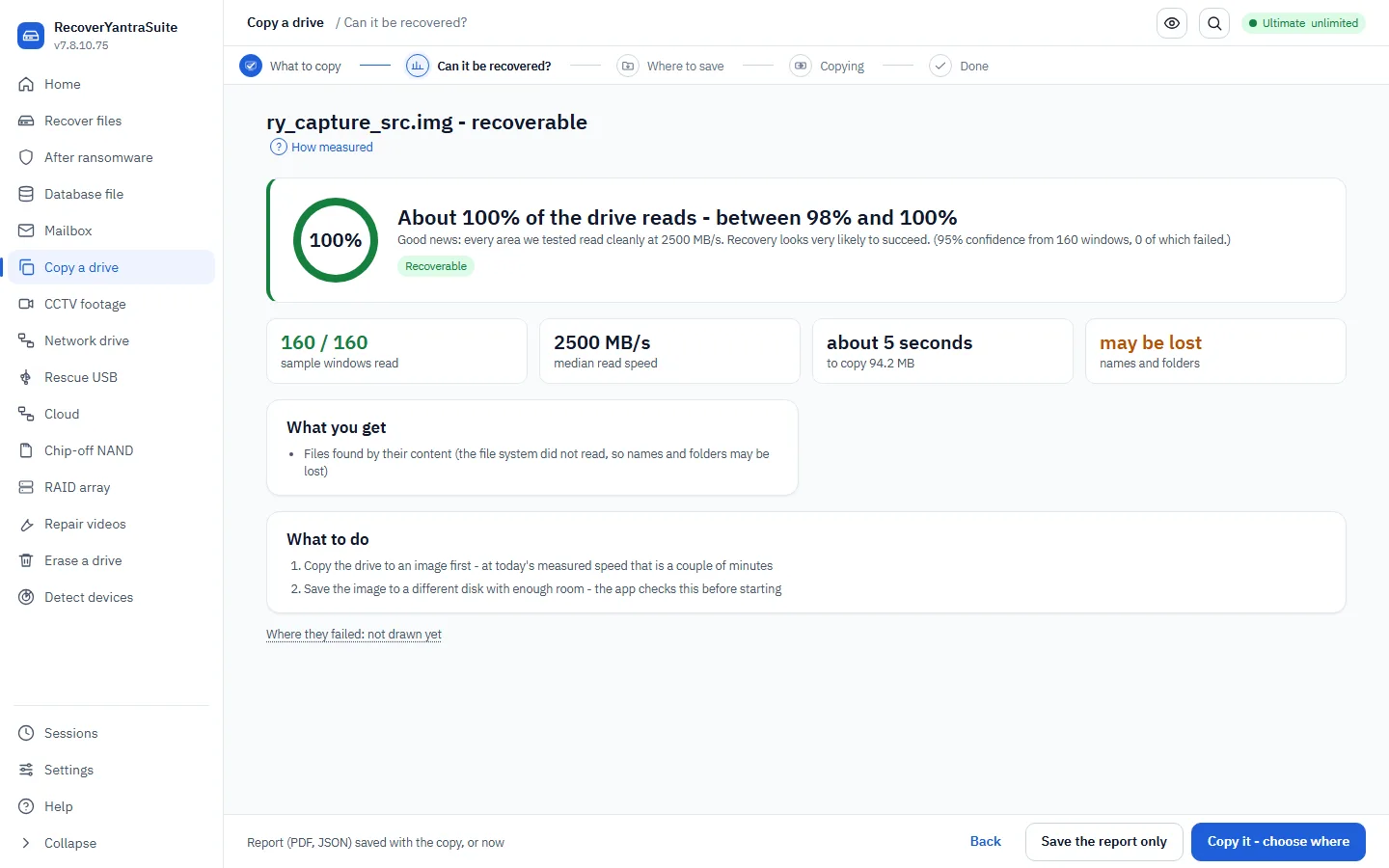
The feasibility check measures read speed and estimated unreadable fraction in minutes and states whether imaging is realistic; the imager then copies the easy data first and can be stopped and continued when the drive drops off the bus.
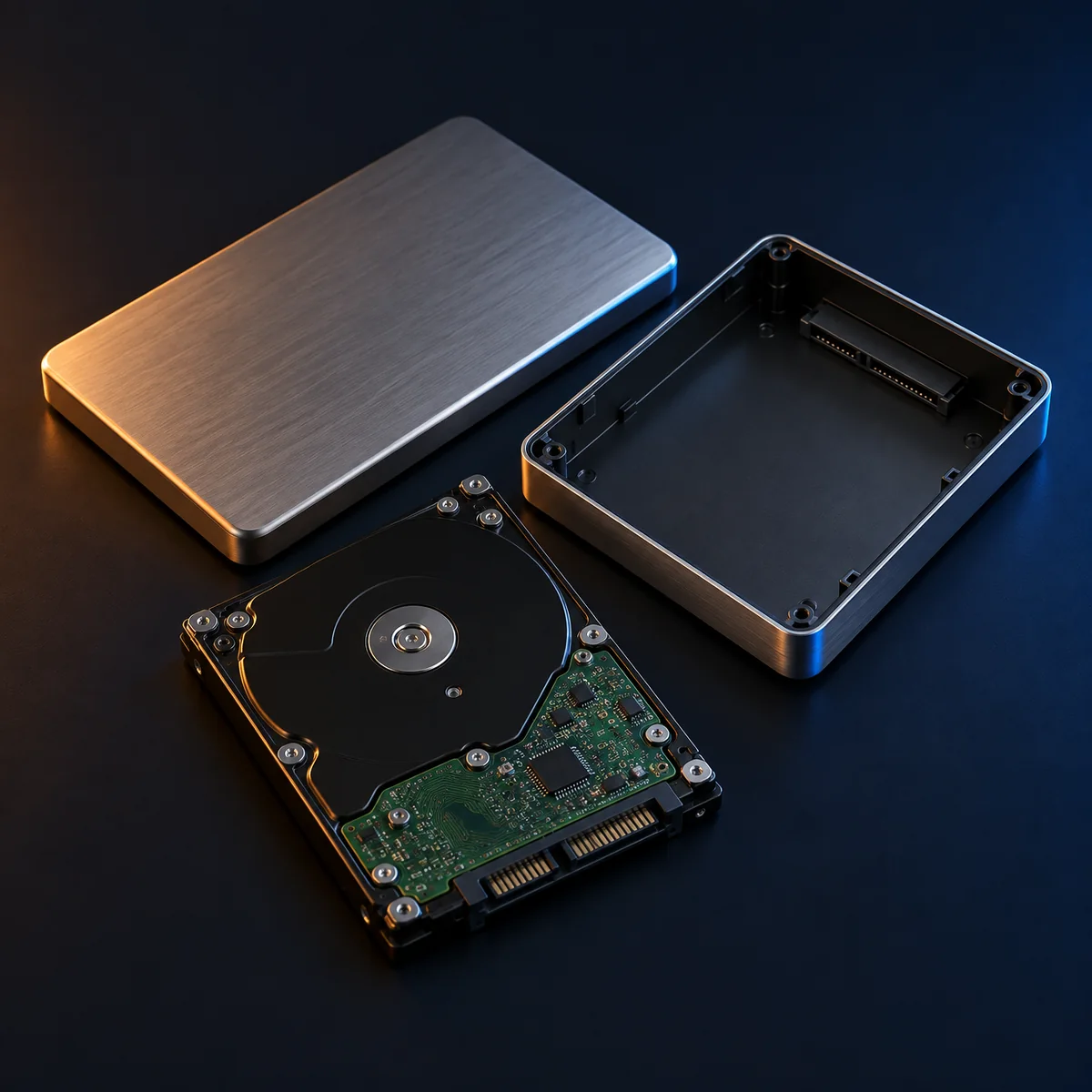
An external drive's enclosure is dead, but the disk inside looks fine
What it usually is: The bridge board (the USB electronics) has failed - far more common than the disk failing. One critical exception: many branded externals ENCRYPT on the bridge board, so the disk alone reads as noise without it.
What to procure
- A SATA-to-USB adapter or dock to read the bare disk
- KEEP the original enclosure and its board even when dead - if the bridge encrypted, a lab can transplant or read through its ROM, and without that board the data is ciphertext
- Discard the enclosure before the data is confirmed readable on another adapter
If the bare disk reads normally, image it and recover as usual. If every sector reads as random noise, stop - that is bridge encryption, and the original board plus a lab is the path.
An SSD or NVMe drive is suddenly not detected, or shows as a tiny wrong size
What it usually is: Controller or firmware failure. Chip-off reading rarely helps on modern SSDs - the controller encrypts and scrambles across chips - so this is specialist lab work. And on SSDs, TRIM permanently clears deleted data within minutes of deletion: on a healthy SSD, deleted-file recovery windows are short.
What to procure
- A specialist SSD recovery lab service (firmware-level access to the controller)
- For NVMe sticks pulled from laptops: a known-good NVMe USB enclosure to rule out the slot or cable first
- Update or reflash drive firmware on a drive whose data matters
- Leave a healthy SSD with accidentally deleted files powered on - TRIM runs in the background; image it or power it down now
Anything the lab can image, the products here recover; the engine states the TRIM reality up front instead of selling a scan that cannot succeed.
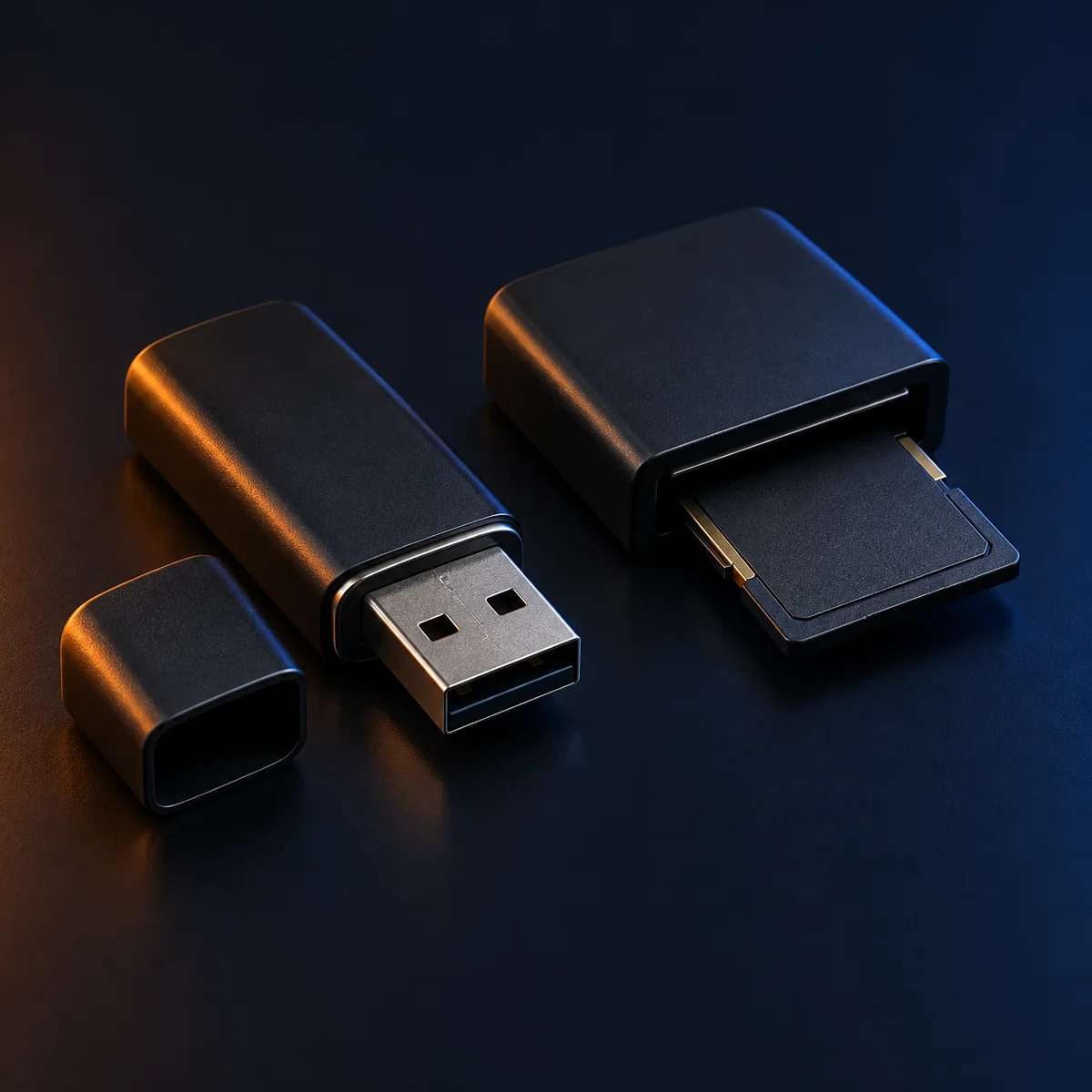
A USB stick or memory card snapped, bent, or stopped responding
What it usually is: Broken connector or substrate, or failed controller. If the flash chip itself is intact, the data is usually intact inside it.
What to procure
- For a snapped connector: a micro-soldering repair service - reflowing the connector is often enough
- For a dead controller or monolith card: a chip-off lab, which reads the flash chip directly. Ask them only for the READ - the raw dump, spare areas included. Rebuilding it is software and happens here, so there is no need to buy their reconstruction as well
- Bend it back and force it into a reader
- Reformat when the card asks - the ask is a symptom, and formatting writes over the evidence of what was there
- Accept 'recovered files' from the lab in place of the raw dump - once it is reduced to files you cannot check their work, and anything they missed is gone with the dump
Send us the raw dump. RecoverYantra works out the page and block layout, unscrambles the controller's data channel, applies the chip's own error correction and puts the blocks back into logical order, then recovers from the image that falls out - and it says which pages it could not verify rather than quietly handing them over. If the lab hands you a finished image instead, that works too: card images are the engine's home ground.
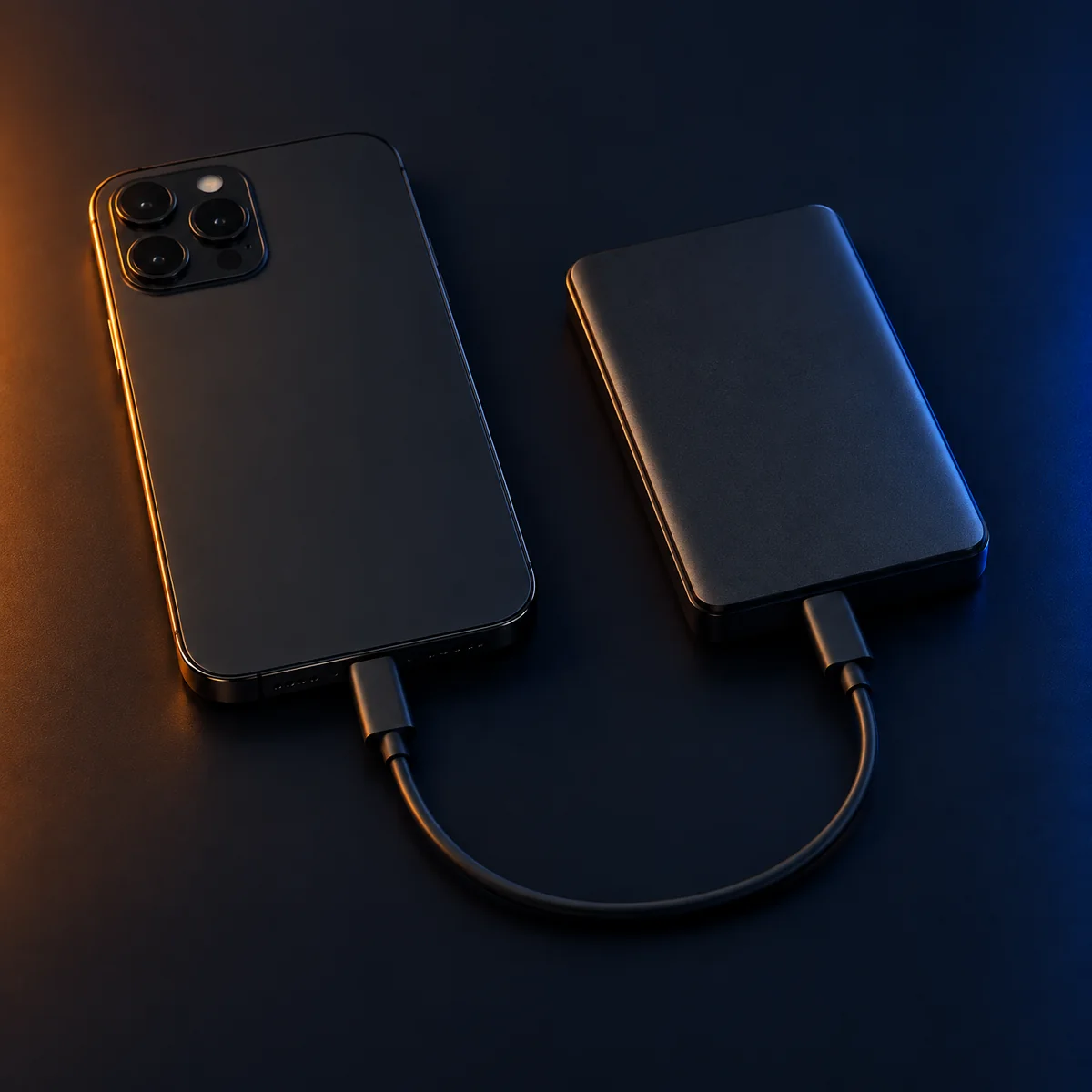
A phone is locked, broken, or will not trust the computer
What it usually is: Modern handsets encrypt storage against the passcode in hardware - the locked state is cryptographic, not a missing driver. A broken screen on a working phone is an input/output problem, not a data problem.
What to procure
- For a broken screen: a screen or USB-OTG adapter repair so the phone can be unlocked and this computer approved - then everything readable copies normally
- For a genuinely lost passcode: a specialist phone-unlock lab service; consumer hardware cannot do this, and neither can any software product
- The right cable for the handset - a surprising fraction of 'dead phone' cases are charge-only cables
- Guess passcodes freely - handsets escalate lockouts and some wipe after repeated failures
- Factory-reset to 'start clean' before data is secured
Check for existing backups first - desktop iTunes/Finder backups and Android backups are read directly here, and often contain the photos the phone is locked around. Any image a lab produces is parsed here too.

The drive reads fine but every byte is ciphertext - BitLocker, LUKS, FileVault, or an unknown scheme
What it usually is: Full-volume encryption doing its job. This is a KEY problem, not a hardware problem: with the key it opens in seconds, without it no lab and no software opens it either.
What to procure
- The recovery key: printed sheets, password managers, Microsoft account (personal BitLocker), Active Directory or Intune/MDM escrow (corporate), the distribution's LUKS header backup practice
- Nothing else - money spent 'cracking' strong encryption is money lost
- Reformat or 'repair' the volume - a damaged encrypted volume plus the key is recoverable; a reformatted one is not
BitLocker, LUKS1/2 and FileVault2 unlock inside the products here once any key form is found, including on damaged volumes where the OS refuses - image first, then unlock the image.
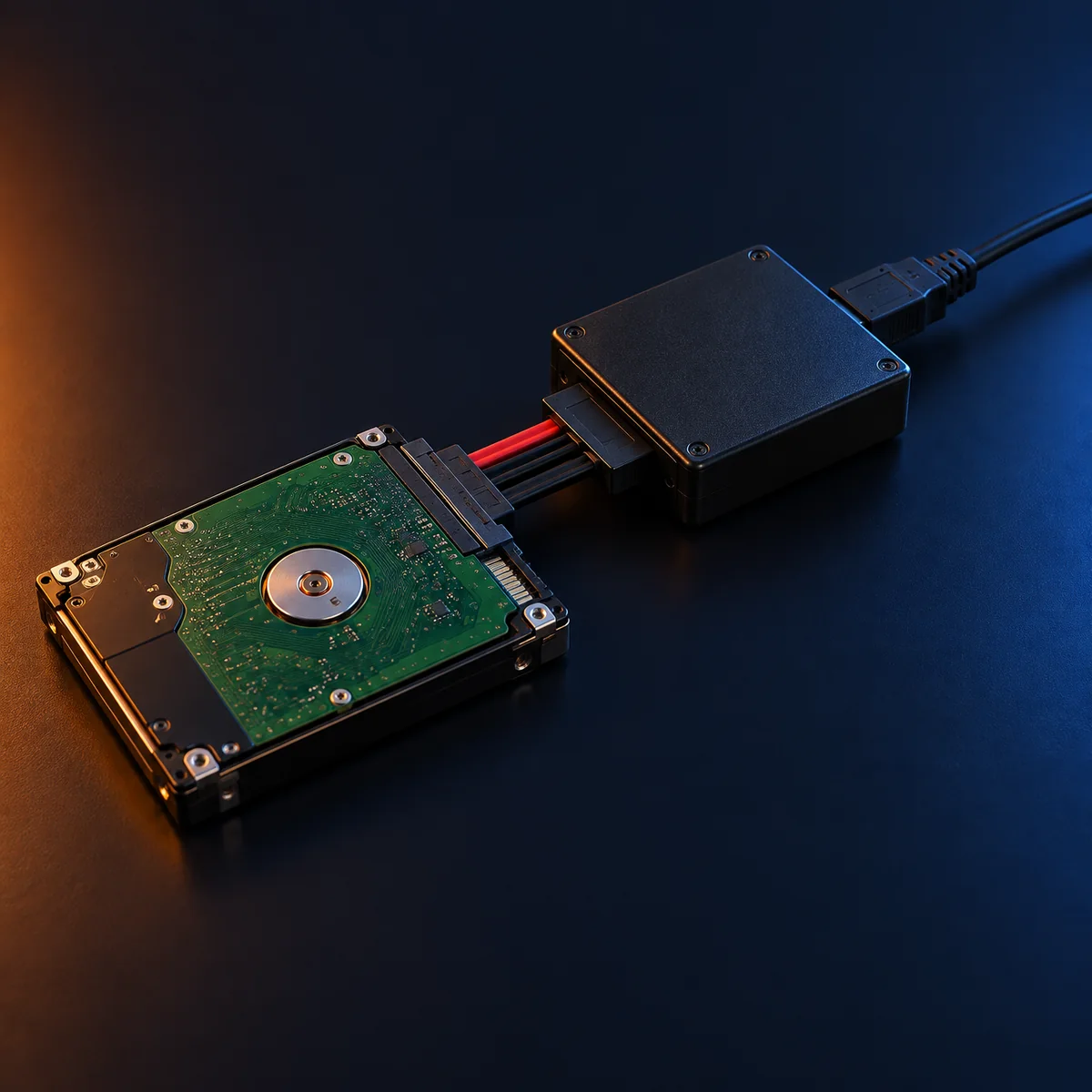
The media is evidence, and nothing may write to it - not even the operating system
What it usually is: Not a fault: a procedural requirement. Windows mounts and touches volumes on plug-in unless prevented; for court work the write path must be blocked in hardware.
What to procure
- A hardware write blocker (USB and SATA models) for original evidence media
- Labelled destination drives for images, one case per drive
- Browse the evidence drive 'just to check' in Explorer on an unprotected port
The forensics products open sources read-only, hash during acquisition, verify after, and MEASURE the source unchanged (fingerprint before and after) - and the report states that software write-blocking complements, not replaces, a hardware blocker for original evidence.
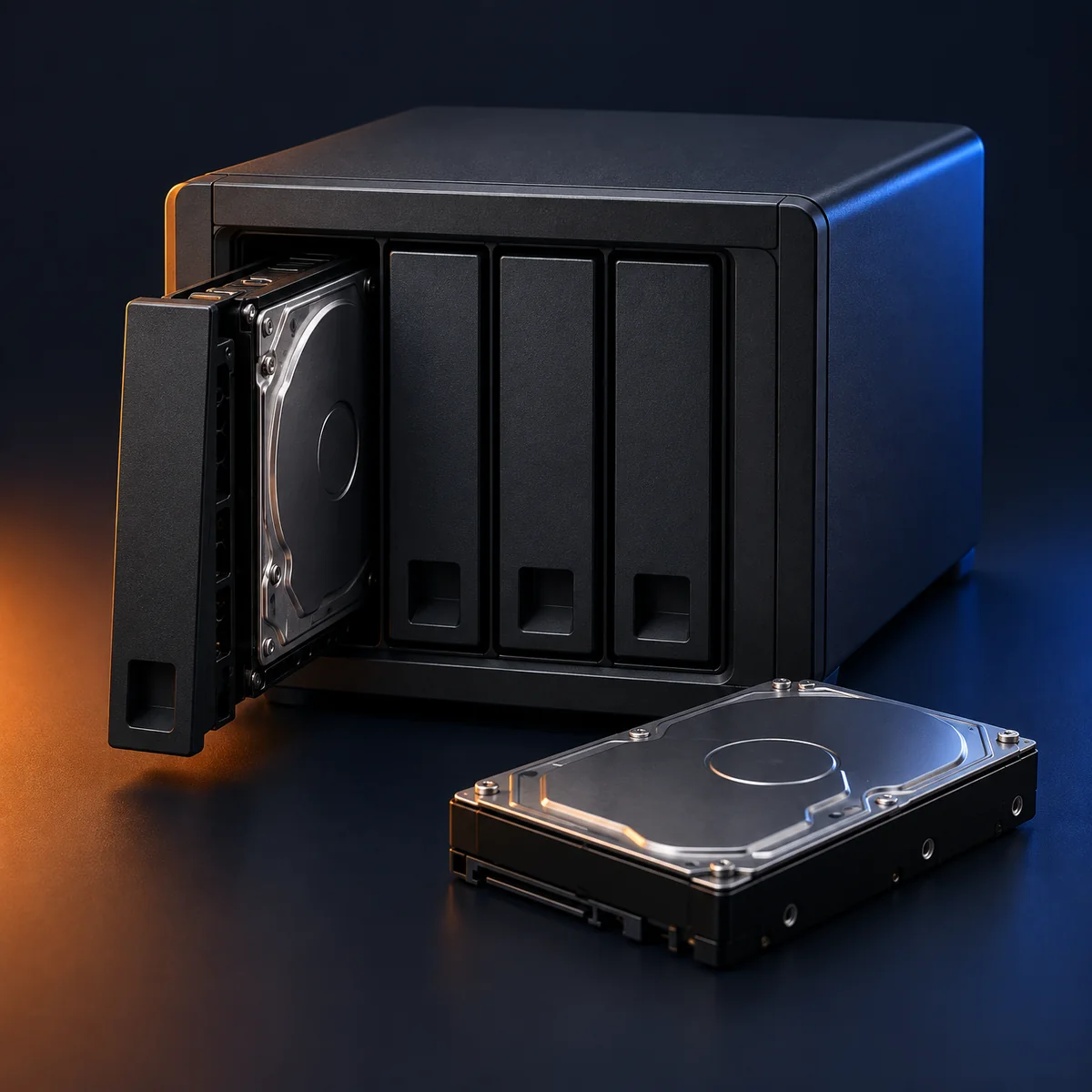
A RAID or NAS has failed and one or more member disks are dead
What it usually is: With one dead member in RAID 5 (two in RAID 6), the array is degraded but complete - the parity holds the missing disk's data. With more dead members than parity covers, the dead disks themselves must be imaged first.
What to procure
- Destination drives to image EVERY member individually before any rebuild attempt
- A cleanroom lab for the dead members beyond the parity budget
- Labels: record each disk's bay position and cable order before pulling anything
- Let the NAS 'rebuild' onto a questionable member - a failed rebuild writes over the parity that made recovery possible
- Reinitialise the array because the controller offers to
The array products reassemble from member IMAGES - order and parameters are recovered from the members' own metadata, so the original disks are read once each and never written.
The NAS is a Drobo, and it is dead, degraded, or its management software will not connect to it
What it usually is: A Drobo does not use mdadm-style striping - it uses BeyondRAID, a proprietary block-virtualisation layer (patented by Data Robotics/Drobo) with its own metadata below any filesystem. Researched 2026-09-18: enough is publicly documented to describe the design, but the one byte value that would let software reliably RECOGNISE a Drobo disk is not published anywhere, and no open-source tool parses it - see docs/platform-audit/evidence/beyondraid_research.md.
What to procure
- Every member disk imaged individually, in its ORIGINAL bay order, before anything else is attempted
- A commercial tool that specifically publishes BeyondRAID support - ReclaiMe Pro or UFS Explorer both advertise a 'Drobo BeyondRAID assistant' that detects and reconstructs the vendor metadata; this product does not yet
- If those do not recover it: a data-recovery lab that names Drobo/BeyondRAID specifically among its supported layouts
- Let the Drobo 'rebuild' onto a replacement disk - exactly as damaging here as on any degraded array, and BeyondRAID gives no way to undo it without the vendor's own tools
- Assume the disks can be read individually once pulled - the virtualisation happens below any filesystem, so a bare member disk has no readable structure of its own
- Pay for a generic 'RAID recovery' service that does not name BeyondRAID by name - it is a different problem from mdadm/LVM recovery and a service unfamiliar with it will not solve it
This product does not read BeyondRAID today, and it says so rather than running a scan that would find nothing. If a real Drobo disk pack image ever becomes available to test against, the research to build on is already written; guessing the format without one is how software silently returns wrong files, which this product will not do.
What a small bench should hold
Six purchases that between them resolve most of the situations above without a lab.
Powered USB hub and mains adapters
Half of 'failing' external drives are underpowered drives.
Plain SATA-to-USB adapter and a dock
Takes a dead or suspect enclosure bridge out of the chain in one move.
Hardware write blocker
Non-negotiable for original evidence media in forensic work.
Destination drives, larger than the biggest source you accept
Imaging needs the source's full size; running out mid-image wastes the drive's remaining life.
A cable set: SATA, NVMe enclosure, USB-C/A, and real data-capable phone cables
A charge-only cable is indistinguishable from a dead phone.
Anti-static bags and labels
Member order and case identity, recorded before anything moves.
Where each product stops, and the way around it
The coverage tables shows which product carries which job. These notes cover the rest: the boundaries that are not a matter of choosing a different product, and what gets past each one.
RecoverYantraSuite
- Open a physically failed drive. A drive that does not spin or is not detected by the system requires a cleanroom, and the product says so rather than attempting it.The way around it: A cleanroom laboratory reads the platters and returns a disk image; every recovery feature here runs against that image unchanged. The feasibility check states, before money is spent, whether a drive is a lab case.
- Break strong encryption. Where a volume is encrypted and the key is genuinely unknown, no software recovers the contents.The way around it: With the password, recovery key or key file, BitLocker, LUKS and FileVault volumes unlock inside the product and recover normally. Before treating a key as lost, check password managers, printed recovery sheets and the organisation's escrow; Active Directory and MDM both store BitLocker keys.
- Open a locked or powered-off handset by physical or bootloader extraction. The Suite's own phone acquisition is consent-based only: a logical pull or the phone's own backup.The way around it: RecoverYantra Mobile runs the full acquisition framework - checkm8, Qualcomm EDL, MediaTek BootROM and rooted ADB - for a locked or dead handset, and hands back a byte-exact image or extraction; the Suite recovers from that image exactly as it does from any disk image. RecoverYantra Mobile →
SakshyaYantra Examiner
- Examine video evidence frame by frame. Examiner carries no video workspace - footage decoding, frame-exact review, redaction, enhancement and authenticity are a separate product.The way around it: SakshyaYantra Media decodes footage from recorders, drives and phones, reviews it frame-exact and seals it into the same case, opened across both products. SakshyaYantra Media →
- Acquire a locked or dead handset. Examiner examines an image or extraction; it does not run the mobile acquisition framework (checkm8, EDL, MediaTek BootROM, rooted ADB).The way around it: SakshyaYantra Mobile acquires the handset byte-exact under a recorded authority and hands the sealed extraction to Examiner for examination. SakshyaYantra Mobile →
- Break strong encryption. Where a volume is encrypted and the key is genuinely unknown, no software recovers the contents.The way around it: With the password, recovery key or key file, BitLocker, LUKS, FileVault and VeraCrypt volumes open and are examined normally; check organisational key escrow before treating a key as lost.
SakshyaYantra Enterprise
- Acquire a machine over the internet. The console and the endpoint have to be able to reach each other, so a laptop on a home network is enrolled and not reachable until it is back on a network you can reach.The way around it: Give the endpoints a route in: a laptop connected to the corporate VPN is reachable and can be collected. The queued-collection feature exists for exactly the machines that come and go.
- Reach a machine that is switched off. The roster shows when each endpoint was last heard from rather than implying it is there.The way around it: Queue the collection and it runs when the machine returns, with the operator and the reason recorded; or take the machine physically and image it with the bench tooling this product includes.
- Return file contents from a sweep. A sweep answers where a file is; reading it means acquiring that machine deliberately.The way around it: That is the designed two-step: sweep to find where, then acquire the short list. It keeps a company-wide search from quietly becoming a company-wide collection.
- Take instructions from the console at the endpoint. The check-in is report-only, so a compromised console cannot make a workstation hand over a disk.The way around it: Deliberate, with no way around by design: an operator acts on an endpoint by authenticating to it with the pairing key, never through the check-in channel. A console compromise must not become an estate compromise.
- Break strong encryption. Where a volume is encrypted and the key is genuinely unknown, no software recovers the contents.The way around it: With the key, encrypted volumes open and are examined normally; check organisational key escrow first.
- Acquire a handset itself. The fleet console reaches computers through their agents; a phone is acquired by the mobile workbench and examined here.The way around it: SakshyaYantra Mobile acquires the handset byte-exact under a recorded authority, and the sealed extraction is examined here with the chain of custody carried on. SakshyaYantra Mobile →
- Read the recorder's overlay clock, or decide authenticity, for you. The overlay time is entered by the examiner as text, never read by OCR; the authenticity workbench ranks hypotheses with their evidence, and a model's answer is an observation that only a typed reviewer decision can promote to a finding.The way around it: Every frame carries the examiner's overlay reading beside the presentation ticks and the case time, and the report shows the methods for and against each authenticity hypothesis, not a score.
RecoverYantra Imager
- Run a full, unattended recovery of everything on a drive. It reads and writes back only the files and folders ticked from the index; a signature carve across the whole of a formatted or corrupted drive, beyond what the index can show, is a separate job.The way around it: RecoverYantra Suite runs the same engine's full recovery, including signature carving, against the drive itself or against an image made here. RecoverYantraSuite →
- Read a drive that does not respond at all. The feasibility check says when that is the situation and recommends a hardware lab instead of repeated attempts.The way around it: A hardware laboratory can often revive the electronics or read the platters directly; imaging there and recovering from that image is the standard path for this case.
- Bypass encryption. A locked drive is imaged and browsed as it stands, and needs its key before the contents can be read or ticked.The way around it: Image now, unlock later: the image preserves the locked volume exactly, and applying the key in RecoverYantra Suite opens the imaged copy as if it were the drive. RecoverYantraSuite →
SakshyaYantra Media
- Read the recorder's overlay clock, or decide authenticity, for you. The overlay time is entered by the examiner as text, never read by OCR, and a model's answer is an observation, not a finding.The way around it: Every frame carries the examiner's overlay reading beside the presentation ticks and the case time, and the report shows the methods for and against each authenticity hypothesis rather than a single score.
- Run the disk-examination bench - the combined timeline, memory analysis, hash sets, keyword lists and YARA. Media examines video and image evidence, not the full computer-forensics workflow.The way around it: SakshyaYantra Examiner carries disk examination from the acquired image through to the report, and the case opens across both products. SakshyaYantra Examiner →
- Recover the frames a lossy codec never stored. Enhancement works with the detail the footage holds; it does not invent detail that was discarded at recording time.The way around it: The processing graph records exactly which operation produced each result, so a court can see what the footage supported and what it did not.
SakshyaYantra Mobile
- Assert lawful authority. The case reference and the operator's stated authority are captured as an attestation; the tool records what was stated and does not judge it.The way around it: The attestation is written to the tamper-evident audit trail and printed on the draft certificate, so the examiner and the court can see exactly what authority was stated.
- Run the deep examination behind an acquisition - the super-timeline, memory analysis, hash sets, YARA and cross-case correlation. Its own forensics workspace covers the case and the acquired evidence around the acquisition, not that depth of analysis.The way around it: The sealed acquisition is handed to the SakshyaYantra Forensic Suite, which carries the examination from the acquisition through to the report. SakshyaYantra Enterprise →
RecoverYantra Mobile
- Decide whether the acquisition is lawful. The operator states the owner's consent or the authority relied on; the product records that statement with the acquisition and never asserts it.The way around it: The statement travels with the extraction in the audit trail, so the shop or its counsel can show later what was stated, when, and by whom.
- Seal the acquisition as court evidence. That is the forensic product's job, with the chain of custody and the certificate.The way around it: For an evidential acquisition, use SakshyaYantra Mobile Workbench, which acquires under a recorded authority and seals it into the case. SakshyaYantra Mobile →
RecoverYantra Wipe
- Reach the Destroy level defined by the standard. No software does; that level requires physical destruction.The way around it: For media that must reach Destroy, pair this product with a certified destruction service: wipe first, then shred, and keep the Clear certificate as the audit record up to handover.
- Guarantee that a flash device's spare and remapped blocks are cleared. Where the controller does not expose them, the certificate says so.The way around it: Where the drive exposes its own sanitisation - ATA Secure Erase, NVMe Format - the product uses it and the controller clears its spare blocks itself. For regulated data on flash, combine the wipe with physical destruction.
- Recover anything. This is the one product in the range built to remove data rather than return it.The way around it: Recovery is the rest of the range. If data must come off a drive before it is retired, recover first, verify the copies, then wipe. RecoverYantraSuite →