
RecoverYantra Wipe on the command line
Every command this product contains and every parameter it accepts: 14 commands, 41 parameters. Read from the shipping build, version 20.54.3.6. The help text says what a switch does; each entry here adds when a business reaches for it and what it costs.
Before the first command
- Reading a physical drive needs administrator rights. Working from a disk image needs none.
- The source is opened read-only for the whole session, and the application refuses a destination on the drive being read.
- Set the mode before the scan. A recovery-mode scan does not become evidential afterwards.
- Everything below is available in the application as well; the command line is the scriptable surface, not a separate product.
recoveryantra advise
<workspace> | The job (e.g. recovery, forensics, cctv); omit to list the jobs this product guides When to use it. The job you are on - recovery, forensics, cctv, imaging and so on. You get the one next step, why it is the right one, and the exact command to run it. Leave it out to list the jobs this product guides. Use it when you are partway through and not sure what comes next, and give it to new staff so they never have to guess the order. What it costs. It only advises steps the product you are running can do; a job the product does not contain is refused by naming the product. |
|---|---|
--done | Steps you have already finished, comma-separated (e.g. stop_using,triage); the advice moves on When to use it. The steps you have already finished, as a comma-separated list of the step ids the advice printed (for example stop_using,health). The advice moves on to what is left. Use it each time you finish something, so the next step is always the right one. What it costs. You say what is done; the advisor never decides that for you. A step it does not recognise is ignored and the advice says so. |
--plan | Show the whole ordered path with the reason for each step, not only the next one When to use it. Print the whole ordered path for the job, with the reason for every step, instead of only the next one. Use it before you start, to see the shape of the job, or when you are briefing someone who will do it. What it costs. Steps this product cannot perform are left out, so the plan never contains an action you do not have. |
--workflow | Pick one procedure when a job has several (listed by `advise` with no argument) When to use it. Choose one procedure when a job has several - for example the recovery job also has finding one file and recovering a virtual machine. Run advise on its own to see the choices. Use it when the default procedure is not the job you were handed. |
--json | Print the advice as JSON for scripts When to use it. Print the advice as JSON, one record per recommendation with its reason, command, status and step id, so a script or a case system can read it. Use it when advise feeds another tool rather than a person. What it costs. The wording is the same as on screen; only the layout changes. |
recoveryantra audit
<path> | Path to audit_trail.jsonl (or the folder holding it) When to use it. Run at the close of a case, and again before disclosure, against the audit_trail.jsonl produced during the work. It proves the trail has not been edited, reordered or had entries inserted. |
|---|---|
--manifest | A recovery_manifest.json holding the sealed receipt, so entries REMOVED from the trail are detected too When to use it. Add the recovery manifest whenever you need to prove nothing was REMOVED from the end of the trail. The manifest holds the sealed receipt the chain alone cannot see past. What it costs. Without it, a trail that has been cut short at the end still verifies. For evidential work treat the manifest as required. |
recoveryantra capabilities
--enable | Turn on an advanced method (e.g. checkm8, mtk_bootrom, qualcomm_edl) When to use it. Turn on an advanced acquisition method for a case that needs it and is authorised for it. These methods interact with the device, so they are off until an examiner opts in on the record. What it costs. Enabling is recorded in the audit trail with the operator and case. An advanced method can alter the device; decide before the exhibit is in front of you, not during. |
|---|---|
--disable | Turn an advanced method back off When to use it. Turn a method back off once the step that needed it is complete, so the next case starts from the conservative default. |
--tools | Show the acquisition toolbox: the public methods (checkm8/mtkclient/edl/adb...), what's installed, and what is equipped for this case When to use it. Run before an acquisition to see which external tools are actually installed on this machine and which methods are therefore available today. What it costs. The product orchestrates the operator's own tools for advanced methods; it does not bundle exploits. A method with no tool present is not available however the case is authorised. |
--operator | Examiner making the choice (recorded) When to use it. Name the examiner making the decision. The choice belongs in the record alongside the result it produced. |
--case | Case reference (recorded) When to use it. Tie the capability decision to the case it was made for. |
recoveryantra erase
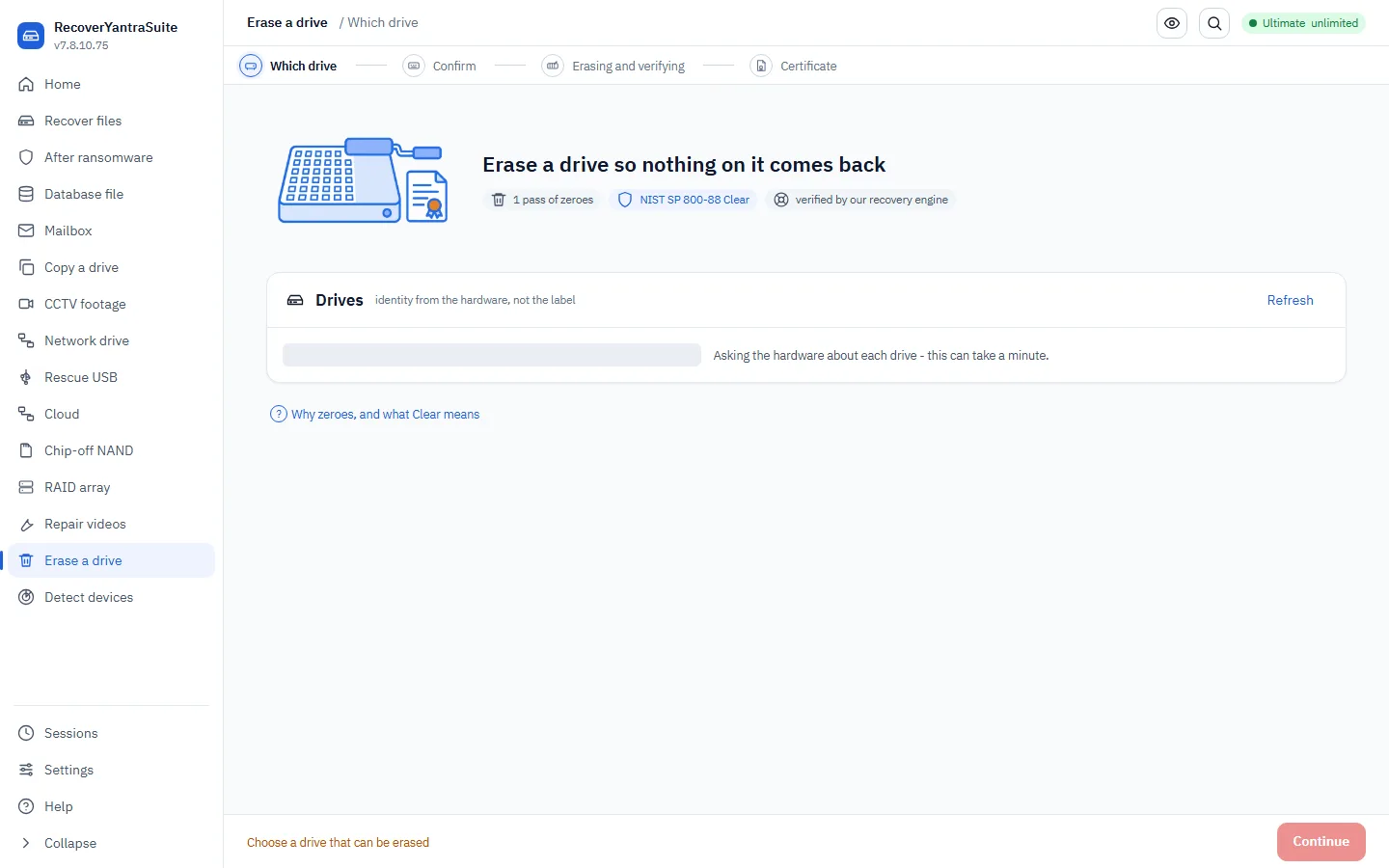
<target> | Device to erase (e.g. \\.\PhysicalDrive2) When to use it. The drive being retired. Used when storage is leaving the organisation and a record of its sanitisation has to be retained. What it costs. This is the one command in the product that destroys data. The system drive, the drive the product runs from and the drive holding the report are refused outright. |
|---|---|
--confirm | The drive's own serial number (or its size in bytes if it reports none). Required - nothing is erased without it. When to use it. Type the drive's own serial number. This is the step that prevents erasing the wrong disk. What it costs. There is no override. If the drive reports no serial, its size in bytes is used instead. |
--passes | Overwrite passes (default 1; NIST SP 800-88 Rev. 1, superseded by Rev. 2 in 2025, accepted one) When to use it. Leave at 1. NIST SP 800-88 Rev. 1 (superseded by Rev. 2 in 2025) accepted a single overwrite pass on modern media. Raise it only where an internal policy or a contract demands a specific number. What it costs. Additional passes multiply the time on a large drive and add no measurable security. Do not cite them as stronger sanitisation. |
--pattern | Fill pattern (default zero - the only one that can be verified afterwards) When to use it. Leave at zero. A zeroed drive can be PROVEN clean by reading it back; random fill cannot be distinguished from data that was already encrypted. What it costs. Choosing random makes the verification pass weaker, not stronger, and a carve over random data produces false candidates. |
--out | Folder for the certificate and audit trail When to use it. The folder for the certificate and audit trail. Put it on the records store, not on the drive being erased. |
--examiner | Name recorded on the certificate When to use it. The name that appears on the certificate. Use the person accountable for the disposal, as your policy defines it. |
--firmware | Also issue the drive's OWN firmware sanitize (NIST 'Purge': ATA/NVMe Sanitize or crypto-erase) where the drive supports it. Certified as Purge only when the drive confirms completion. When to use it. Add this to reach NIST Purge on drives that support it. The drive's own controller sanitises areas an overwrite cannot address, including remapped and spare blocks on flash. What it costs. Only used where the drive genuinely supports it; the certificate records the level ACHIEVED, not the level requested. A firmware sanitise on some drives is not interruptible. |
--purge-method | Force a firmware method instead of the strongest the drive supports (with --firmware) When to use it. Force a specific firmware method when your policy names one, or when the strongest method the drive advertises is known to be unreliable on that model. What it costs. Forcing a weaker method than the drive supports lowers the level reached, and the certificate will say so. |
--no-verify | Skip reading the drive back and trying to recover from it When to use it. Only for a bulk pass over drives that will be physically destroyed afterwards anyway, where the verification time is not justified. What it costs. Skipping verification removes the entire basis for the certificate's central claim. Do not issue an unverified certificate to a client or an auditor as though it were verified. |
recoveryantra find-drive
<pattern> | A filename, part of one, or a wildcard (e.g. IMG_2019, *.jpg) When to use it. Search every usable attached device for a file whose name matches PATTERN, without picking a drive first. Free, no licence needed - reads each device's index in seconds, the same tier as `--list`. Use it when the customer cannot say which of several drives holds what they want. |
|---|---|
--timeout | Give up on one drive after this long (default 20); a slow or failing drive never holds up the others When to use it. Seconds allowed per device before moving on. A slow or failing device costs only its own row - the sweep never waits on one device at the expense of the rest. |
--all | List every drive checked, including the ones with no match When to use it. Also sweep devices that are not in a normally-usable state, where possible. Use it only once the plain sweep has come back empty. |
recoveryantra gui
--classic | Use the classic Tkinter wizard When to use it. Fall back to the classic interface on a machine where the modern window will not start, typically an old or minimal Windows install. |
|---|
recoveryantra guide
--html | Write the guide as a self-contained, searchable HTML page When to use it. Produce the manual as a single searchable page to hand to a client, put on an internal share, or carry onto an air-gapped bench. |
|---|---|
--markdown | Write the guide as Markdown When to use it. Produce Markdown when the content is going into your own documentation system or version control. |
recoveryantra legal
--status | Show what has been acknowledged on this install When to use it. Show what lawful-use acknowledgements have been made on this install. Useful when auditing a shared bench machine. |
|---|---|
--reset | Forget remembered acknowledgements (history is kept) When to use it. Clear the remembered acknowledgements when a machine changes hands or a new operator takes it over. What it costs. The history is retained. Resetting does not erase the record of what was previously acknowledged. |
recoveryantra licence
<lic_command> | When to use it. Manage this computer's licence from the terminal: `status` shows the licence, what is left on it and this computer's System Key (the code a key is issued for); `activate` applies a key issued for this computer; `deactivate` removes it. Use it on a headless or scripted install, or to read the System Key to send with a key request. Offline - nothing is sent anywhere. |
|---|
recoveryantra license
<lic_command> | When to use it. The same command as `licence` (US spelling): status, activate KEY, deactivate. |
|---|
recoveryantra list
--triage | Also check each device's health (SMART + test reads), how it's connected, and what kind of device it is (CCTV recorder, phone, dashcam, card, ...) with advice on what to do When to use it. Run before touching anything. It reports each device's health, how it is connected and what kind of device it is, which is what decides whether to recover directly or image first. What it costs. Triage reads the drive. On a drive that is audibly failing, keep even this brief and go straight to imaging. |
|---|
recoveryantra steps
<workflow> | Workflow id (e.g. forensics, data_recovery); omit to list them by category When to use it. Show the full procedure for one job - every stage, what it is for, the safety gates that cannot be skipped, and the command that carries each one out. Use it when a technician is doing a job for the first time, when a job is done rarely enough that nobody remembers the order, or when a reviewer asks why the work was done the way it was. |
|---|---|
--category | Show only one category's workflows When to use it. Show only data recovery, or only forensics. The two follow different orders because they are for different things: a recovery is judged on how much comes back, an examination on whether you can prove what you did. Verification therefore ends a recovery and sits in the MIDDLE of an examination, before any analysis. Use this to hand a new examiner only the sequence that applies to them. |
--commands | Print only the commands, in order, ready to copy When to use it. Print only the commands, in order, ready to paste. Use it to build a runbook, to script a job that is done the same way every time, or to check a script somebody else wrote actually follows the procedure. |
--standards | Show the published practice each step comes from When to use it. Show the published practice each stage comes from - ISO/IEC 27037, NIST SP 800-86, the ACPO principles. Use it when a client, an auditor or a court asks why a step exists, and when training staff who need to know the procedure is not this vendor's opinion. |
recoveryantra which
<situation> | What is happening, in plain words (e.g. "drive is clicking"); omit to list every situation When to use it. Describe what is happening in your own words - "drive is clicking", "formatted the wrong disk", "Outlook will not open it" - and get the feature to use, why that one rather than the obvious alternative, a worked example, the commands, and what NOT to do. Use it when somebody hands you a job and you are not sure which part of the product it belongs to, and give it to new staff before you give them anything else. |
|---|---|
--all | Show every situation, grouped, rather than searching When to use it. List every situation, grouped, instead of searching. Use it to see the whole range at once - useful when scoping what a product will cover for a customer, and for training. What it costs. Situations the product you are running does not include are marked, so the list stays honest about what this build can actually do. |
recoveryantra wipe
<folder> | Folder to sanitise When to use it. Sanitise the working folder at the end of a job, so a client's recovered data does not sit on the bench indefinitely. What it costs. On flash, copy-on-write file systems and anything that has been backed up, overwriting a folder does not guarantee every copy is gone. The limits are stated every time. |
|---|---|
--passes | Overwrite passes (default 1; NIST SP 800-88 Rev. 1, superseded by Rev. 2 in 2025, accepted one) When to use it. Leave at 1. As on erase, more passes cost time and add nothing measurable. |
--yes | Do not ask for confirmation When to use it. For scripted end-of-job cleanup only, where the folder is chosen by the script and not by a person. What it costs. Removing the confirmation removes the last check that the right folder was named. |