Five kinds of box, one promise
Every section is built the same way, so you always know where to look. Best practice comes first, then what to select, then the numbered steps in the order they are published. GUI and command line, then the options, the things to weigh, the standards, and the limits. Watch for these five markers.
The right thing to do, taken from the forensic checklist the product itself teaches. Do this by default.
A choice that costs time, space or defensibility. Not a rule, a thing to decide on purpose.
The published practice a step satisfies. ISO/IEC 27037, NIST SP 800-86, ACPO, SWGDE, ISO/IEC 27042, BSA 2023 s63(4). Cited from the product, never invented.
What the tool cannot do, and where the real ceiling is. A section that states none is claiming a certainty it does not have.
✅Do
- Every section carries a green Do list, the practices that keep the evidence defensible.
⛔Don't
- And a red Don't list, the real mistakes that ruin a case, taken from the product's own "not this" guidance.
Every Real app image is a genuine capture of the shipping application (an empty state is shown honestly as empty). Every Illustration image is a rendered picture of the objects the work involves, never a faked screen, never fabricated evidence or a fabricated device.
Two products, one engine, one brand
SakshyaYantra, sakshya, evidence, after the Bharatiya Sakshya Adhiniyam 2023, is the forensic family. Data recovery is a separate family (RecoverYantra) so the two never pollute each other. Here are the two forensic products and exactly what each contains.
SakshyaYantra Forensic Suite
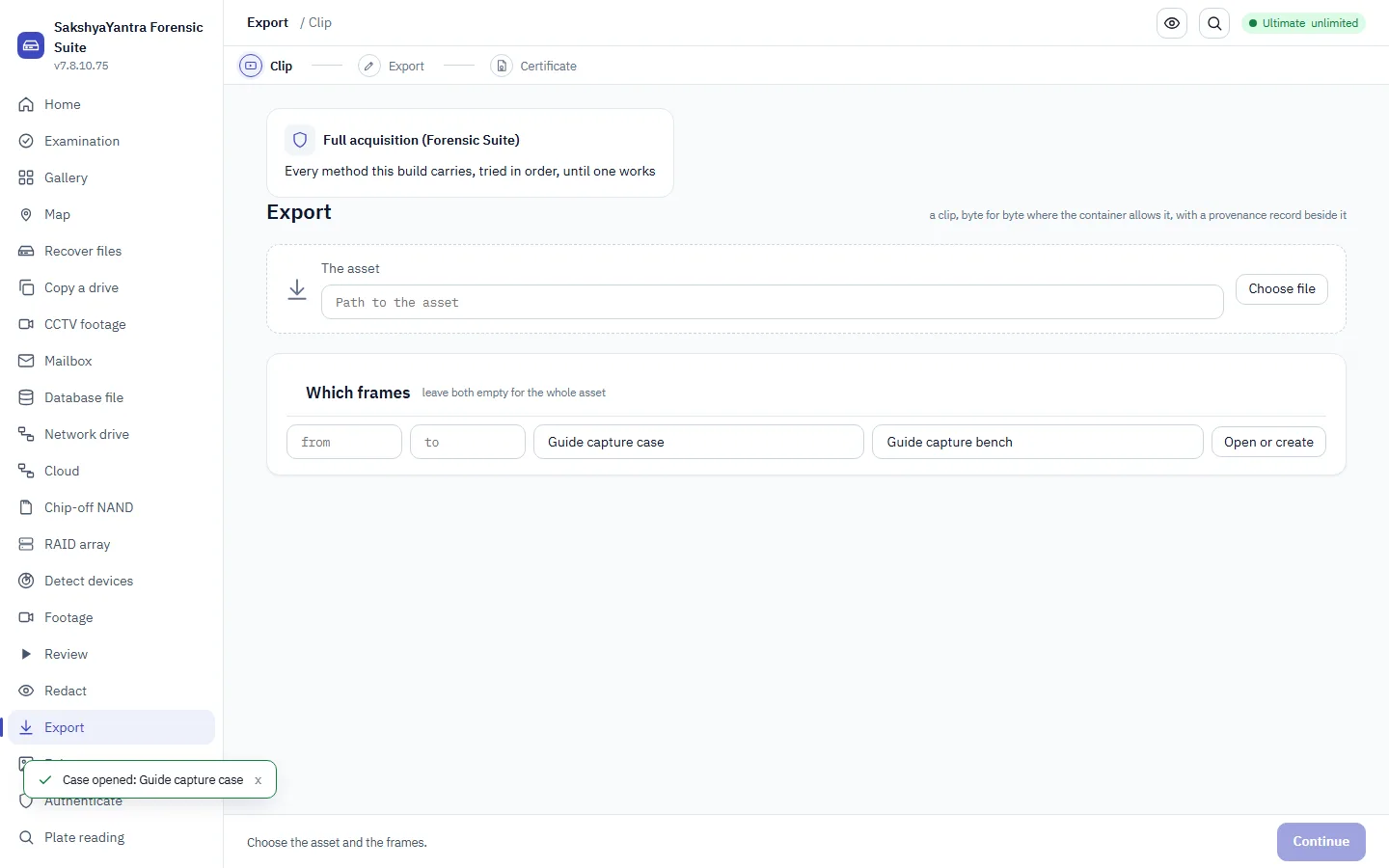
The whole forensic platform: verified imaging, artefact analysis and the super-timeline; the fleet, an agent pushed to endpoints, live acquisition of machines that cannot be switched off, sweeps and authorised cloud acquisition; and video evidence, footage decoded through the recorder registry, reviewed frame-exact, redacted under typed review, enhanced in a recorded processing graph, examined for authenticity, and exported with the draft Section 63(4) certificate.
For: examiners, investigators, incident response and forensic laboratories, from a police unit to an enterprise fleet.
SakshyaYantra Mobile Workbench
Forensic mobile acquisition: identify the device, run the method that reaches it (checkm8, Qualcomm EDL, MediaTek BootROM, rooted ADB, backup), acquire byte-exact under a recorded authority, and seal it into the case with the chain of custody and the draft Section 63(4) certificate. It hands the acquisition to the Forensic Suite for deep examination.
For: examiners and forensic laboratories acquiring mobile evidence.
The Workbench acquires and seals. The Suite examines. A recovery-family cousin (RecoverYantra Mobile) does the same acquisition for the consent / data-loss case, but only the forensic Workbench adds the evidentiary wrapper, the sealed manifest, the certificate, the case lock.
The examination, one order, ten steps
A recovery job optimises for getting the most data back. A forensic job optimises for being able to prove what was done to get it, so the order is different, and the order is the point. This is the sequence the product teaches (recoveryantra steps forensics), and it is the same order EnCase, FTK, X-Ways and AXIOM present. Press play and let it walk you through, or click any step.
Verification is step 6 of 10, between acquisition and analysis, not at the end. Analysing an unverified image means every finding rests on a copy nobody checked. This single ordering is what makes everything after it defensible.
Seven habits that hold up in court
These come before the steps in every section because they are what the steps exist to protect. Learn them once; they apply to every evidence type below.
Offline, local AI, or cloud, decided per case
AI is optional to the customer and present in every build, in three modes. The mode is chosen when the app and the case are opened. For police work the default is offline. Whatever you pick, the examiner's own reading is sealed before any AI answer is shown, and every digest that leaves the machine is on a transfer manifest.
Fully offline
No model, no internet, nothing leaves. The examination stands entirely on the methods and the examiner. The safe default for seized evidence.
Local model pack
A signed model pack runs on the bench with no internet. You get model observations air-gapped; the pack version is recorded with every observation.
Authorised cloud
Per-agency authorisation switch, off by default. Reachability is tested first, keys live in the OS credential store, and a transfer manifest lists every frame digest that left.
✅Do
- Pick the mode when you open the case, and record it, offline for anything seized unless authority says otherwise.
- Run "Test connection" for cloud before you rely on it; it is a real round trip, not a guess.
- Treat every model answer as an observation, promoted to a finding only by a typed reviewer decision.
⛔Don't
- Don't send anything to the cloud without the agency authorisation switch on and the authority recorded.
- Don't send the video, the frame pack is the only unit that leaves the machine.
- Don't quote a model's verdict as the finding. The methods and the examiner make the finding.
Start from what is in front of you
The examination order above is the same for every exhibit. What changes is how you acquire it and what it can give back. Pick your source. Sources that acquire the same way are grouped; each section notes where the evidentiary wrapper (sealing, certificate, custody) applies.
The examination toolbox
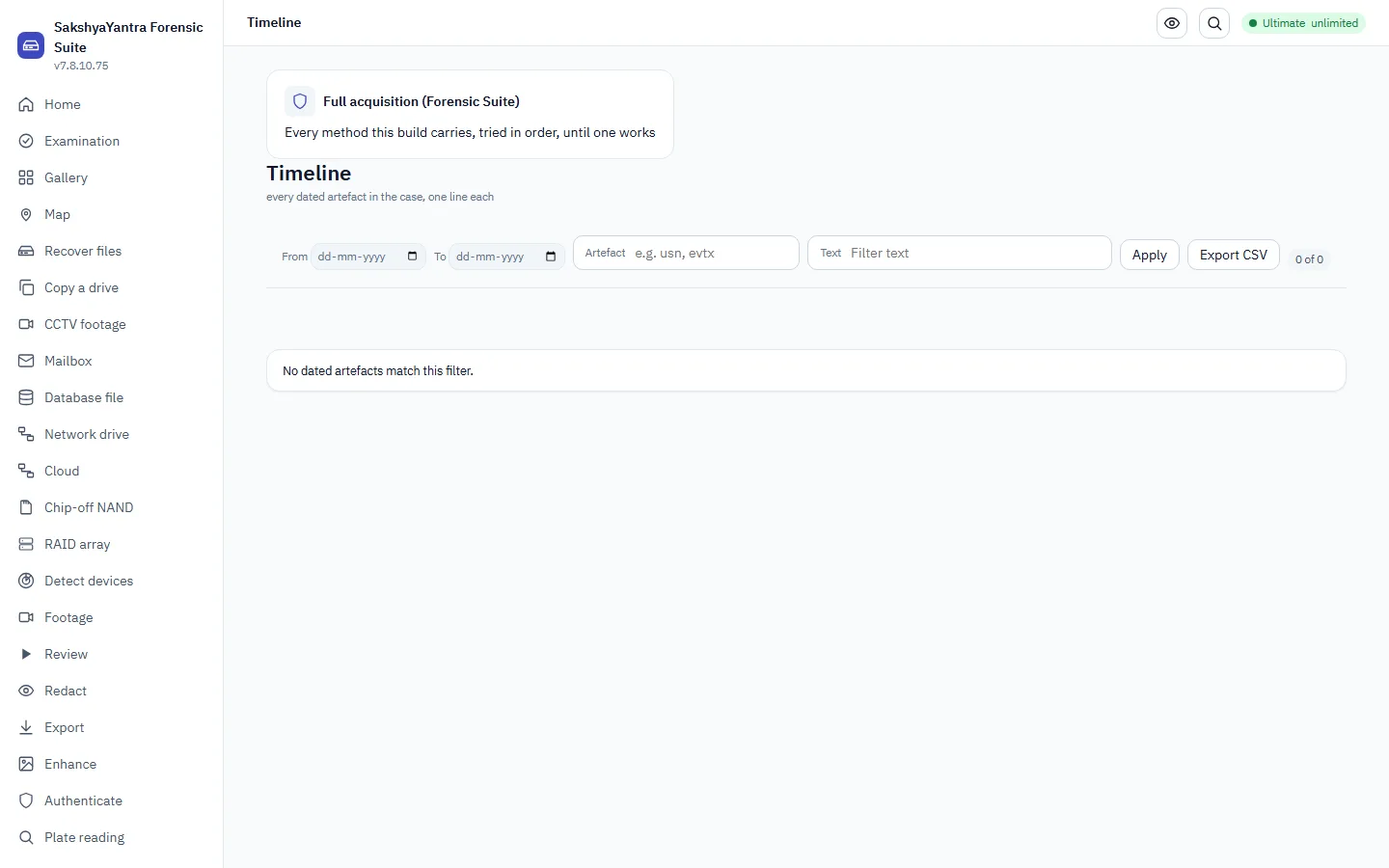
Once you have a verified image, the analysis runs across many workspaces, and everything you do is written to the hash-chained audit trail as you do it. Each tool below is a real workspace with a real command. They are the "Examine" step of the ten, opened up.
✅Do
- Corroborate a finding across several artefacts, recycle bin, USN journal, prefetch, registry, LNK, event logs, jump lists, shellbags, AmCache, browser history.
- Let the audit trail record each step as you take it; seal it at the end.
- Use hash sets to set aside the known (operating-system files) and surface the unknown.
⛔Don't
- Don't rely on one artefact. A single trace is a lead, not a conclusion.
- Don't examine the original machine, work from the verified image, or every finding rests on something that has since changed.
- Don't leave the audit trail unsealed; a chain cannot detect a tail that was cut off.
From a recorder export to a certified still
Video is its own pipeline, and it has its own hard rules. Footage comes in through the decode ladder, is reviewed frame-exact, redacted under a named reviewer, enhanced in a recorded processing graph, examined for authenticity, and exported with hashes and the certificate. Nothing but a frame pack ever leaves the machine.
A recorder gives you three different clocks and they must stay in three different fields. Merging them is how a timeline lies.
The decoded stream's own ticks and time base. Exact, machine-truth, but relative to the recording, not the wall clock.
The time the recorder burned onto the picture. Carried as text, because that is all it is, the recorder's clock, which may be wrong.
The real-world time of the event, a separate field with its own uncertainty and your stated clock assumptions.
authenticateThe examine verb runs every method over a clip: structure, codec history, double compression, frame statistics, optional model packs, and camera identification by PRNU (authenticate <file> --camera-reference img1 img2 … --tool prnu_identify). It reports a ranking, one score convinces nobody, and a model output is an observation, not the finding.
fixvideosWhere a recovered clip will not open, recoveryantra fixvideos <folder> repairs the structure of the videos in a folder so a player can read them. It repairs structure, not lost picture data, a clip whose media is genuinely missing is flagged, never faked whole.
✅Do
- Copy and hash the export before you touch it, the intake does both.
- Capture a frame pack (each frame with its PTS, decoded index, overlay text, source hash and its own SHA-256) for anything the court needs to see.
- Keep the enhanced frame beside the original with the recipe chain printed; export both.
- Let a named reviewer approve every redaction and every promotion.
⛔Don't
- Don't re-encode a recorder export with a converter first, the converter's frames are not the recorder's frames.
- Don't play evidence off the pen drive it came on; copy and hash it first.
- Don't send a screenshot or a player snapshot, it has no time base, no hash, no chain.
- Don't write the overlay clock down as the time of the event.
An AI answer is an observation, never a finding
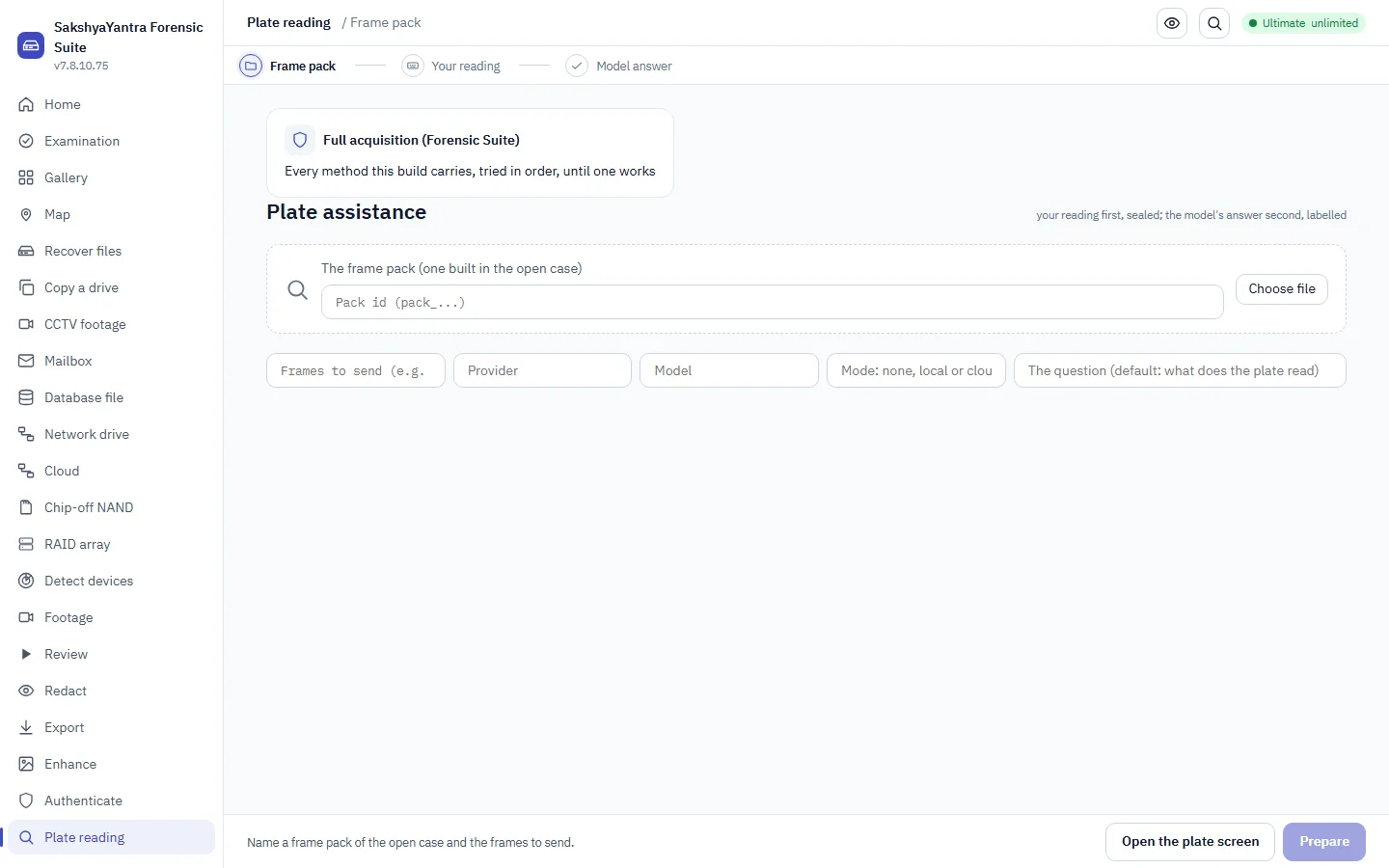
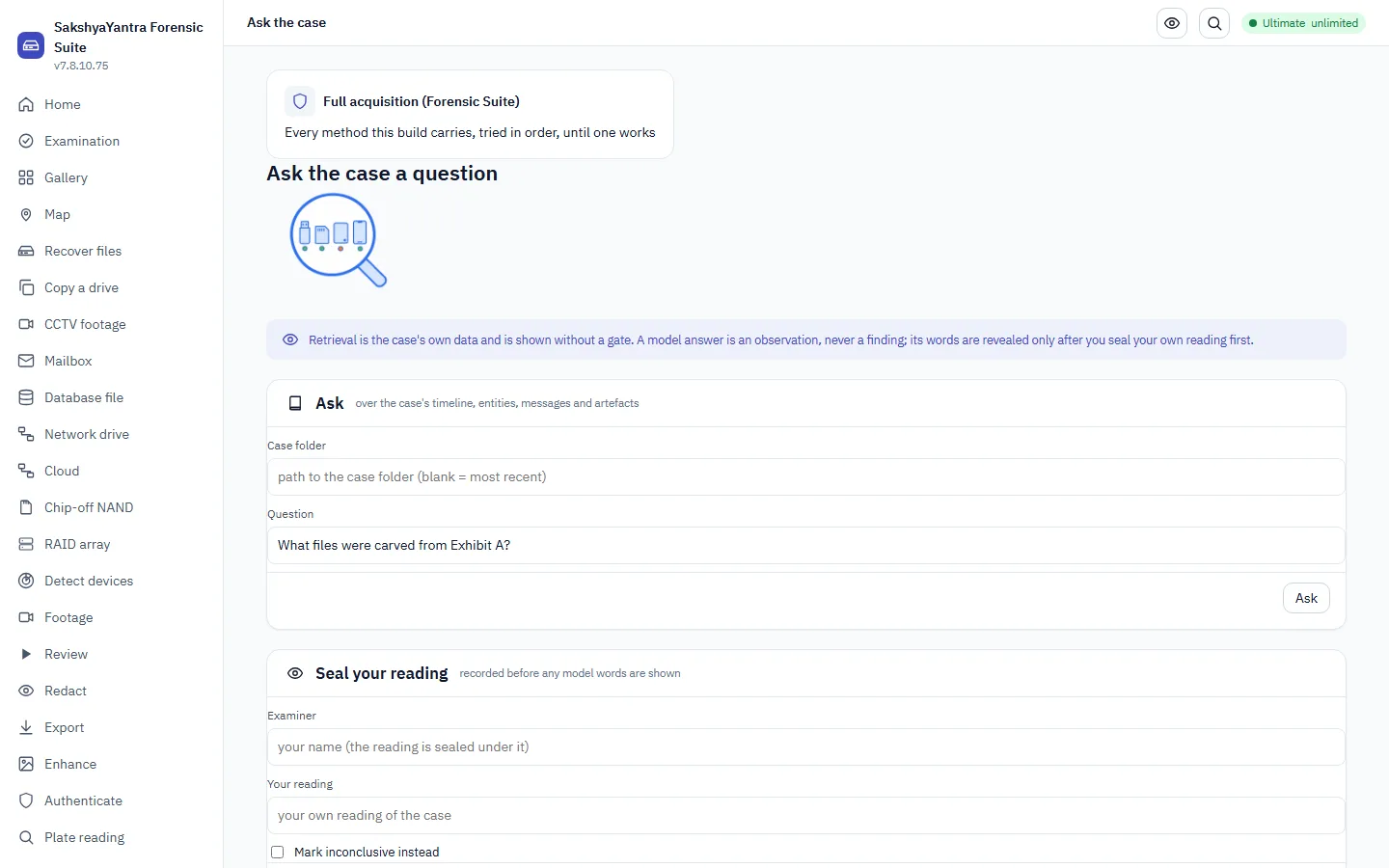
AI is present in every build and optional to the customer. The rule that makes it safe is the order: the examiner's own reading is sealed before any AI answer is shown. An AI response is recorded as an "AI observation", model, version, prompt, input hashes, time, and its verbatim text, labelled as such, and promoted to a finding only by a typed reviewer decision.
✅Do
- Seal your own reading first, the workspace makes you.
- Keep the whole observation record: model, version, prompt, input hashes, time, verbatim text.
- For cloud mode, keep the transfer manifest of every digest that left.
⛔Don't
- Don't show or read the AI answer before your own reading is sealed.
- Don't promote an observation to a finding without a typed reviewer decision.
- Don't send the source media, only the frame pack, only its digests.
The report, the certificate and the sealed trail
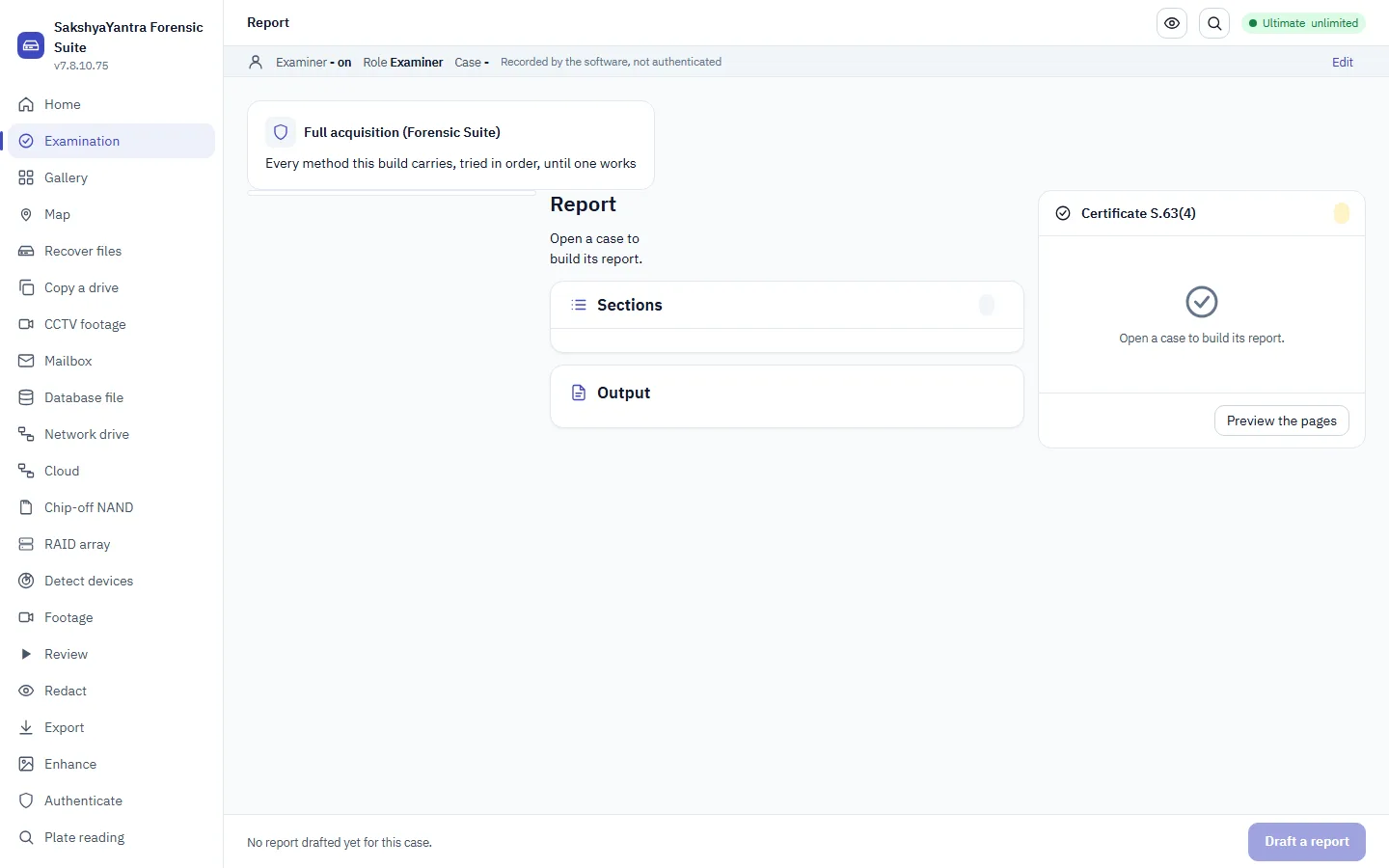
The report carries the findings, the method, the tool and its version, every hash, the source offset of each recovered item, and, not optional, the limits of what the examination can support. India's electronic-evidence rule is served directly: the draft Section 63(4) certificate under the Bharatiya Sakshya Adhiniyam 2023. Then the audit trail is sealed and the exhibit is signed back in.
"Read-only" is measured, not asserted: the source is fingerprinted before and after every job and the report states which regions were checked. Run the tool's own validation (recoveryantra validate) against images whose contents are known, and check the trail is unbroken including anything cut off the end (recoveryantra audit <case> --manifest <manifest.json>).
✅Do
- State the limits, a report that states none is claiming a certainty it does not have.
- Seal the audit trail; the receipt goes into the manifest, which is what catches a later truncation.
- Draft the certificate from the case:
recoveryantra certify draft --case <folder> -o <file>.
⛔Don't
- Don't rely on "the tool is read-only" as your answer, measure it and put the measurement in the report.
- Don't leave the audit trail unsealed.
- Don't overstate. An observation is not a finding; a possible reading is not a certainty.
Standards this product follows
These are the published practices the workspaces cite, pulled from the product's own step guidance, not added for show. When a step names a standard, this is what it means.
| Standard | What it governs | Where it shows up here |
|---|
What this cannot do, and says so
The honesty boundary is the most important rule in the whole product. A capability is never faked and a result is never fabricated. Where a device or a method cannot be reached, the tool says which method would and what it needs, rather than pretending. Four ceilings worth carrying in your head:
Public exploits reach real devices: checkm8 covers A11 iPhones and older. A current flagship after first unlock, and A12+ / FBE-BFU Android, often has no public software vector, the plan says so and names the licensed package that would reach it, instead of guessing.
We parse and reconstruct dumps a rig produced (chip-off NAND, foreign forensic containers, a pro imager's image + bad-sector map). We do not do physical chip or live-bus capture, that is a hardware-rig ceiling, stated plainly.
The operator's authority or consent is recorded, not verified. The tool never asserts ownership; it records what the operator states, and the record travels with the evidence.
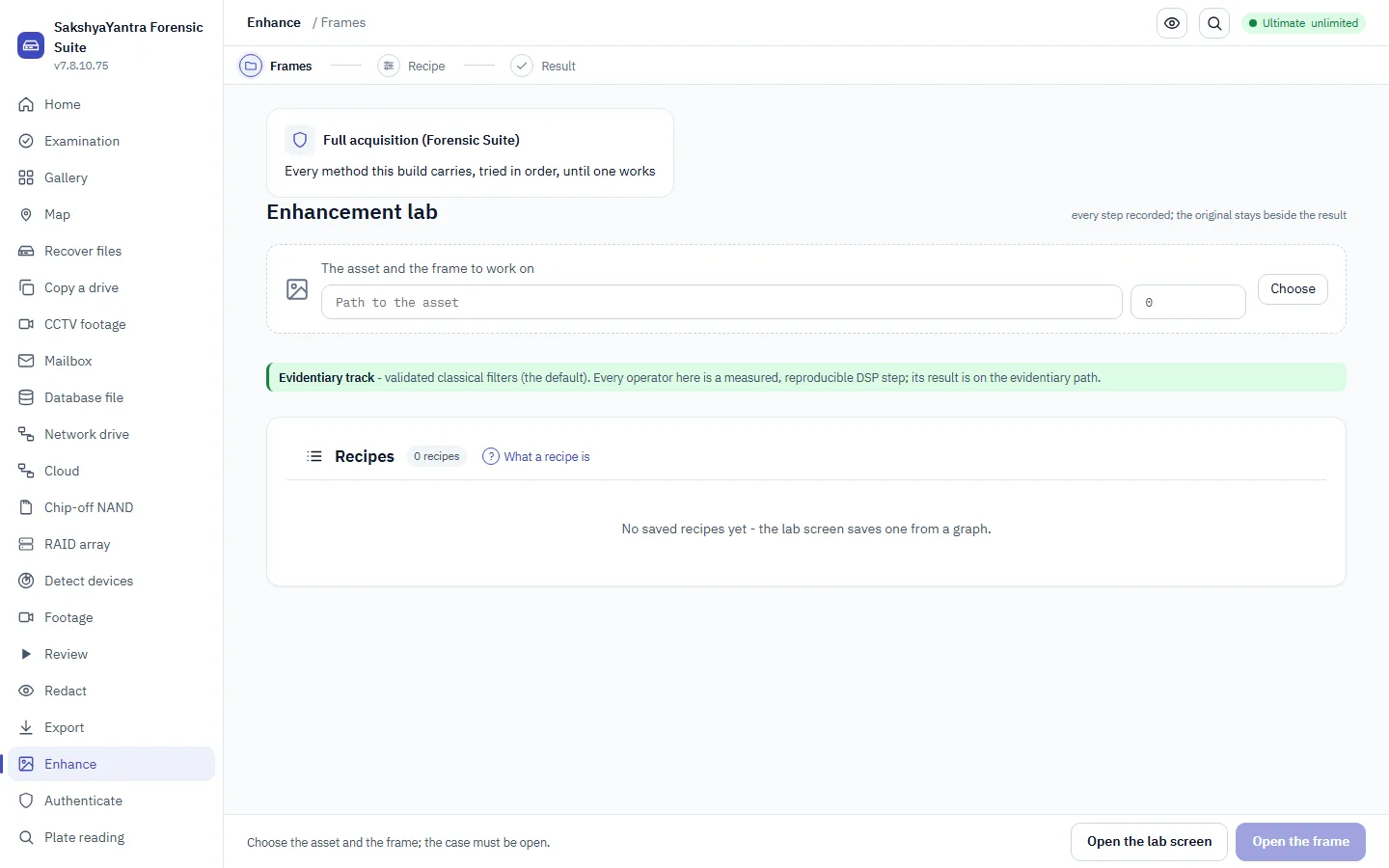
Enhancement reveals what is already there; it never invents detail. A blurred plate that no method can resolve stays unresolved, with the method and uncertainty stated beside the result.
Command reference, utilities
A handful of commands sit beside the workflows above rather than inside them, housekeeping and orchestration you reach for now and then. They are listed here so the reference is complete without cluttering the case flow.
| Command | What it does | Typical use |
|---|
recoveryantra steps forensics prints the ten-step examination order with its standards and safety gates, the same order this Bible is built around. recoveryantra which "clicking noise" answers "what is my situation called and which feature do I need", in your own words, before you start.